Dash Cam Road Trip Storage Planner
Driving to Ladakh, Spiti or Goa? Your dash cam loop-records over old footage — on a trip you want to keep it all. Plan how much video your rig records per day, whether your cards and hotel uploads cover it, and what to pack.
~252 GB
avg trip footage, 7-day dual-1080p reference
1. Your camera rig
Pick resolution per channel. Check your dash cam's video settings — front and rear can differ.
Front camera
Rear camera
Pick “None — front only” for a single-channel setup.
Video codec
1080p front + 1080p rear ≈ 6.00 GB/hour
At H.264, every driving hour records about 6.00 GB across all channels.
2. Your trip
How many days on the road, and how many hours a day the camera actually records while driving.
Count engine-on driving hours only — parked hours don't record (unless parking mode is on, which this planner excludes).
3. Your backup
What you carry, and how many hotel nights have Wi-Fi good enough for an overnight upload.
Biggest memory card you carry
One card of this size, formatted in-camera. Use U3 / V30 or better so 4K never drops frames.
External SSD you carry
Hotel Wi-Fi speed
Why trip footage planning matters
A dash cam is built to forget — it records in short segments and loop-overwrites the oldest the moment the card fills. That is perfect for daily driving and terrible for a Ladakh run, where every pass and river crossing is footage you want to keep for years.
Three things decide whether you come home with the whole trip: your camera rig (a single 1080p sips ~3 GB/hour, a 4K + 1080p dual rig records ~11 GB/hour), how much you drive each day, and what backup you have — cards and SSDs you carry plus hotel Wi-Fi uploads overnight. This planner combines all three into one verdict before you leave.
Defaults describe a week-long trip on a dual-1080p rig: 7 days × 6 driving hours, one 128 GB card, and two hotel nights at 2 Mbps. Change anything — especially for zero-signal routes like Ladakh and Spiti, where uploads can't save you.
How your estimate is worked out
Footage per hour is the front-channel rate plus the rear-channel rate (zero for front-only), scaled by codec (H.265 ≈ H.264 × 0.6). Multiply by driving hours per day and trip days for the trip total. Overnight uploads clear Mbps × hours × 0.45 GB per night. What you can keep is carried cards + SSD + cleared uploads, capped at the trip total — the rest is the shortfall, converted to 128 GB cards.
| Assumption | Value |
|---|---|
| 1080p · per channel | ~3 GB/hour (H.264) |
| 1440p · per channel | ~4.5 GB/hour (H.264) |
| 4K · per channel | ~8 GB/hour (H.264) |
| H.265 codec factor | × 0.6 (~40% smaller) |
| Overnight upload rate | Mbps × hours × 0.45 = GB/night |
| Spare cards advice | Shortfall ÷ 128 GB, rounded up + 1 spare |
Estimates only — actual bitrates vary with scene motion, night driving and codec implementation, and hotel Wi-Fi rarely sustains its rated speed all night. Carry one spare card beyond the maths.
How do popular rigs compare?
Footage below assumes a 7-day trip at 6 driving hours a day (H.264). Uploads cleared assumes 2 hotel nights at 2 Mbps for 8 hours (~14 GB).
| Rig | GB / hour | Trip footage | 128 GB cards | After uploads |
|---|---|---|---|---|
| Single 1080p · front only | 3.00 GB/hr | 126 GB | 1× | 112 GB left |
| Single 1440p · front only | 4.50 GB/hr | 189 GB | 2× | 175 GB left |
| Single 4K · front only | 8.00 GB/hr | 336 GB | 3× | 322 GB left |
| Dual 1080p · front + rear | 6.00 GB/hr | 252 GB | 2× | 238 GB left |
| 1440p + 1080p · front + rear | 7.50 GB/hr | 315 GB | 3× | 301 GB left |
| 4K + 1080p · front + rear | 11.0 GB/hr | 462 GB | 4× | 448 GB left |
| 4K + 1440p · front + rear | 12.5 GB/hr | 525 GB | 5× | 511 GB left |
| Dual 4K · front + rear | 16.0 GB/hr | 672 GB | 6× | 658 GB left |
Five popular trips, worked out
Reference outcomes at the bitrates above — run your exact rig in the calculator for your own numbers.
| Trip | Driving | Footage | Uploads | Verdict |
|---|---|---|---|---|
| Ladakh 4K + 1080p rig | 7 days × 8 hr | ≈616 GB | 0 nights — no signal | Carry it all: 5×128 GB or 1 TB SSD |
| Spiti Valley 4K + 1080p rig | 6 days × 7 hr | ≈462 GB | 1 night @1 Mbps (~4 GB) | Cloud barely dents it — carry |
| Manali Dual 1080p rig | 4 days × 5 hr | ≈100 GB | 2 nights @2 Mbps (~14 GB) | 1×128 GB card covers the rest |
| Dharamshala Single 1080p rig | 3 days × 4 hr | ≈36 GB | 2 nights @5 Mbps (~36 GB) | Fully cleared by cloud — no extra gear |
| Goa coastal run 1440p + 1080p rig | 5 days × 5 hr | ≈188 GB | 4 nights @5 Mbps (~72 GB) | 128 GB card for the ~116 GB gap |
Keep every kilometre of the trip
Lock the keepers daily
Loop recording overwrites the oldest files first. Each evening, lock (protect) the day's best clips via the dash cam or app — otherwise a long trip eats its own start.
Format in-camera, not on laptop
Always format memory cards in the dash cam itself before a trip. It writes the exact filesystem the camera expects and avoids corrupt-file surprises on day 4 in Keylong.
Carry cold-rated cards for the mountains
Nights in Ladakh and Spiti drop below zero. Use cards rated to at least −25°C — cheap cards can corrupt or refuse to write in the cold.
H.265 halves your storage worry
If your dash cam offers H.265/HEVC, switch it on — roughly 40% smaller files at the same quality. A 4K rig drops from ~11 to ~7 GB/hour.
Offload every hotel night
Copy the card to SSD or start the cloud upload the moment you check in — hotel Wi-Fi slows as more guests join. Overnight uploads only work if they start early.
Frequently asked questions
How much storage does a dash cam use per hour?
Roughly 3 GB/hour for 1080p, 4.5 GB/hour for 1440p and 8 GB/hour for 4K per channel (H.264). A dual 1080p rig records ~5 GB/hour; a 4K front + 1080p rear records ~11 GB/hour.
How much footage is a 7-day Ladakh trip?
At 8 driving hours a day on a 4K + 1080p rig (~11 GB/hour), about 616 GB — roughly five 128 GB cards or one 1 TB SSD. There is no usable mobile signal to upload, so carry everything.
How many memory cards do I need for a road trip?
Divide total trip GB by your card size and round up — then add one spare. Cards are cheap insurance: a corrupted card on day 2 of Spiti costs the whole trip's footage.
Does H.265 really save space?
Yes — H.265/HEVC files are roughly 40% smaller than H.264 at the same quality. A 4K dual rig drops from ~11 to ~7 GB/hour. Check your dash cam's video settings; many 4K models default to H.264.
Can hotel Wi-Fi upload a day's footage overnight?
Sometimes. Upload GB ≈ speed × hours × 0.45, so 2 Mbps for 8 hours moves ~7 GB — enough for a single-1080p day (~18–24 GB needs 5+ Mbps). Start uploads at check-in; shared hotel Wi-Fi slows through the evening.
What speed memory card does a 4K dash cam need?
U3 / V30 or better (30 MB/s sustained write). Slower cards drop frames or stop recording on 4K — the number that matters is the V-rating, not the read speed on the packet.
Do I need front and rear cameras for a trip?
Front-only halves your storage needs and is enough for scenery and incidents ahead. Rear adds rear-end evidence and overtaking context — worth it on highways, and it roughly doubles footage (e.g. 1080p rear adds ~3 GB/hour).
Will cold weather in Ladakh or Spiti damage my footage?
The camera usually survives; the memory card is the weak link. Use cards rated to at least −25°C and keep spares inside the car (not a freezing boot overnight). Let the camera warm a minute before formatting.
How does loop recording work on a long trip?
The dash cam records in 1–3 minute segments and overwrites the oldest when the card fills. For daily driving that's fine; for a trip you must offload or lock files daily, or day 1 is gone by day 3.
SSD or more memory cards — which is better for trips?
Cards are simpler (swap and keep driving) but easy to lose and add up in cost. A 1 TB SSD holds a whole Ladakh trip in one place but needs a laptop or OTG phone to copy. Most travellers carry both: cards for capture, SSD for backup.
More dash cam buying guides
Resolution, channel, heat and install guides to help you pick the right dash cam — with specs and real prices.
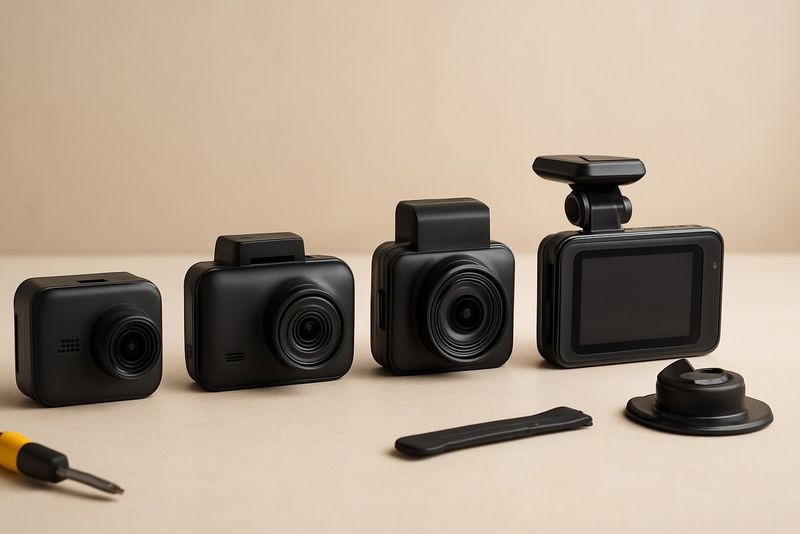
How to Choose the Right Dash Cam for Indian Roads and Driving Conditions
A complete dash cam buying guide for India, from channels and specs to heat, install and price, so you can pick the right unit with confidence.
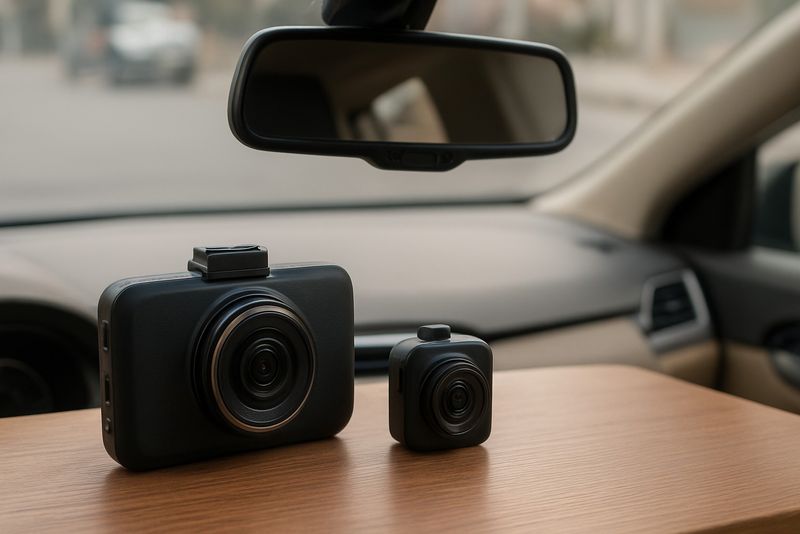
What a Dash Cam Does and Whether It's Worth It in India
A plain-language look at how dash cams record, store and protect footage, and whether the cost makes sense for how you actually drive in India.
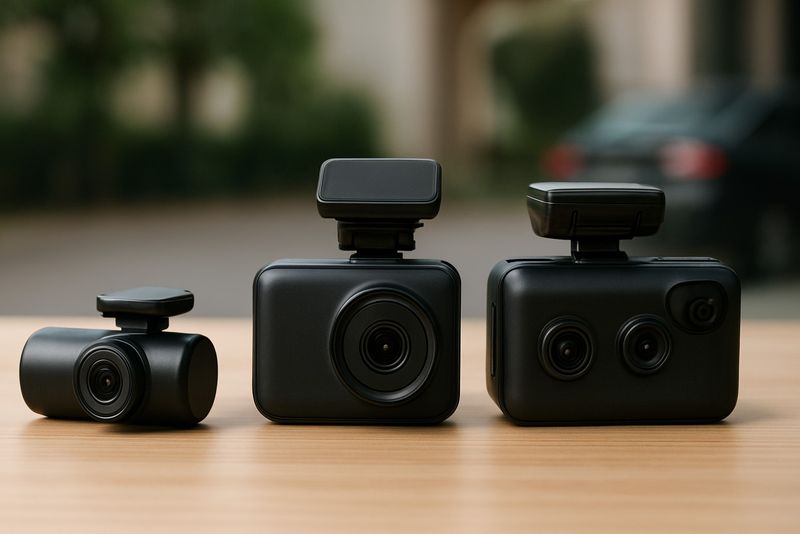
Single-Channel vs Dual-Channel vs 3-Channel Dash Cams: Which One to Get
Compares front-only, front+rear, and 3-channel dash cams for Indian roads so you pick the channel count your driving actually needs, not just what's cheapest.