Printer Buying Mistakes and Red Flags to Watch Out For
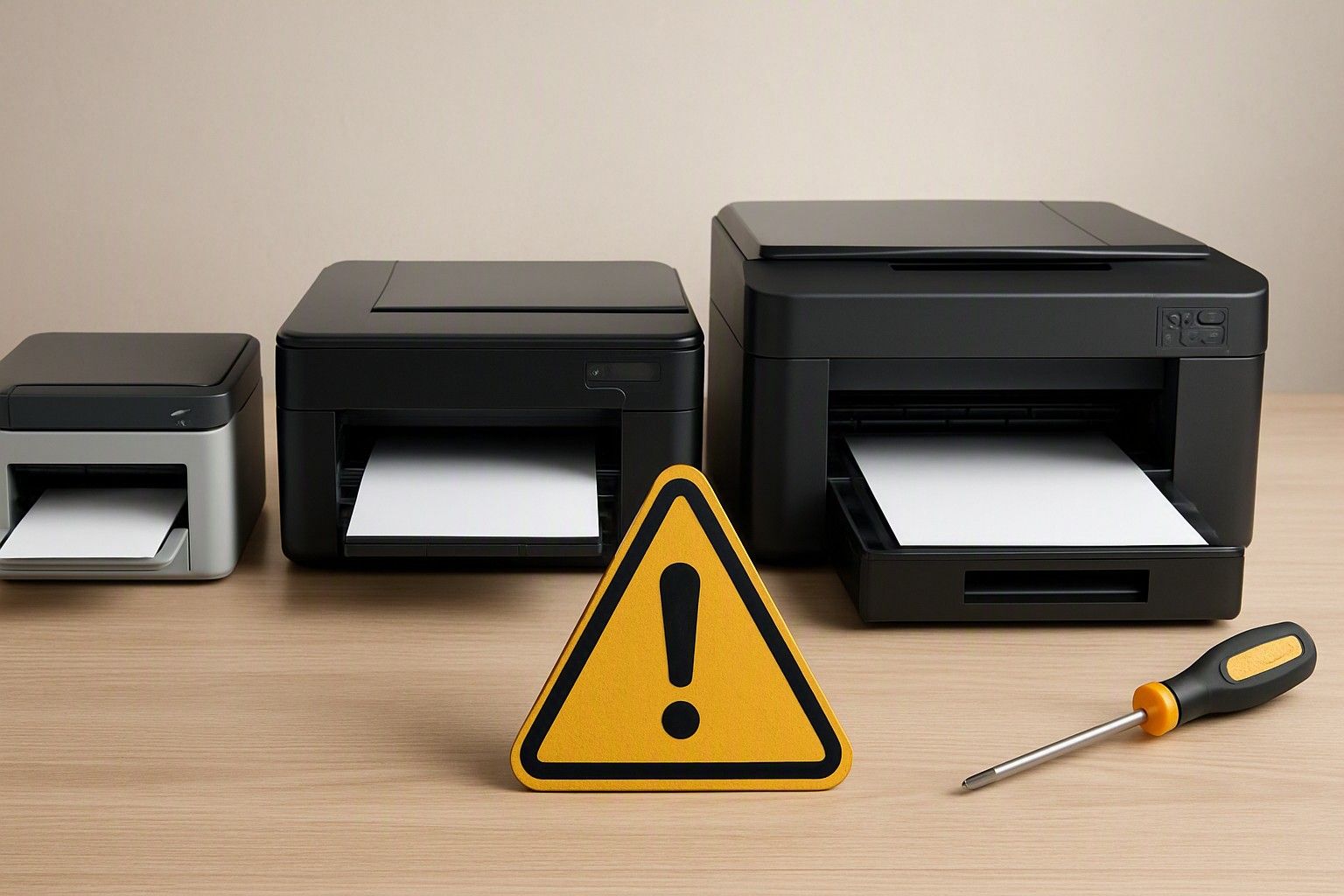
Buying a printer looks simple until the wrong one lands up costing you far more than its price tag over the next year or two. If you're about to finalise a purchase, this is the list of traps and checks worth running through first, so you don't find out about a problem after the return window has closed.
Ignoring Running Cost and Buying on Sticker Price
The single biggest mistake buyers make is comparing printers only on the number on the box. A printer priced near ₹2,900 can end up costing more over two years than one priced closer to ₹35,000, purely because of what each cartridge or ink bottle refill costs and how many pages it actually delivers. Manufacturers know the upfront price is what catches attention in a store or on a listing page, so entry-level inkjets and basic laser models are often priced aggressively while the cartridges needed to keep them running are priced to recover that margin many times over.
This matters more in India than in most markets because printers here are frequently bought once and used for years, often for occasional home use, school and college assignments, or a small home-office setup. If you print even a moderate volume, the cost of consumables over the printer's life will dwarf the purchase price. Before you commit to anything in the ₹5,000 or ₹12,000 range, it's worth pausing to check the real cost per page first, since two printers sitting next to each other at similar prices can have running costs that differ by a wide margin. A slightly higher upfront spend on a printer with cheaper ink or toner per page almost always wins over a longer ownership period.
Misreading Page-Yield and Speed Claims
Page-yield numbers printed on cartridge boxes or listed in specifications are tested under standardised conditions that rarely match how people actually print. These figures assume a fixed percentage of page coverage, usually a low one, and continuous printing without the start-stop pattern most home and small-office users follow. In practice, real-world yield often comes in noticeably lower than the advertised number, especially if you print documents with images, graphics, or dense text rather than sparse letters and forms.
Speed claims carry a similar catch. The pages-per-minute figure quoted for a printer is usually its fastest possible output on plain black-and-white text at draft quality, not what you'll see printing photos, forms with colour, or double-sided pages. Duplex printing in particular slows most printers down substantially compared to their headline speed number, since the mechanism has to pause and flip each sheet.
The safest approach is to treat both page-yield and speed numbers as ceilings rather than realistic averages. If a listing or salesperson quotes a yield or speed figure without mentioning the test conditions behind it, assume the real-world number will be lower and factor that into your comparison rather than taking the printed claim at face value.
Overlooking Service and Spare-Part Availability in Your City
A printer is a mechanical device with moving parts, and at some point it will need a service visit, a spare part, or at minimum a knowledgeable technician who can diagnose a paper-jam sensor or a print-head issue. Before finalising a purchase, it's worth checking whether the brand has an authorised service centre reasonably close to where you live, and whether that brand has a track record of stocking spares for the model you're considering rather than only for its flagship lines.
This check matters more outside the larger metro cities, where authorised service networks thin out quickly and a breakdown can mean shipping the unit out or waiting weeks for a part. It also matters for ink-tank and refillable printers, since a blocked print head or a worn refill mechanism needs a technician who has actually worked on that specific tank system, not just general printer repair experience.
A quick way to gauge this before buying is to search for the brand's service centre locator and see how many listings show up for your city or the nearest one, and to look through recent buyer reviews for mentions of service experience rather than just print quality. A printer that's cheaper to buy but has no serviceable presence near you is a false economy the moment something goes wrong.
Warranty Voiding and Third-Party Ink Confusion
Many buyers assume printer warranties cover everything short of physical damage, but most manufacturers explicitly exclude damage caused by using non-original ink, toner, or refill kits. If a print head clogs or a laser drum fails after third-party consumables have been used, the brand can and often does deny warranty service, leaving you to pay for a repair out of pocket even though the printer is technically still under warranty for other faults.
This creates a real dilemma for Indian buyers, since original cartridges and toner can be expensive relative to the printer's own price, and a thriving market of compatible and refilled alternatives exists specifically to undercut that cost. The practical middle ground most experienced buyers land on is to use original consumables for at least the warranty period, especially on ink-tank and laser printers where a damaged head or drum is expensive to replace, and to reserve third-party ink for older printers no longer under any warranty cover.
Before buying, read the warranty terms specifically for the consumables clause rather than assuming standard coverage. Some brands are more lenient about third-party ink than others, and knowing this upfront prevents an unpleasant surprise if the printer needs a warranty repair down the line.
Buying More Features Than You Will Ever Use
It's easy to get pulled toward the model with the longest feature list, but a printer loaded with wireless connectivity, mobile printing apps, automatic document feeders, and duplex printing costs more than a simpler model that does exactly what you need. If your actual use case is printing the occasional document or photo from one laptop sitting a few feet away, a lot of that feature list adds cost without adding real convenience.
The features worth paying for are the ones tied to how you'll genuinely use the printer day to day. A household with multiple people printing from phones and laptops around the house benefits meaningfully from wireless connectivity. A small office scanning and printing multi-page documents regularly benefits from an automatic document feeder. But a single-user setup at a desk rarely needs either, and paying extra for them is money that could have gone toward a printer with a lower cost per page instead.
Before adding a feature to your must-have list, it's worth pausing to revisit whether Wi-Fi and mobile printing are worth it for how you'll actually use the device, rather than because it's a checkbox on the spec sheet. Matching the feature set to your real usage, not to what looks impressive in a comparison, is one of the more reliable ways to avoid overspending in the ₹12,000 or ₹25,000 range.
A Quick Pre-Purchase Checklist
Before you finalise anything, run through this short list:
- Cost per page checked, not just the printer's sticker price, for your realistic monthly print volume.
- Page-yield and speed claims treated as ceilings, not guaranteed averages, especially for colour or duplex printing.
- Service centre availability confirmed for your city, not just the brand's national presence.
- Warranty terms read for the consumables clause, so you know whether third-party ink is safe to use during the warranty period.
- Feature list matched to actual use, rather than picking the model with the most checkboxes.
- Price checked against its historical range for that model or category, so you know whether ₹2,900 to ₹35,000 reflects a fair position rather than a temporary spike.
Once each of these is ticked off, you're buying with the full picture rather than reacting to a single attractive number on a listing page. If any point on this list still feels unclear for the specific printer you're considering, it's worth going back through the relevant section above before you pay. And if you're still weighing which category or type suits you best, you can always head back to the main buying guide to finalise your pick.
Checking running cost, real-world yield, local service support, warranty terms, and your actual feature needs before you pay covers every major way printer buyers in India end up disappointed. Work through the checklist above against the specific model you're eyeing, and you'll be buying with clear eyes rather than hoping it works out.
Comments
Be the first to comment.