Wi-Fi and Mobile Printing: Are They Worth Paying For?
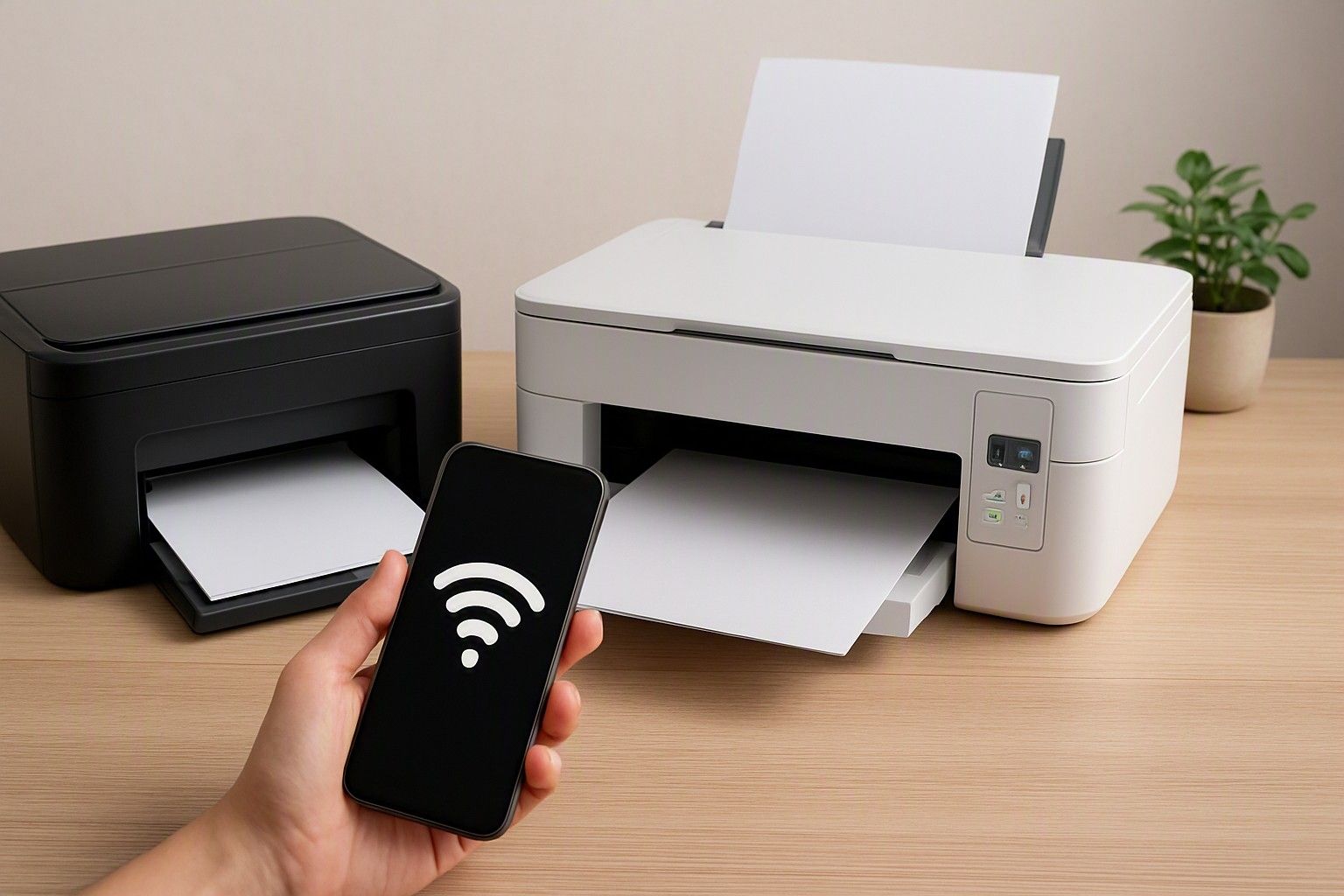
If you're staring at two similar printers with only a Wi-Fi tag separating their prices, you're really asking one thing: will this feature get used, or is it a line item you'll forget about after the first week. This article walks through what wireless and mobile printing actually change in daily use, so you can decide with your own habits in mind rather than a spec sheet.
Connectivity Options: USB, Wi-Fi and Wi-Fi Direct
Every printer sold today gives you at least a USB cable connection, and that's still the simplest way to get a document out: plug in, install a driver once, and print without depending on a home network at all. USB is also the most reliable option in homes where the Wi-Fi router sits two rooms away or gets restarted often, since there's no signal to drop mid-job.
Wi-Fi connectivity means the printer joins your home network like a laptop or phone does, so any device on that network can send a print job to it without a cable. This is genuinely useful if the printer needs to sit in a study or corner away from your desk, or if more than one person in the house needs to print from their own device. The trade-off is that it depends on your router being on and working, and setup usually takes a few extra minutes the first time.
Wi-Fi Direct is a slightly different idea: the printer creates its own short-range connection that a phone or laptop can join directly, without needing a home router at all. This matters for smaller households or single-person use where you don't want to deal with router settings but still want to print without a cable. It's also handy as a backup when the main Wi-Fi network is down. None of these three options is objectively better than the others; they solve different problems, and the right one depends on where the printer sits and how many people use it.
Printing from Phones and Tablets
For a lot of Indian households, the phone is the primary device, and the printer is used far more often for a boarding pass, an ID copy, or a school form than for anything typed on a laptop. If that's your pattern, mobile printing support stops being a nice-to-have and becomes the actual reason you'd choose Wi-Fi over USB, since a USB-only printer generally can't accept a job straight from a phone without routing it through a computer first.
In practice, printing from a phone works through either the printer manufacturer's own app or built-in printing support on the phone's operating system, and both usually need the phone and printer to be on the same Wi-Fi network. This is smooth for photos, PDFs, and web pages, though heavily formatted documents like resumes or forms can sometimes render slightly differently than they would from a laptop. Tablets follow the same pattern as phones here.
If your printing needs are occasional and mostly originate from a laptop anyway, this feature matters less. But if the household genuinely reaches for a phone first for most documents, wireless connectivity earns its keep, and it's worth checking that a shortlisted model explicitly supports mobile printing rather than assuming every Wi-Fi printer does it equally well.
App and Cloud Printing in Real Use
Beyond basic mobile printing, many Wi-Fi printers come with a companion app that lets you scan, check ink or toner levels, and start print jobs remotely, sometimes even from outside the house if the printer is connected to the internet rather than just the local network. This is a genuine convenience if you want to send something to print before you leave office and have it ready when you get home, or if a family member needs a document printed while you're away.
Cloud printing, where documents are queued through an online account rather than a direct local connection, sounds appealing on paper but sees limited real use in most Indian homes. It depends on a stable internet connection at both ends, and the practical benefit over simply emailing yourself a file and printing from a phone at home is often small. Where it does help is in small offices or shared setups where multiple people need to send jobs to one printer without being on the same physical network.
The honest assessment is that the app for checking ink levels and doing basic remote prints tends to get used regularly, while deeper cloud features are used rarely, if ever, by typical households. If a printer's price is noticeably higher mainly because of an elaborate cloud ecosystem, that's worth weighing against how often you'd realistically use it.
When Wireless Printing Is Worth the Extra Cost
Printers with Wi-Fi and mobile printing sit across the full price range from ₹2,900 to ₹35,000, with the market averaging around ₹11,000, so wireless isn't automatically a premium-tier feature reserved for expensive models. Even in the ₹5,000 band, some models now include Wi-Fi, though selection is thinner and you may have to trade off other things like print speed or paper handling to get it at that price.
The clearest case for paying extra for wireless is a household with more than one person printing regularly, or a printer placed somewhere a cable can't easily reach, like a shared study or a shelf away from the router. In these situations, the convenience translates into fewer interruptions and less cable-related setup each time, which adds up over months of use. If you print occasionally, mostly from one laptop that already sits next to the printer, a USB-only model in the same price band will do the identical job for less money, and that saved amount is better spent on print quality or running costs.
The ₹12,000 and ₹25,000 bands are where wireless features become more standard and more fully implemented, with better app support and steadier connections rather than a bare-minimum inclusion. Before deciding purely on the connectivity question, it's worth stepping back to weigh the extra cost against what different budgets offer, since the same rupees might buy a meaningfully better printer overall if you drop the wireless requirement.
Setup and Reliability Considerations in Indian Homes
Wireless setup is usually straightforward once, but Indian homes bring a few recurring friction points worth planning for. Frequent power cuts mean the printer and router may not always be on at the same time, and some printers need to be manually reconnected to the network after a restart rather than reconnecting automatically. If your area sees regular outages, this is worth checking before you assume Wi-Fi will always be a plug-and-forget experience.
Dual-band routers and mesh Wi-Fi systems, increasingly common in apartments, occasionally cause printers to drop off the network or connect to the wrong band, since some budget printer hardware only supports the older, more crowded 2.4 GHz band. This isn't a dealbreaker, but it can mean an extra few minutes of troubleshooting when the printer suddenly stops showing up on a phone. Placement also matters: a printer kept inside a cupboard or far corner for space reasons will have a weaker signal than one on an open desk.
None of this makes wireless printing unreliable as a rule, but it does mean the experience isn't identical to a USB connection's simplicity. If your home network is stable and the printer sits within normal Wi-Fi range, you're unlikely to notice these issues often. If your network setup is more improvised, factor in a slightly higher tolerance for occasional reconnecting.
Deciding If You Actually Need It
The decision comes down to three honest questions: does more than one person or device need to print, does the printer sit somewhere a cable can't reach, and do you print from a phone often enough that mobile printing would get used weekly rather than once. If the answer to all three is no, a USB printer covers your needs fully, often at a lower price for the same core print quality, and there's nothing being missed by skipping wireless.
If even one of those answers is yes, wireless connectivity is likely to earn back its cost in convenience over the printer's lifetime, since the alternative is repeatedly moving files to one computer or physically carrying a USB drive between rooms. This is a feature decision independent of whether you're choosing an inkjet or laser machine, and it's worth making deliberately rather than defaulting to whichever model a shop has on the shelf. For the broader set of decisions this connects to, including print technology, running costs, and paper handling, you can see how this fits your overall printer choice.
Whether you need Wi-Fi and mobile printing or can skip it comes down to how many people print, where the machine sits, and how often a phone rather than a laptop starts the job. Answer those three honestly and the connectivity question stops being a spec to research and becomes a straightforward yes or no for your home.
Comments
Be the first to comment.