Baby Monitor Privacy, Safety and Certification Checklist
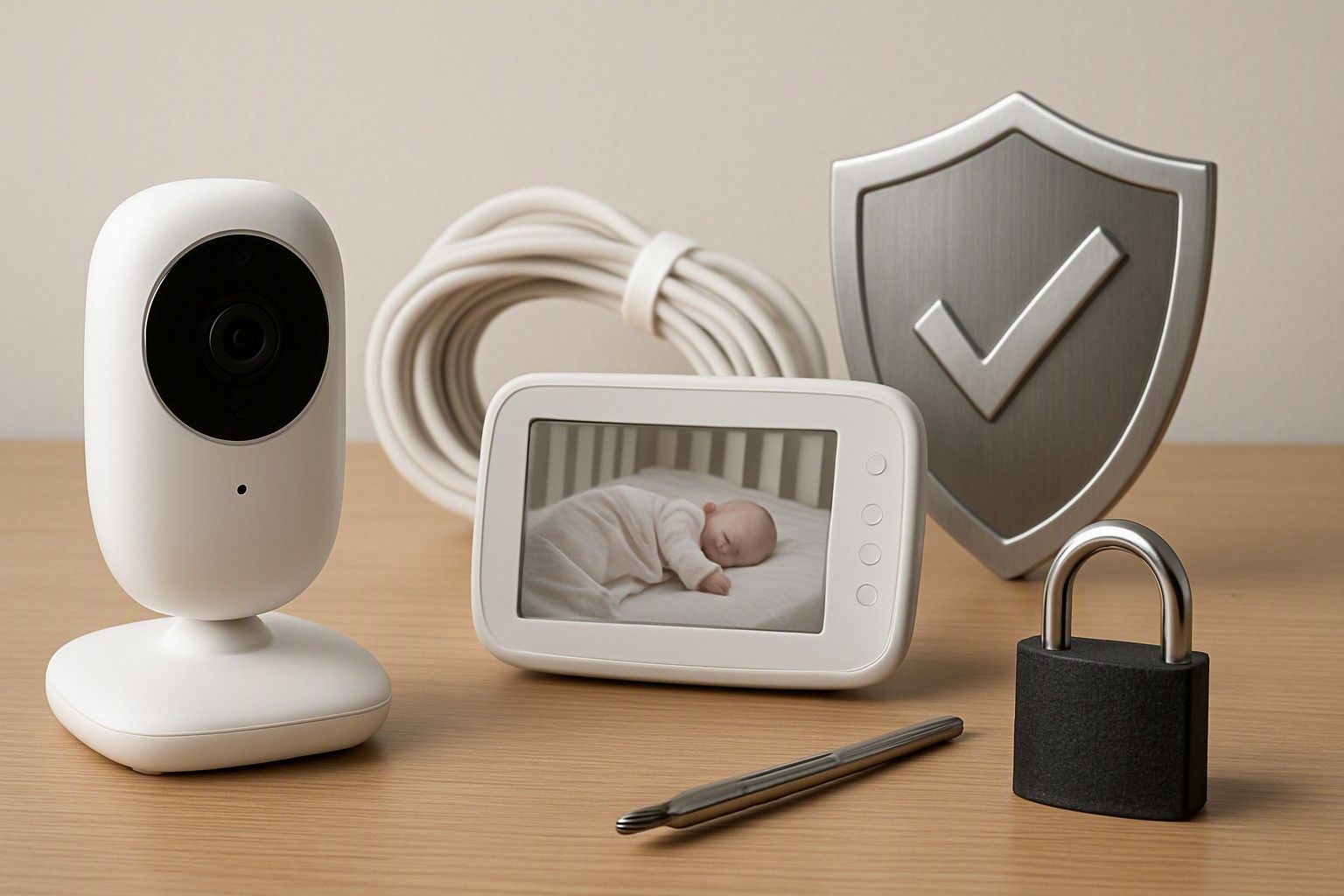
If you are about to buy a baby monitor, the real question isn't which one has the sharpest screen — it's whether the device sitting a few feet from your baby's cot can be trusted with a live video feed of your home, and whether its cord or mount can hurt your baby. This checklist walks through both concerns — digital privacy and physical safety — so you can buy with confidence instead of second-guessing every review you've read about hacked cameras.
Can a Wi-Fi Baby Monitor Be Hacked?
Yes, and it has happened often enough in India and abroad that it's a fair question to ask before you buy, not after. Any Wi-Fi baby monitor is essentially a small internet-connected camera, and like any connected camera, it can be accessed by someone outside your home if it's set up poorly or built cheaply. The most common route isn't some clever hack — it's a default password that was never changed, an app account with weak credentials, or a monitor that streams over an unsecured connection that anyone on the same network can intercept.
This doesn't mean you should avoid Wi-Fi monitors altogether. A camera-only (non-Wi-Fi) monitor that transmits over its own private radio frequency to a dedicated parent unit is inherently harder to hack because it isn't reachable over the internet at all — that's worth knowing if remote hackability is your biggest worry and you're fine giving up phone-app viewing. But most parents buy Wi-Fi monitors specifically because they want to check in from work or another room using an app, and that convenience is achievable safely if the manufacturer has built the product correctly and you configure it properly. The risk sits at the intersection of product quality and your own setup habits, which is exactly what the next section covers in practical terms.
Password, Encryption and App Permission Checks
Three things determine whether your monitor's video feed stays private: the password you set, whether the data is encrypted in transit, and what the companion app is allowed to access on your phone. Start with the password — the moment you set up the monitor, change the default login to something unique. A shocking number of hacked baby monitor stories trace back to a factory-set password like "admin" or "1234" that was never touched. Never reuse a password you already use elsewhere, since a leak from an unrelated site could expose your monitor too.
Next, check whether the monitor uses encrypted streaming. Reputable models mention encryption (look for terms like end-to-end encryption or secure/HTTPS streaming) in the box copy or app description; if a product listing says nothing about how the video is transmitted, treat that as a gap, not a minor omission. Also check the app's permission requests during setup — a baby monitor app has a legitimate reason to ask for camera, microphone, and local network access, but it should not need your contacts list, location history, or SMS access. If it does, that's a red flag worth taking seriously.
Finally, enable two-factor authentication if the app offers it, and keep the monitor's firmware updated — manufacturers who take security seriously push periodic updates, and skipping them leaves known vulnerabilities open.
Cord and Placement Safety Near the Cot
Hacking gets the headlines, but the more immediate physical risk with any baby monitor is the power cord and camera mount near a sleeping baby. Cords are a genuine strangulation hazard, and pediatric safety guidance is consistent on this point: the camera, cord, and any wall adapter must be kept at least three feet (about one metre) away from the cot, and the cord should never dangle down toward the mattress or crib rail where a baby could reach up and grab it as they grow.
When you unbox a new monitor, plan the placement before you plug anything in. Most monitors come with a clip or wall-mount bracket specifically so the camera can be positioned on furniture or a wall well outside arm's reach, rather than balanced on the edge of the cot rail, which is how a lot of accidental placements happen in practice. Route the cord along the wall and behind furniture, secured with cable clips if needed, so there's no loop hanging within reach as your baby starts standing and pulling up on furniture — a stage where reach and curiosity both increase fast.
If you're choosing between a monitor with a fixed cord versus a battery-powered camera unit, remember that battery power removes the cord risk entirely for the camera end, though the parent unit or charging dock will usually still need a cord — just keep that away from the baby's reach as well. This is one area where five minutes of careful setup matters more than any spec on the box.
Certifications and Compliance to Look For
Certification labels don't guarantee a monitor is hack-proof, but they do tell you the manufacturer met baseline electrical and safety standards, which matters for a device that stays powered on near your baby for months. Look for a BIS (Bureau of Indian Standards) mark on the packaging, which confirms the electrical components meet Indian safety requirements for wiring, insulation, and adapter quality — this is the most relevant compliance check for an Indian buyer, since it applies to the specific power adapter and unit you'll actually be plugging in at home.
Also check for CE or FCC markings, which indicate the device met electromagnetic and safety testing standards used internationally; while these are not Indian-specific, their presence suggests the manufacturer sells through more regulated markets and has been through at least one formal compliance process rather than skipping it entirely. For the radio frequency used by non-Wi-Fi monitors, a mention of compliance with local frequency-use norms is a good sign, though this is less commonly listed explicitly on Indian retail packaging.
Beyond the box, check whether the manufacturer publishes a privacy policy or data-handling statement for the app — a company willing to explain where video data is processed and how long it's stored is generally more accountable than one that says nothing. None of these checks take more than a minute at the point of purchase, but skipping all of them is how buyers end up with a monitor that technically works but was never actually tested against a safety standard.
Red Flags in Cheap or Unbranded Monitors
Price and safety aren't always linked in a simple way, but there is a real pattern worth knowing: monitors at the very bottom of the market, often unbranded listings priced well under ₹3,000, are the ones most likely to skip encryption, ship with a hardcoded or unchangeable password, and carry no visible BIS, CE, or FCC marking anywhere on the packaging or listing. That doesn't mean every budget monitor is unsafe, and it doesn't mean every expensive one is safe either — but the pattern shows up often enough in complaint threads and product recalls that it's worth treating a suspiciously cheap, no-name Wi-Fi camera with extra caution.
Specific red flags to watch for: a listing with no mention of encryption or app security at all, generic product photos that don't match the seller's actual brand name, an app that requires excessive permissions on install, no visible manufacturer address or support contact, and reviews mentioning connection drops or an inability to change the default password. Vague marketing language like "secure connection" without specifying what kind of encryption is used is often a sign that there isn't much security to describe in the first place.
Prices in this category run from ₹1,800 to ₹16,000, with the average sitting around ₹7,500, and the jump from the lowest tier to the ₹8,000 range often buys exactly this kind of security groundwork — proper encryption, a real support channel, and visible certification — rather than flashier features. It's worth taking a moment to weigh these risks against the savings at each budget tier before deciding how low you're willing to go on price for a device that watches your baby all night.
A baby monitor that's actually safe comes down to a handful of concrete checks rather than luck: change the default password, confirm encryption before you buy, keep every cord well clear of the cot, and look for real certification marks on the box. Run through those four checks on any monitor you're considering, and you've answered the question that brought you here — not by hoping for the best, but by verifying it.

Comments
Be the first to comment.