Range and Multi-Room Coverage: Choosing a Monitor for Larger Homes
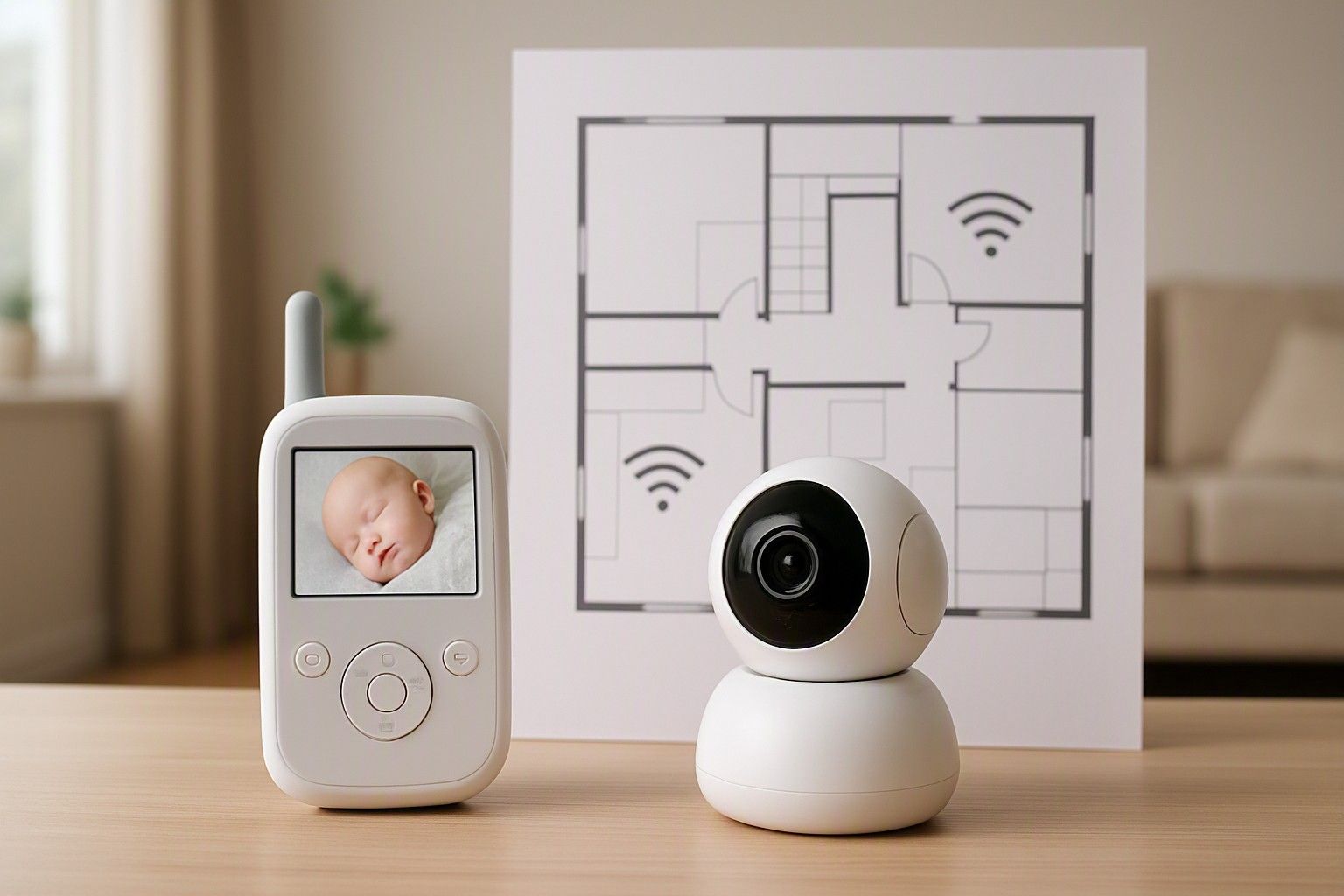
If your home has more than one floor, thick concrete walls, or a layout where the nursery and living room aren't in a straight line, range is the single spec that decides whether a monitor actually works for you. A device that reads well on paper can still drop signal the moment it has to pass through a load-bearing wall or climb a staircase. This article walks through how range numbers translate into real Indian homes, so you can match a monitor to your actual layout instead of guessing.
How Monitor Range Is Measured and What It Means Indoors
Every baby monitor box lists a range figure, usually somewhere between 150 and 300 metres, and almost none of that number applies to your home. These figures come from open-field testing, with the transmitter and receiver in clear line of sight and no obstructions between them. That is not how any Indian house is built. The moment you introduce a wall, a floor slab, a steel almirah, or even a large mirror, the effective range drops sharply, often to a fraction of the quoted distance.
A more useful way to think about it: treat the advertised range as a ceiling, not a working number. If a monitor claims 300 metres outdoors, expect somewhere between 20 and 50 metres of reliable indoor performance once you account for two or three walls. This matters directly for the buyer question at hand, because a monitor bought without checking this gap often ends up unusable between, say, a ground-floor nursery and a first-floor kitchen, even though the specification sheet suggested it should easily cover that distance.
When comparing models across the ₹3,000, ₹8,000, and ₹18,000 price bands, don't assume a higher price buys proportionally more real-world range. Some mid-range models prioritise audio clarity or battery life over transmission strength. Ask specifically about performance through walls, not just the headline figure, before you decide.
Thick Walls, Multiple Floors and Signal Drop
Indian construction is a big part of why range specs behave so differently here than in the markets these monitors are often designed for. Reinforced concrete walls, common in apartments and independent houses alike, are far denser than the drywall or timber-frame construction typical in Western homes, and they absorb radio signal aggressively. A single RCC wall can cut effective range by half; two in sequence can cut it further still. Add a concrete floor slab between levels, which is standard in nearly all Indian multi-storey homes, and you're looking at another significant drop.
Metal is the other quiet culprit. Steel window grills, almirahs, modular kitchen shutters, and even foil-backed insulation in some ceilings all interfere with radio-frequency signals used by non-Wi-Fi audio and video monitors. A monitor that works perfectly when tested in an open showroom can behave very differently once it's placed near a metal cupboard or a grilled window in your actual bedroom.
The practical takeaway is to think in terms of walls and slabs crossed, not metres of distance. A monitor rated for a generous open-field range might still struggle to cross one concrete floor and one interior wall reliably, producing static, dropouts, or a laggy video feed at exactly the moments you need it most. If your home has more than one solid wall or any floor slab between the nursery and where you'll usually be, treat range as the first filter when shortlisting, ahead of features like night vision or lullabies.
Monitoring from a Different Floor in a Joint Family Home
Joint-family homes throw up a specific version of this problem: the parent's room, the baby's crib, the kitchen, and a shared living area can all sit on different floors, sometimes with the parent expected to move between all of them through the day. This is a common enough setup in India that it deserves its own thinking, separate from the general walls-and-floors issue.
In this layout, the honest answer is that most budget-tier audio and video monitors, particularly those priced toward ₹1,800, are not built for reliable multi-floor use. Their antennas and transmission power are tuned for single-floor or same-room coverage. If you try to monitor from two floors away, expect intermittent connection, especially during peak network congestion in denser buildings where many devices share similar frequency bands.
A few practical adjustments help even with a standard monitor: placing the parent unit near a stairwell rather than deep inside a room, keeping the nursery unit elevated and away from metal furniture, and avoiding placement directly behind a concrete pillar all improve consistency. But these are workarounds, not fixes. If your routine genuinely requires checking on the baby from a different floor throughout the day, a monitor with stronger stated range and floor-crossing performance, generally found from the ₹8,000 band upward, is worth the extra spend over a base ₹3,000 unit that will frustrate you within the first week of daily use.
When Wi-Fi Monitors Solve the Range Problem
Wi-Fi baby monitors approach the range question completely differently, and for larger or multi-floor homes, this is often the more dependable route. Instead of the nursery unit transmitting directly to a parent unit over open air, it connects to your home Wi-Fi network, and you view the feed through an app on your phone from anywhere that network reaches, including outside the house on mobile data. This sidesteps the wall-and-floor signal loss that limits dedicated audio and video monitors, because the connection is riding on your router's infrastructure rather than a short-range radio link between two standalone devices.
The trade-off is that a Wi-Fi monitor is only as reliable as your home network. If your router sits far from the nursery, or your building has notoriously patchy Wi-Fi in certain rooms, you may need a mesh extender or a repeater to get consistent coverage, which adds cost and setup effort beyond the monitor itself. There's also a data and privacy consideration, since the feed typically routes through a cloud service, which some parents are comfortable with and others prefer to avoid.
For a full breakdown of how audio, video, and Wi-Fi monitors differ on this exact point, it helps to compare how each monitor type handles distance before deciding which category to shop within. Given prices across the category run from ₹1,800 to ₹16,000, with an average around ₹7,500, a Wi-Fi model doesn't necessarily cost more purely for solving the range problem, it's simply a different mechanism than the traditional units.
Matching Range to Your Home Layout
The right monitor for your home depends less on the number printed on the box and more on how your specific layout maps to the trade-offs covered above. A single-floor flat with the nursery and living room close together can work well with a standard audio or video monitor in the ₹3,000 or ₹8,000 range, since there's minimal concrete and metal to fight through. A duplex or independent house with the nursery upstairs and daily activity downstairs is a different case entirely, and deserves either a monitor specifically rated for stronger multi-floor performance or a Wi-Fi-based system that uses your existing network instead of point-to-point radio.
Joint-family homes with activity spread across multiple floors sit at the harder end of this spectrum, and as covered earlier, are usually better served by either a higher-range dedicated monitor from the ₹8,000 or ₹18,000 band, or a Wi-Fi monitor paired with dependable home internet.
Before finalising a purchase, it's worth stepping back and looking at range alongside the other decisions that shape this category, like battery life, video quality, and how many cameras you might eventually need. It helps to revisit the overall buying checklist before deciding, so range doesn't get chosen in isolation from everything else the monitor needs to do in your home.
Range isn't a bonus feature on a baby monitor, it's the one spec that determines whether the device does its basic job in your specific home. Once you've mapped your own walls, floors, and daily movement against the trade-offs above, you're in a position to pick a monitor, dedicated or Wi-Fi, that will actually reach where you need it to, rather than finding out the hard way after it's already installed.
Comments
Be the first to comment.