Choosing a Smart Weighing Scale for a Joint-Family or Shared Household
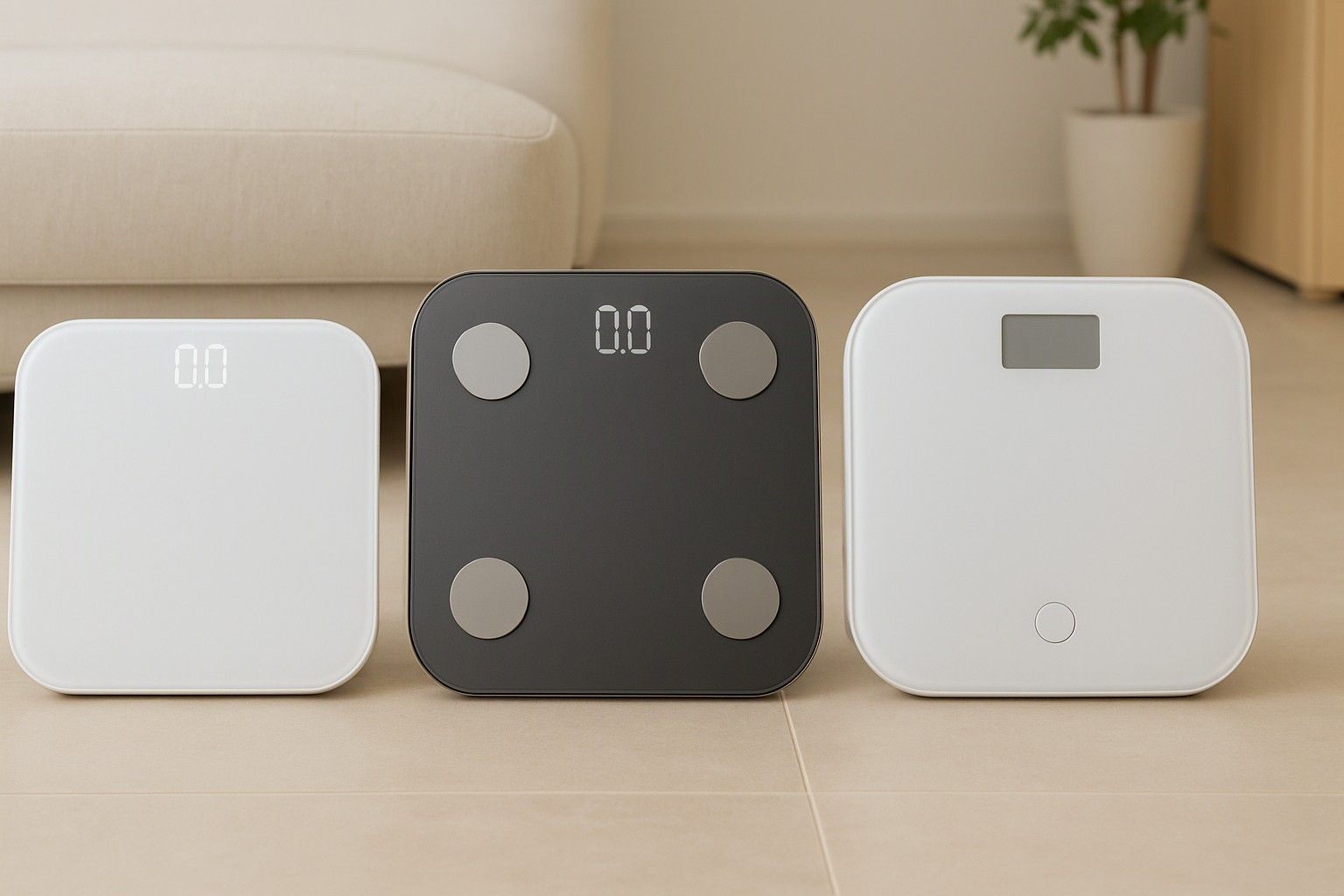
If three or more people in your home will step on the same scale, a single-user model will mix up everyone's numbers within a week. This article is for joint-family and shared households deciding which smart scale handles many users properly: how many profiles it stores, how it knows who is standing on it, and how it treats elderly parents, children and guests. It does not cover every spec on the market, only the ones that change when a scale is shared.
How Many Users a Scale Can Recognise and Store
Start with the profile limit, because it is the first number that rules a model in or out. Every smart scale stores a set number of user profiles, and that number is usually stated in the product listing or manual. Some stop at a small handful, while others allow noticeably more. A nuclear family of four has plenty of room on most multi-user models, but a joint family with grandparents, two couples and children can cross the limit quickly.
There are really two numbers to check. The first is how many profiles the scale itself can recognise or hold. The second is how many accounts the companion app lets you create or link. These are not always the same, and a scale that stores many profiles is no use if the app caps you lower, or if every profile needs a separate phone login.
Count your household honestly, including people who visit for long stretches, such as a parent who stays for months or a sibling who comes home often. Then leave a little headroom. Buying a scale that fits you exactly means a second purchase the first time someone new wants to track their weight.
Auto-Recognition vs Manual Profile Selection
Auto-recognition means the scale works out who you are from the reading itself, usually by matching your weight against what it has stored for each profile. You step on, it picks a profile, and the data is saved. Manual selection means you choose your profile on the app or on the scale before or after weighing.
Auto-recognition is convenient, but it has a clear weakness. It works on weight alone, so it gets confused when two people weigh about the same, or when someone's weight shifts after illness, pregnancy or a diet. The result is a reading filed under the wrong person, which quietly spoils both people's trends. In a family where several adults sit within a few kilos of each other, this is a real risk.
Manual selection is slower, but it is accurate. If the scale lets you confirm or reassign a reading in the app, that gives you a safety net either way.
A sensible rule: choose auto-recognition if your family's weights are well spread out, from children to heavier adults. Choose manual selection, or a model of smart weight scale that lets you correct readings afterwards, if two or more adults weigh almost the same.
Guest Mode and Readings for Elderly Parents or Kids
Not everyone in the house wants a profile. A parent who just wants to check their weight now and then, or a visiting relative, should not need an account, a phone number or an app download. This is where guest mode helps. It gives a plain weight reading without saving anything to a profile, so it does not disturb anyone's tracked data.
For elderly parents, look at how the scale presents the result. A large, clear display matters more than any app feature, since many older users will not open an app at all. A scale that shows the number steadily and does not demand a precise, awkward stance is easier for them. Stability is also a safety point, so check that the platform is flat and the edges are not slippery.
For children, the question is different. Body composition estimates on many scales are designed with adults in mind, so figures such as body fat for young children should be treated as rough at best. Weight itself is reliable. If a child's growth matters to you, rely on the weight reading and your paediatrician's guidance rather than the extra metrics.
Keeping Each Member's Data Private on One Scale
One scale does not have to mean one shared logbook. Many families are fine with open numbers, but in others, a daughter-in-law, a teenager or a grandparent may not want their weight and body figures visible to the rest of the house. Privacy comes down to where the data lives and who can see it.
The scale itself usually just measures. What matters is the app, and how the app handles separate profiles decides how well this works. Check whether each member can have an individual login, or whether all profiles sit inside one account that the account owner can browse freely. A single shared login means anyone who opens the app can scroll through everyone's history.
Also check what the scale shows on its own display. Some models flash the recognised profile's details or name right after weighing, which is visible to anyone nearby.
If privacy matters in your home, prefer a setup where members can link their own phones to their own profiles, and where you can delete or hide a profile without losing everyone else's data.
Weight Capacity for Adults, Children and Heavier Users
A shared scale has to suit the heaviest person in the house, not the average one. Every model lists a maximum capacity, and it is worth checking against the heaviest member with a margin to spare. Running a scale close to its limit can affect accuracy and wear, so a gap between the heaviest user's weight and the listed capacity is a safer choice than a match.
The other end matters too. Scales also have a minimum weight they can measure reliably, which is relevant if small children will be weighed on their own. Many families weigh a baby by stepping on with the child and subtracting their own weight. That works, but only if the scale shows small differences consistently, so look at the stated increments, which indicate how finely the scale reads.
Capacity also ties back to recognition. A wide spread between family members' weights, from lighter elders to heavier adults, makes auto-recognition work better, while a narrow spread makes errors likelier. Check the capacity, the minimum reading and the increment together rather than treating capacity as the only number.
Matching Family Needs to the Right Model
Prices across this category run from ₹500 to ₹10,000, with an average around ₹999, and the budget tiers are ₹600, ₹1,000 and ₹2,500. For a shared home, the useful question is which features you are paying for, because multi-user ability is not the same in every tier.
- Couple or small family, similar needs: a scale in the lower tiers can work if it stores enough profiles and has a clear manual selection option.
- Four to six members with varied weights: look in the middle tier for a reasonable profile limit, auto-recognition and a usable guest option.
- Joint family with many members and privacy concerns: this is where the higher tiers are worth considering, mainly for larger profile limits, individual app logins and better stability for elderly users.
Price alone does not guarantee better multi-user handling, so read what the listing states about profile count, recognition and capacity. Once you have narrowed the field, line this up against the other factors in the buying guide, such as accuracy, display and connectivity, and you can decide with confidence today.
For a shared household, the choice comes down to a few checks: enough profiles for everyone, a recognition method that suits how close your weights are, a guest option for those who do not want an account, privacy that works inside the app, and a capacity that covers the heaviest member. Check those five and the right scale for your family is much easier to pick.
Comments
Be the first to comment.