CCTV Camera Installation and Maintenance Costs Explained
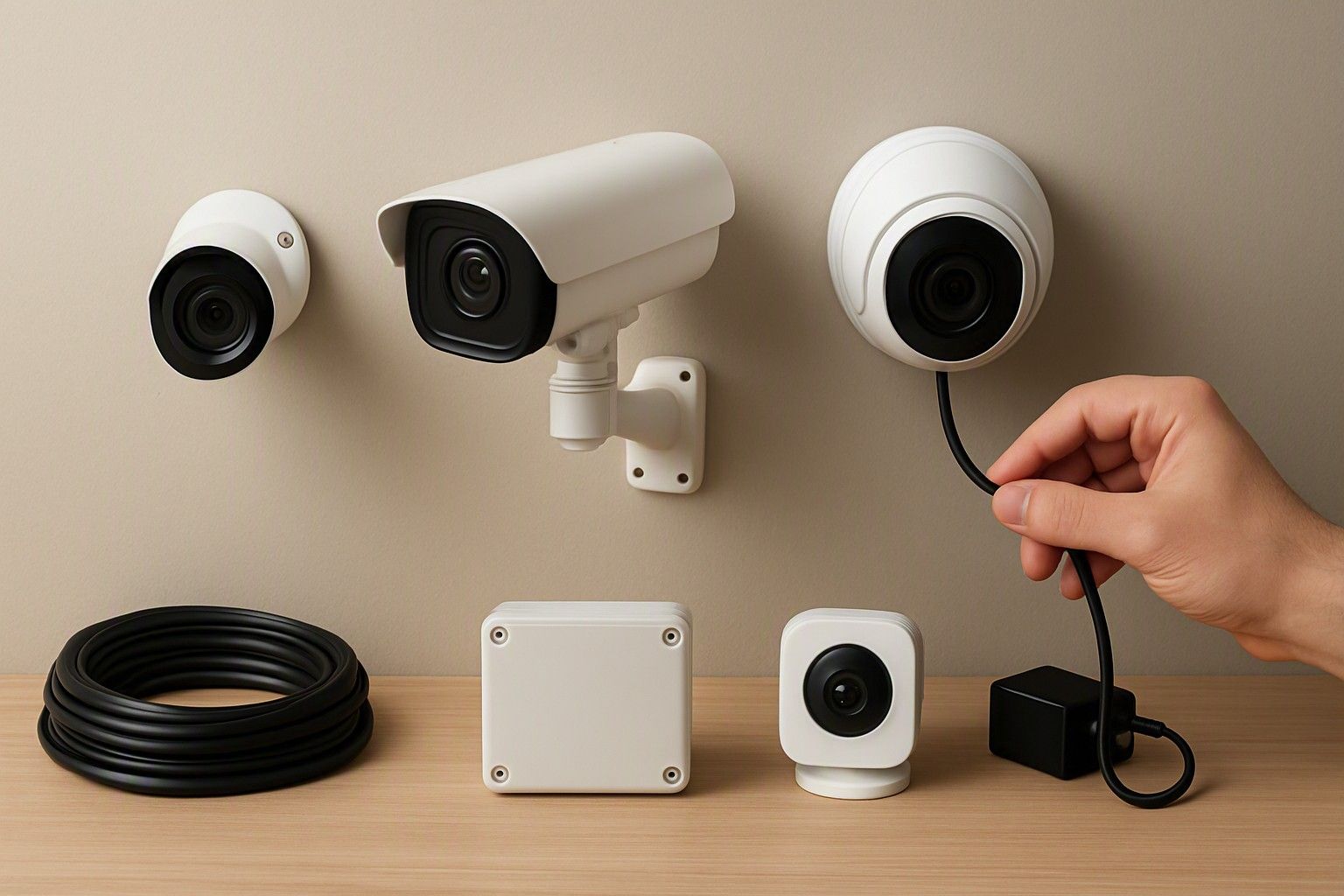
The price tag on a CCTV camera box is only part of what you'll actually pay. Installation labour, cabling, cloud storage subscriptions and periodic servicing add up over the years the camera stays on your wall, and most buyers only discover this after the fact. If you want to know what owning a CCTV camera really costs — not just buying one — this is the breakdown.
DIY vs Professional Installation Costs
A camera priced anywhere between ₹800 and ₹18,000 can end up costing noticeably more once you factor in installation, and the DIY-versus-professional decision is where most of that variance comes from. A single indoor Wi-Fi camera in the ₹1,200 bracket is genuinely something most people can mount themselves — it needs a power socket, an app, and ten minutes of patience. There's no cabling to hide, no drilling beyond a couple of screws, and no real risk if you get the angle wrong the first time.
The calculation changes once you move into multi-camera setups or anything in the ₹3,500 or ₹8,000 range, where a DVR or NVR, multiple outdoor units, and shared cabling are involved. Professional installers in most Indian cities charge per camera point rather than a flat fee, and that charge typically covers running cable through walls or conduits, terminating connectors, mounting the recorder, and configuring the app on your phone. Paying for this isn't wasted money — a badly terminated cable or a camera mounted without weatherproofing at the joint is a common reason systems fail within months, not years. If you're comfortable with basic tools and are setting up one or two cameras, DIY makes sense. For four-plus camera outdoor installations, professional labour is the difference between a system that survives a monsoon and one that doesn't.
Cabling, Power and NVR/DVR Setup Charges
This is the cost category most first-time buyers underestimate, because it's invisible in the camera's sticker price. Every wired camera needs a cable run back to a recorder — usually a combined power-and-video cable for analog DVR systems, or a network cable for NVR-based IP systems — and the cost of that cable, plus the labour to route it neatly through walls, ceilings or conduits, scales with the size of your property and how many camera points you're setting up. A compact home with two or three cameras keeps this modest; a larger property with cameras at multiple entry points, or a system that needs to reach an outbuilding or gate, pushes cabling costs up meaningfully.
Power is the other line item. Wired systems typically draw power centrally through the DVR/NVR, which means one power point does the job for the whole setup, but it also means an electrician may need to add a socket near the recorder if one doesn't already exist. The recorder itself needs configuring — setting up recording schedules, motion zones, and remote viewing — which is usually bundled into the installer's charge but worth confirming before you commit. None of this is optional overhead you can skip; it's the structural cost of a wired system, and it's worth understanding how wired systems change your installation effort before you commit to cabling an entire floor.
Cloud Subscriptions and Storage Running Costs
Storage is the ownership cost that never stops, and it's the one most buyers overlook when comparing camera prices. A camera that stores footage locally on a microSD card or a connected DVR/NVR has no recurring fee attached — you pay once for the storage medium and re-use it indefinitely, though older footage gets overwritten as new footage comes in. A camera that relies on cloud storage, on the other hand, usually comes with a subscription plan for continuous cloud recording, and skipping that subscription often means losing motion alerts with recorded clips entirely, not just losing extra footage history.
This matters more than it seems at purchase time because the subscription is a monthly or annual cost that keeps running for as long as you own the camera — over several years, it can add up to more than the camera itself cost. The resolution and video quality you choose also directly affects this, since higher-resolution footage consumes storage faster whether it's local or cloud-based, which is worth weighing alongside why storage choices affect ongoing spend. If you'd rather avoid recurring bills altogether, prioritising a camera with reliable local storage over one that pushes you toward a cloud plan is a reasonable, and often cheaper, long-term choice.
Warranty, Servicing and Replacement Over the Years
Most CCTV camera brands sold in India carry a standard warranty period covering manufacturing defects, but warranty coverage rarely extends to weather damage, power surge damage, or wear on outdoor housings — which are the most common reasons outdoor cameras actually fail. It's worth checking what the warranty explicitly excludes before you install, especially for outdoor units exposed to direct sun, rain, or dust, since these conditions age a camera's housing and lens faster than indoor use ever would.
Beyond the warranty period, ongoing servicing is minimal but not zero. Lenses need occasional cleaning, especially on outdoor units where dust and cobwebs build up and quietly degrade night vision performance. Cabling joints and connectors, particularly on wired outdoor setups, benefit from a yearly check to catch corrosion or loose connections before they cause a full outage. DVRs and NVRs with mechanical hard drives have a finite lifespan and are worth budgeting to replace every few years rather than waiting for a failure to force the issue. None of this is expensive on its own, but treating a CCTV system as install-and-forget is how small, cheap fixes turn into full camera replacements.
Planning the Full Cost of Ownership
Once you add installation, cabling, any subscription fees and periodic servicing to the camera's purchase price, the real cost of ownership over several years can look quite different from the number on the box — and that's true whether you're spending near ₹800 on a single indoor camera or closer to ₹18,000 on a multi-camera outdoor setup. The average buyer spending around ₹3,000 on a camera should expect installation and any recurring costs to add a meaningful percentage on top over the ownership period, not as a hidden surprise but as a predictable part of the budget.
The way to plan for this sensibly is to decide upfront whether you want a low-maintenance system — local storage, wired setup done once by a professional, minimal recurring fees — or a more flexible cloud-based system that costs less to install but keeps billing you monthly. Neither choice is wrong, but they lead to very different five-year costs. It helps to combine upkeep costs with the rest of your buying checklist so that installation, storage and servicing are weighed alongside resolution, coverage and camera count, rather than being an afterthought once the camera is already on the wall.
The camera's price is the smallest number in this decision. Installation labour, cabling, whether you're locked into a cloud subscription, and a few years of basic servicing decide what the system actually costs you — and now that each of those pieces is laid out, you're in a position to budget for the real total rather than just the shelf price.
Comments
Be the first to comment.