Wired vs Wireless CCTV Cameras: Which Should You Buy
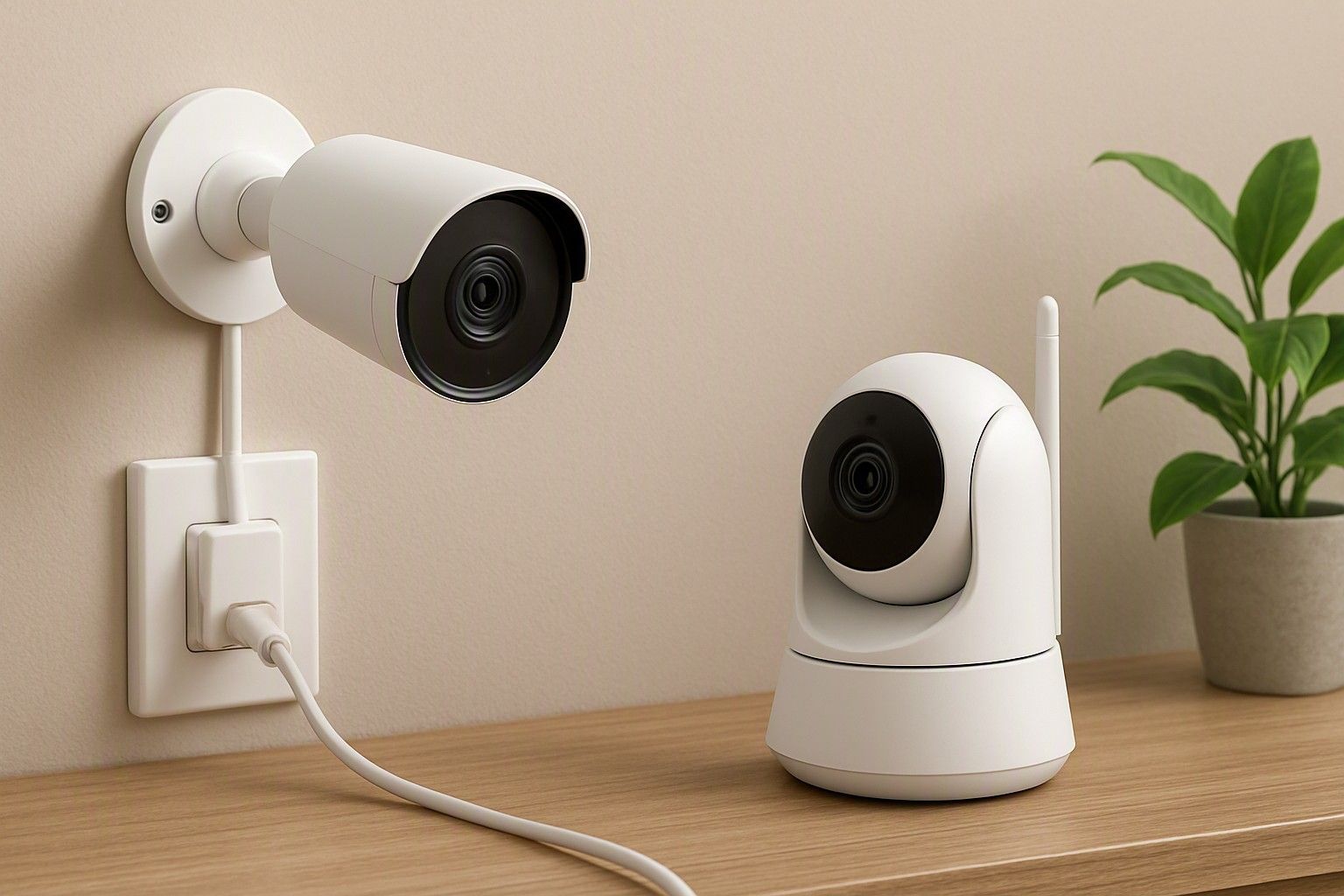
If you're stuck between a wired CCTV camera and a wireless WiFi one, the right answer depends less on which is "better" and more on your home's wiring, internet stability, and how much disruption you're willing to accept during installation. Both types work well in Indian homes, but they fail in different ways when the power cuts out or the router hangs. This guide walks through exactly where each one holds up and where it doesn't, so you can pick the one that suits your house rather than a generic recommendation.
How Wired and Wireless Cameras Differ in Practice
The core difference isn't just the cable — it's how the camera gets its data and its power. A wired camera typically runs on a single cable back to a recorder or hub, carrying both power and video signal, which means the footage never depends on your home WiFi staying up. A wireless camera, on the other hand, still needs a power source (either a plug point nearby or a rechargeable battery) but sends its video over your WiFi network to an app or cloud account, so its reliability is only as good as your router's signal and your internet connection's uptime.
This distinction matters more than most buyers expect. A wired setup, once installed, tends to run quietly in the background for years with almost no attention needed, because there's nothing to reconnect or re-pair. A wireless camera is easier to set up on day one, but you'll occasionally deal with it dropping off the network, needing a restart, or lagging on the live feed during peak internet usage hours. Neither issue is unfixable, but they show up in different forms of maintenance — wired asks more of you upfront during installation, wireless asks a little of you continuously afterward. Across the ₹800 to ₹18,000 range you'll find both types at almost every price point, so cost alone won't tell you which to pick — the decision comes down to how your home is wired and how stable your internet actually is.
Internet, WiFi Range and Power Cut Reliability in Indian Homes
This is where the wired-versus-wireless decision gets genuinely practical for Indian households. Wireless cameras rely on your WiFi router's range, and in most homes that range weakens noticeably beyond one or two rooms or through a couple of concrete walls — a camera at the main gate or back terrace often sits right at the edge of usable signal, causing choppy footage or missed recording windows. Wired cameras don't have this problem at all since video travels over a physical cable regardless of how far the camera sits from your router.
Power cuts are the other major factor, and they affect both types, just differently. A wireless camera usually stops recording the moment the power goes, unless it has its own battery backup, and even then your WiFi router and modem also need power to keep the camera online — so a cut anywhere in that chain breaks the feed. A wired system connected to a recorder with a battery backup can often keep recording through a cut because the recorder, not the router, is doing the work, and mobile networks used for remote viewing are less affected by local outages than home broadband is. If your area sees frequent, unpredictable power cuts or your WiFi signal is already patchy in the spots you want covered, a wired setup with a backed-up recorder is the safer bet for continuous coverage rather than gap-filled footage.
Installation Effort and Wiring Requirements
Wired cameras demand real installation work: cables have to be routed from each camera location back to a central recorder, which usually means drilling, channeling through walls, or running conduit along ceilings — work best left to a professional installer rather than a DIY afternoon. This adds real, upfront installation cost that varies with how many cameras you're placing and how far they sit from the recorder. Wireless cameras skip almost all of this; most just need a plug point and a one-time WiFi pairing through an app, which is why they've become the default choice for quick, single-camera setups.
But the installation gap doesn't stop at the initial setup. A wired system's cabling is a sunk cost that rarely needs revisiting, while a wireless camera's ongoing costs show up differently — cloud storage subscriptions, occasional battery replacements, or a WiFi extender if your router doesn't reach far enough. Before deciding purely on installation ease, it's worth understanding what each setup adds to your installation and running costs, because the cheaper option to install isn't always the cheaper option to run over a few years. For buyers in the ₹1,200 range especially, factoring in these add-on costs often changes which type actually works out more affordable.
Which Type Suits Renters, Apartments and Independent Houses
Your living situation narrows this choice more than most other factors. Renters and anyone in a flat where drilling or cabling isn't allowed by the building management will find wireless cameras far more practical — they go up with adhesive mounts or light screws, come down cleanly when you move, and don't leave cable runs behind for the next tenant to deal with. Apartment dwellers also tend to have shorter distances between camera and router, so WiFi range is less of a concern indoors, though a camera on an open balcony or common corridor can still struggle if it sits far from the router. If you’re renting an apartment, you can also keep your home security in check with a video doorbell, which is easier to install and maintain.
Independent houses are a different story. Larger covered areas, outdoor gates, boundary walls and multiple floors mean WiFi signal has to travel further and through more obstruction, which is exactly the scenario where wired cameras hold their advantage. Homeowners who already plan to wire the house are usually better served going wired from the start rather than retrofitting later. It's also worth checking how each option holds up outdoors at gates and boundaries, since outdoor placement adds weatherproofing and mounting considerations on top of the wired-or-wireless question, and a camera in the ₹3,500 tier that handles indoor WiFi fine may still need a wired backup at the gate.
Making the Wired-or-Wireless Call for Your Home
Bring the decision down to three honest questions: how reliable is your home WiFi in the exact spots you want covered, how often does your area lose power, and are you renting or willing to run cables permanently? If your WiFi is strong throughout and outages are rare, a wireless camera in the ₹1,200 or ₹3,500 range will serve you well with far less installation hassle. If you're covering a larger independent house, a gate at some distance from your router, or an area with frequent power cuts, a wired setup — even with its higher installation effort — gives you the continuous, dependable recording that matters most for security footage.
There's no universally correct choice here, only the one that matches your home's actual conditions, and prices across the ₹800 to ₹18,000 range mean budget rarely has to be the deciding factor either way. Once you've settled on wired or wireless, it helps to see how this choice fits into the wider camera-buying decisions around resolution, storage and camera count, since this is usually the first fork in the road, not the only one.
Wired vs Wireless CCTV: The Quick Comparision
WiFi matters: Wireless cameras need a strong, stable WiFi connection. A weak signal or router drop can mean delayed feeds or missed video.
Installation: Cable routing for wired CCTV usually needs professional installation. Wireless cameras are much easier to install, with minimal wiring.
Power cuts: Power is critical for both types. Inverter backup power can keep the system running during outages, but wireless cameras also need the router to stay powered.
Where they struggle: Wired cameras aren't affected by WiFi range but are harder to install. Wireless cameras are easier to place but can struggle at gates, terraces or other areas far from the router.
Running costs: Wired setups usually cost more upfront because of installation. Wireless cameras may have ongoing costs such as cloud storage, batteries or WiFi extenders.
Best suited to: Wireless works well for apartments, renters and smaller homes with reliable WiFi. Wired is more practical for larger homes, multiple cameras and distant outdoor areas.
The wired-versus-wireless question isn't really about which technology is newer or more capable — it's about which one your home's walls, WiFi and power supply can actually support without gaps in your footage. Match the setup to your building type, your internet reliability and how often your area loses power, and either option, at any price point from ₹800 to ₹18,000, will do its job well.

Comments
Be the first to comment.