Monitoring an Elderly Parent's Glucose Remotely With a CGM
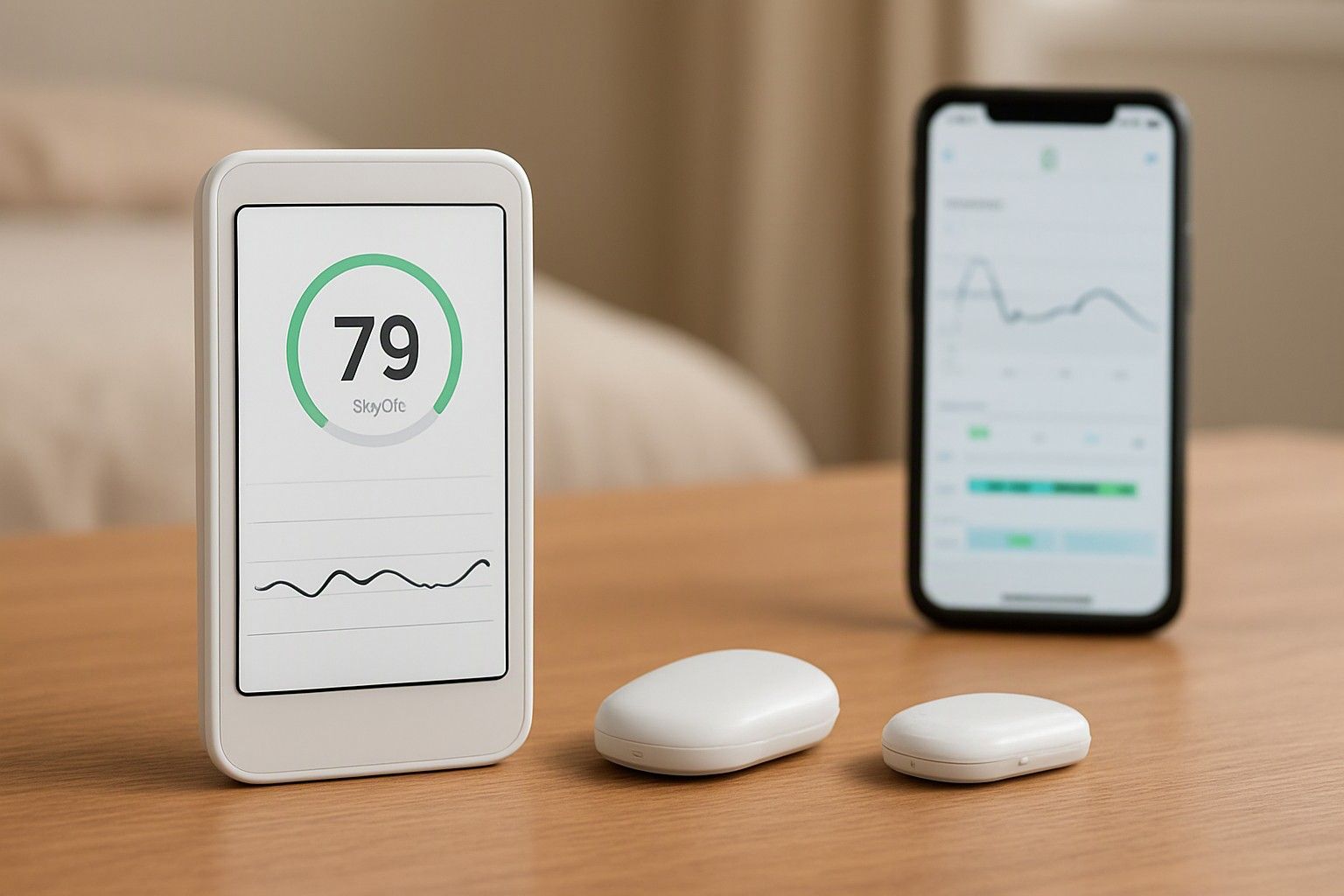
If your parent lives in another city and you want to see their glucose without a daily phone call, this article is for you. The answer depends on a few things: whether the sensor shares readings live to a second phone, whether it alarms loudly on its own, and whether your parent's phone and home internet can keep that link running. Below, we go through each of these so you can pick a setup that works in your family's real circumstances.
Follower and Caregiver Apps: Which Sensors Share Data Live
Remote monitoring only works if the sensor sends readings to the internet automatically. Sensors that stream to a phone every few minutes can usually pass those readings to a follower or caregiver app, so you see your parent's number on your own phone, often with a trend arrow and a history graph. Sensors that need your parent to hold a reader or phone against the sensor to get a reading are different. Nothing reaches you unless they scan, and a parent who forgets or feels unwell will not scan.
Before buying, ask three specific questions. First, does the system have a follower feature, and how many people can follow one wearer? That matters if you and a sibling both want to watch. Second, does the follower need a separate account or app, and is it available for your phone as well as your parent's? Third, is the sharing continuous, or does it only update when a scan happens?
Also check that your parent's phone is compatible with the sensor's app. Some older or low-end phones are not supported, and that single point can rule out a model. Confirm this against the maker's current compatibility list rather than assuming.
Night-Time Hypo Alarms for Parents Living Alone
For a parent living alone, the most dangerous moment is a low-sugar episode at 3 a.m. when nobody is awake to notice. This is where sensors that push low-glucose alarms without manual scanning matter most. A sensor that only shows a number when scanned cannot wake anyone up, while a real-time sensor can sound an alert on the phone or reader as glucose drops.
Two layers of alarm are worth looking for. The first is a local alarm: a loud, hard-to-ignore sound on your parent's phone or reader, ideally one that can override silent or do-not-disturb mode. The second is a remote alert to your phone, so that if your parent sleeps through the alarm, you get the notification and can call a neighbour or a relative nearby.
Be realistic about hearing and habits. An elderly parent who removes hearing aids at night, keeps the phone in another room or charges it outside the bedroom will miss even a loud alarm. Agree on a routine: phone on the bedside table, volume set high, alarm thresholds set with the doctor's advice, and a named person nearby who can be phoned if you cannot reach your parent after a low alert.
Phone, Internet and Power Gaps That Break the Data Link
Most remote monitoring failures are not sensor failures. They are gaps in the chain between sensor, phone, internet and your screen. Each link needs to hold.
- The parent's phone: It needs Bluetooth switched on, the sensor app allowed to run in the background, and enough battery to last the night. Some phone makers aggressively shut background apps, which silently stops readings. Check this setting on day one.
- Internet: Readings travel through home Wi-Fi or mobile data. If the broadband drops often or the parent switches off mobile data to save a pack, the follower sees a blank. Keep an active data plan as a backup.
- Power cuts: A long outage can kill the router while the phone keeps working on mobile data. A phone that dies overnight breaks everything, so keep a charger and power bank by the bed.
- Distance: If the phone is left in another room, the sensor may lose its connection, and readings usually fill in later only for a limited time.
Do a trial week while you are visiting, or by video call, and note every point where your screen goes quiet. Fix those gaps before you depend on the setup.
Who Applies the Sensor When You Are Not Home
A sensor is only useful if it stays on the arm. Many elderly parents find it fiddly to apply one with unsteady hands, poorer eyesight or worry about the applicator. If you live elsewhere, someone local has to take this on, and it is better to decide who before buying than after the first sensor expires.
Options include the parent themselves after a hands-on demonstration, a spouse, a trusted domestic helper, a nearby relative, or a nurse or diabetes educator at the family doctor's clinic. Whoever it is, they should do the first application with you or the clinic present, so the steps are clear. Writing down a simple sensor-fitting routine a parent or helper can follow and keeping it near the spare sensors reduces errors a great deal, including skin prep and where to place it on the back of the upper arm.
Indian climate adds a practical concern. Sweat, humidity and monsoon weather can loosen adhesive early, so keep an overpatch or medical tape at home. Also set a reminder for the sensor's replacement date, and keep a spare sensor in stock so a gap in monitoring does not follow a lapse in wear.
Sharing Reports With the Family Doctor
Live follow is for emergencies and reassurance. Reports are for treatment decisions. Most top brand CGM systems can produce summary reports covering average glucose, time spent in range, time low and time high, and a daily pattern chart, and these are more informative for a doctor than a few fingerstick numbers in a diary.
There are usually two ways to get them to the doctor. If the system has a cloud account, a clinician can sometimes be given access or you can generate a report and send it as a PDF over WhatsApp or email before the appointment. If your parent's doctor prefers paper, a printout taken from a phone or a clinic computer works as well.
Set a rhythm. Pull a report before every consultation, and mark the notes against it: new medicines, missed meals, festivals, illness or unusual stress or a new routine like gentle exercise bike sessions at home.. Doctors can then tell whether a night-time dip was linked to a dinner skipped or a dose changed. If your parent attends the clinic alone, send the report to the doctor's office in advance, or ask a staff member to help your parent download it. Check what the doctor is comfortable reading, since not every clinic has the time or tools to go through detailed data.
Choosing a Setup the Whole Family Can Manage
The right setup is the one your parent will actually wear and your family will actually check. Start with the essentials: live sharing to a follower app, a loud low alarm that works on its own, a phone your parent can operate comfortably, and a named local person who can apply sensors and respond to alerts. Anything beyond that is a bonus.
On cost, sensors in this category run from ₹2,000 to ₹18,000, with an average of ₹4,500. Under ₹3,000, you are mostly looking at simpler options that may need scanning, so check carefully whether they alert or share remotely. In the ₹5,000 range, remote-capable choices become easier to find. At ₹10,000, you are paying for fuller features and smoother connectivity. Think of the price as ongoing, since sensors are replaced regularly and the monthly cost will repeat.
Agree beforehand who gets alerts, how quickly you expect a response, and who calls the parent when a reading looks wrong. For the wider picture of features, accuracy and running cost, see our guide on factoring remote family monitoring into the overall sensor decision. Then pick a setup and test it for a week with your parent before relying on it.
To track a parent's sugar from another city, look for a sensor that streams to a phone, offers a follower app, and alarms loudly at night, then make sure the phone, internet and a local helper are in place. If those pieces are covered, you can see what is happening and act on it from wherever you are.
Comments
Be the first to comment.