Sensor Accuracy, Wear Life and Phone Compatibility: What to Compare Between CGMs
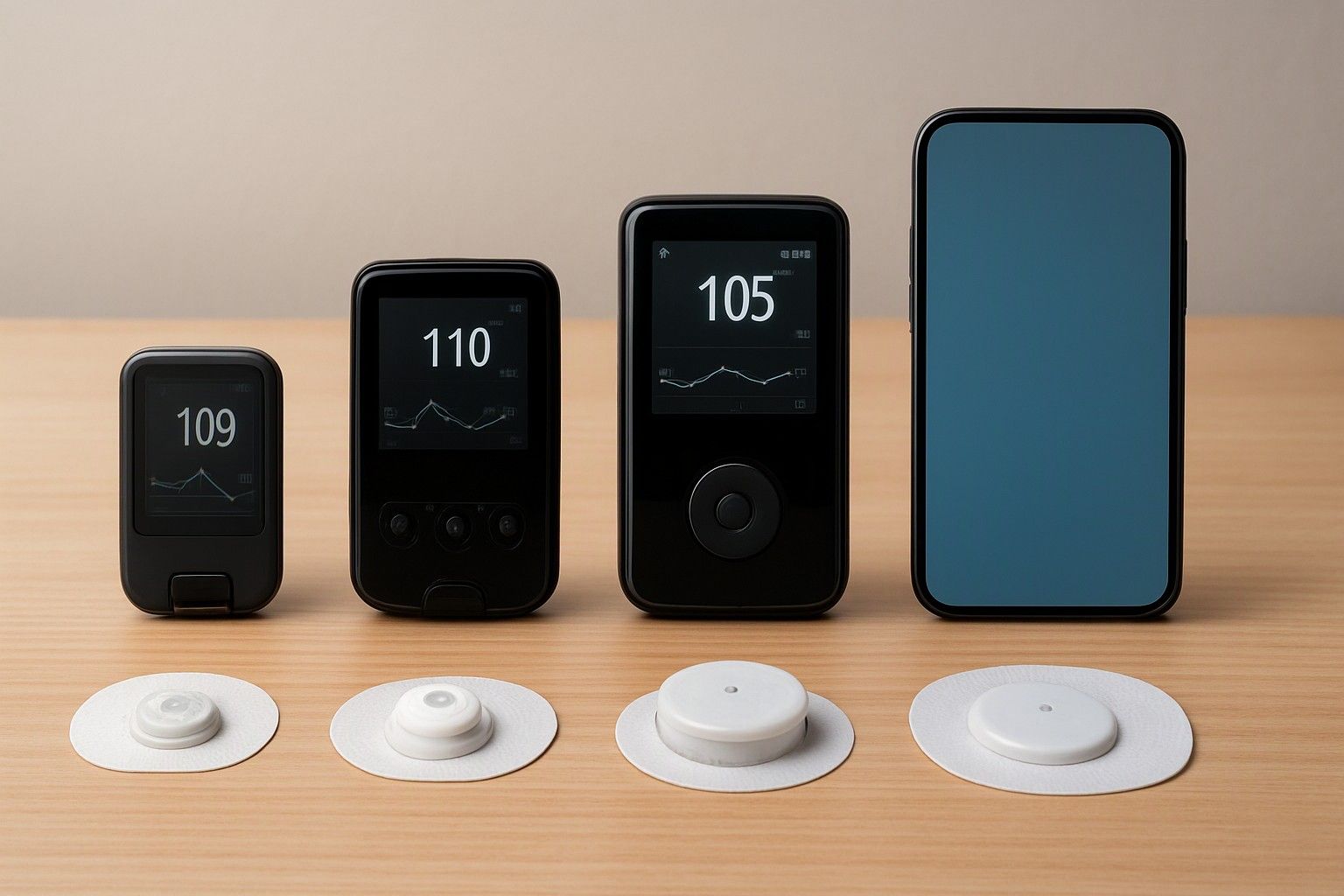
Most CGM listings throw the same handful of numbers at you: accuracy percentage, days of wear, warm-up hours and a vague line about phone support. This article is for anyone comparing two or three sensors who wants to know which of those numbers should change the decision, and whether the sensor will actually read on the phone already in their pocket.
MARD Accuracy Figures and How to Read Them
MARD stands for mean absolute relative difference. It is the average gap, shown as a percentage, between the sensor's glucose reading and a lab or fingerstick reference value. A lower MARD means the sensor sits closer to the reference on average.
The catch is that MARD is an average, so it hides how the sensor behaves at the moments you care about most: a fast drop, a low reading, or the first day of wear. A sensor with a slightly worse headline number can still be steadier in the range you live in. Also check how the figure was produced. A manufacturer's own study, done on a specific group of users with a specific reference method, is not directly comparable to another maker's study run differently.
In practice, a difference of a point or two between two sensors rarely matters for daily decisions like meal timing or spotting overnight trends. A large gap does. If you plan to make dose-related decisions, treat the sensor as a trend tool unless its labelling clearly says otherwise, and keep a fingerstick meter for confirmation when a reading does not match how you feel. Ask the seller for the manufacturer's printed accuracy claim rather than relying on a marketplace bullet point.
7, 14 or 15 Days: How Wear Life Changes Value
Wear life is the number of days one sensor keeps working after you apply it. Longer wear means fewer applications, fewer adhesive patches on your arm and fewer reorders to track.
But the longer sensor is not automatically cheaper. A 14 or 15 day sensor usually costs more per unit than a 7 day one, so the only fair comparison is price divided by days. Our breakdown of how wear duration shifts the effective cost per day shows that arithmetic in full. Sensors in this category span ₹2,000 to ₹18,000, with an average of ₹4,500, so the same maths applies whichever end you shop at.
Three practical points matter beyond cost:
- Adhesive durability. In Indian heat and humidity, sweat and daily showers can loosen a patch early. A sensor rated for 15 days that falls off on day 9 is worse value than a 7 day one that lasts its full term. An overpatch or skin-safe tape can help.
- Fixed expiry of the sensor. Most sensors switch off at the end of their rated life, even if they still feel stuck on, so you cannot stretch them.
- Travel and routine. Fewer changes suit people who dislike applicators or are away from home often.
Pick the wear length you can realistically complete, then compare cost per day.
Warm-Up Time, Calibration and Signal Gaps
After you apply a sensor, it needs a warm-up period before it shows glucose readings. This can be an hour or two on some sensors and noticeably longer on others. It sounds minor, but it matters when you change sensors: a long warm-up leaves you without data for that stretch. Many users apply the new sensor a few hours before the old one expires to avoid a gap, which only works if the old one is still active, so check whether overlapping is possible with your sensor type.
Calibration is the second item to check. Some sensors are factory calibrated and need no fingerstick input. Others ask you to enter fingerstick values at set times. Factory calibrated is simpler, but a sensor that accepts optional calibration can help if readings drift from your meter.
Signal gaps come from two sources. The first is the sensor and transmitter losing contact with your phone or reader, usually when the phone is far away or in another room. Most systems backfill the missing data once reconnected, within a limited window. The second is compression, when you sleep on the sensor arm and readings dip falsely. Look for how long the sensor stores data offline and whether the app flags missing stretches.
NFC, Bluetooth and App Support on Android Phones and iPhones Sold in India
CGMs reach your phone in two main ways, and the difference changes your daily routine.
NFC sensors send a reading only when you hold the phone or reader against them. You scan to see your value, and the sensor stores data between scans. This needs a phone with working NFC hardware. iPhones sold in India have it, but many budget and older Android phones either lack NFC or have it positioned awkwardly near the camera, which makes scanning fiddly.
Bluetooth sensors stream readings continuously to the phone, which allows alarms for highs and lows without scanning. They depend on a stable Bluetooth connection and, importantly, on the phone's operating system version.
Before you buy, run a short checklist:
- Confirm the sensor's companion app is listed on the Google Play Store or Apple App Store for India. App availability can differ by country.
- Check the minimum Android or iOS version the app needs, and compare it with your phone's current version.
- Ask the seller for the manufacturer's compatible-phone list, and look for your exact model on it. Not every Android phone is supported even when its software version is recent enough.
- On Android, check that the phone's battery saver and background restrictions will not stop the app from running, since some brands aggressively close background apps and silence alarms.
If your phone fails any of these, a dedicated reader may be the safer route.
Reader Device vs Phone App: Which Is More Practical
A phone app is convenient because there is nothing extra to carry. It also lets you view graphs on a larger screen and share data with a doctor or family member. The downsides are real, though: it depends on your phone's battery, operating system updates, notification settings and, for some sensors, an internet connection for sharing features.
A standalone reader is a small handheld device that scans or receives the sensor reading by itself. It works regardless of your phone's age or brand, usually has long battery life, and is less affected by app updates that suddenly change how things look. The trade-offs are an extra gadget to carry and charge, and sometimes weaker sharing and reporting features. Readers also cost money upfront, so check whether one is included in the pack or sold separately.
The choice often comes down to who is using it. A tech-comfortable adult with a recent phone will usually prefer the app. For someone older, a button-press reader with a simple screen can be easier to use daily, and it is worth reading about why a standalone reader can suit parents unfamiliar with smartphone apps if that describes your household. If you want both, check whether the sensor can be read by the phone and the reader, and whether the two keep data in sync or store it separately.
Putting the Specs Together for a Final Choice
Work through the specs in order of what can rule a sensor out. Start with phone compatibility, because a sensor your phone cannot read is not an option regardless of accuracy. If the phone fails, either shortlist sensors with a reader or accept a different phone.
Next, check wear life against cost per day and against how well the adhesive will hold in your climate and routine. Then look at accuracy: use MARD as a filter to drop sensors with clearly weaker numbers, but do not agonise over small gaps. Finally, weigh warm-up time, calibration needs and alarm support against how you will use the data.
Budget shapes which combinations are open to you. In the ₹3,000 budget tier of CGM, expect to give up something, often continuous alarms, a longer wear life or a bundled reader. In the ₹5,000 tier the choices widen, and in the ₹10,000 tier you are more likely to find longer wear and richer app features. Against that spread, an average of ₹4,500 is a reasonable reference point for what a typical sensor costs, so you can judge a listing against it today rather than guess.
Once the specs narrow your list to one or two, pairing these spec checks with price and seller verification is what turns a shortlist into a safe purchase: confirm the batch is genuine, the expiry date is far enough ahead and the seller is authorised.
The specs that actually decide a CGM purchase are phone compatibility first, then wear life priced per day, then accuracy read as an average and not a promise. If a sensor clears your phone, fits your skin and routine, and stays within your budget tier, you have what you need to choose with confidence.

Comments
Be the first to comment.