Dash Cam Recording Specs Explained: Resolution, Night Vision and Field of View
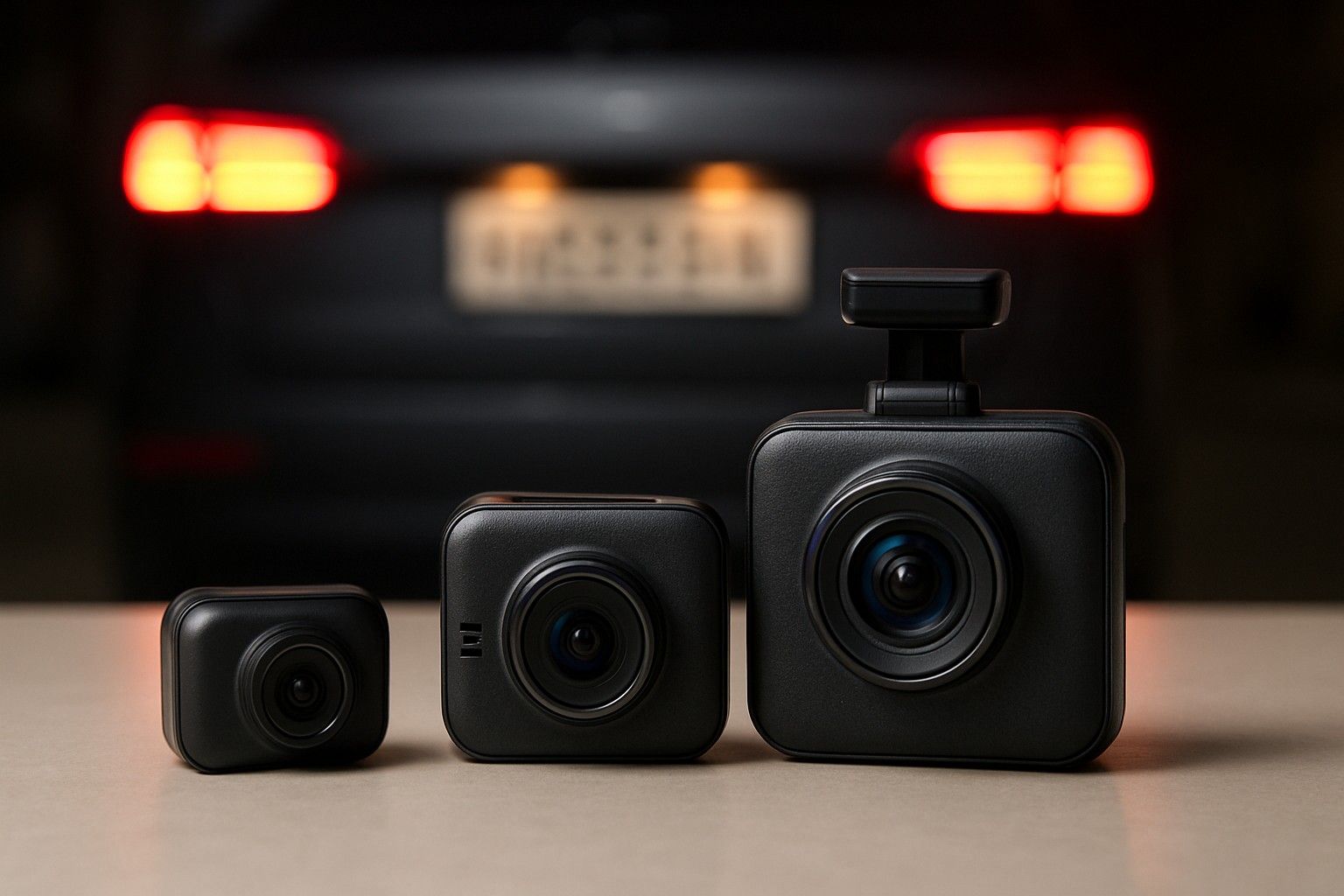
If you've ever zoomed into dash cam footage hoping to read a number plate and got a blurry smear instead, you already know specs on a box don't tell the whole story. This guide breaks down what resolution, night vision, HDR/WDR, field of view and frame rate actually do to footage quality, so you can match numbers to real-world clarity instead of just picking the biggest figure. By the end, you'll know exactly which specs matter for plate-level detail and which ones are marketing filler.
1080p vs 2K vs 4K: What You Actually Need
Resolution decides how much detail a frame can hold, but more pixels only help if the rest of the camera can keep up. A 1080p (Full HD) dash cam remains the baseline for a reason: it's affordable, files stay manageable in size, and on a good sensor it captures enough detail for incident review, lane position and general scene context. Where it struggles is at distance — a number plate 15-20 feet away in 1080p footage often turns into a smudge once you zoom in, because you're stretching a limited pixel count across a small area of the frame.
2K (1440p) is the practical middle ground for Indian roads. It adds enough pixel density to hold plate characters together at moderate distances without doubling storage needs or straining a budget sensor's low-light performance. 4K sounds like the obvious upgrade, and for headline resolution it is, but a lot of budget 4K dash cams pair a 4K-rated sensor with a weak processor or a cheap lens, so the extra pixels don't translate into extra clarity — you get a bigger file of the same blur. Genuine 4K clarity, where the extra resolution is actually usable, tends to show up in cameras priced toward the ₹14,999 range rather than the cheapest options. If your budget sits in ₹1,499 or the lower end of ₹5,499, a well-reviewed 2K unit will usually out-resolve a corner-cut 4K one in practice.
Reading Number Plates: Why Resolution Alone Isn't Enough
This is the question most buyers actually have, and resolution is only one piece of the answer. Plate legibility depends on how many pixels fall on the plate itself, which is a function of resolution, lens quality, sensor size and compression settings working together. A high-resolution camera with a heavily compressed bitrate will still turn plates to mush during playback, because compression throws away fine detail to save storage — this is common in budget cameras that advertise 4K but record at a bitrate barely adequate for 1080p.
Lens quality matters just as much. A sharp, well-focused lens on a 1080p sensor can resolve a plate more clearly than a soft, distorted lens on a 4K sensor, especially near the edges of the frame where cheap wide lenses lose sharpness. Sensor size also plays a role: larger sensors gather more light per pixel, which keeps detail intact even when the car isn't moving in bright daylight. Practically, this means a plate is readable when it's roughly centred in frame, the vehicle is within 15-20 feet, and the footage isn't from a lens edge — a dash cam mounted too wide or too low will place the plate at the frame's periphery, where distortion undoes whatever resolution advantage you paid for. Don't judge a camera on resolution numbers alone; check sample footage or reviews that specifically mention plate readability.
Night Vision, HDR and WDR for Poorly Lit Indian Roads
Indian roads at night bring a specific mix of challenges — unlit stretches, oncoming headlight glare, and streetlights that create harsh pools of bright and dark within the same frame. Night vision on a dash cam usually means a combination of a larger aperture lens, better low-light sensor processing, and sometimes infrared assistance for the cabin-facing lens on dual-channel setups. None of this creates light where there isn't any; it just makes better use of what's available, so expect a genuine improvement in shadow detail rather than daylight-level clarity in pitch dark.
HDR (High Dynamic Range) and WDR (Wide Dynamic Range) solve a different but related problem: balancing extreme brightness differences in one frame, like a car's headlights against a dark background. Without WDR, oncoming headlights often blow out into a white blob that erases everything around them, including the plate you're trying to capture. With WDR active, the footage holds detail in both the bright headlights and the darker surroundings, which is exactly the situation you hit on unlit highways and poorly lit city roads at night. If reading plates in low light matters to you — say, for hit-and-run or reversing-car scenarios — prioritise a camera that explicitly lists WDR or HDR support over one that only advertises a high ISO or vague 'night mode' branding, which can mean very little without real dynamic range handling.
Field of View: How Wide Should the Lens Be
Field of view (FOV) is a trade-off between coverage and distortion, not a spec where wider automatically wins. A narrower FOV, around 120-140 degrees, keeps more pixels concentrated on what's directly ahead, which is exactly what you want for reading plates and reacting to the vehicle in front. A wider FOV, 150-170 degrees or more, captures more of the road including adjacent lanes and side approaches at intersections, which helps in dense city traffic and at junctions where risk often comes from the side rather than straight ahead.
The catch is that very wide lenses introduce fisheye-style distortion at the edges, curving straight lines and compressing detail exactly in the zones where a car cutting in or a plate at an angle would appear. For most Indian driving — a mix of highway stretches and congested city junctions — a FOV in the 130-160 degree range tends to balance both needs without pushing distortion too far. If your priority is specifically catching plates in the lane ahead, lean toward the narrower end of that range; if you're more worried about side-impact incidents at intersections, the wider end serves you better, accepting some edge softness as the cost.
Frame Rate and Why It Matters at Highway Speeds
Frame rate, usually 30fps or 60fps, determines how much motion blur shows up when things are moving fast — either your car or the one you're trying to identify. At 30fps, each frame captures a slightly longer sliver of time, which is fine at city speeds but starts to smear detail once relative speeds climb on highways, exactly when you'd most want a clear plate capture during an overtaking manoeuvre or a near-miss.
60fps halves that exposure window per frame, keeping fast-moving plates and objects sharper and reducing the blur that turns a legible plate into a streak. The trade-off is storage and processing load: 60fps footage at higher resolutions eats through memory card space faster and demands more from the camera's processor, which is part of why cheaper cameras cap out at 30fps even at higher resolutions. If highway driving is a regular part of your routine, treat 60fps as more valuable than an extra bump in resolution — a sharp 1080p60 frame will often out-perform a blurry 4K30 one for actually reading a plate on a car doing 80-100 km/h alongside you.
Which Specs to Prioritise for Your Setup
Not every spec deserves equal weight, and where you should compromise depends on whether you're running a single front camera or a front-and-rear pair. For a front-only setup, put your budget toward resolution, WDR and frame rate on that one lens, since it's doing all the work of capturing plates, junction incidents and highway overtakes. For a two-channel setup, the front lens still needs those priorities, but the rear lens can usually get away with a lower resolution and narrower FOV since its job is mostly documenting rear-end contact rather than reading distant plates.
This split matters for budget allocation too — a front-and-rear kit at a given price point often means both lenses get a slightly weaker spec than a front-only camera at the same price, so decide upfront whether rear coverage is worth that trade-off for your driving pattern. If you haven't settled on the channel count yet, it's worth stepping back to match these specs to a front-only or front-and-rear setup before locking in a resolution or FOV preference, since the right spec balance genuinely shifts depending on that decision.
Fitting the Right Spec Into Your Overall Choice
Specs are only useful once they're weighed against price, and here the range across the category — from ₹999 to ₹29,999, averaging around ₹4,999 — tells its own story. Cameras in ₹1,499 rarely combine strong resolution, WDR and 60fps all at once; something gets cut to hit that price. Stepping into ₹5,499 typically buys you a genuine 2K sensor with usable WDR, which covers plate-reading needs for most buyers without chasing 4K. ₹14,999 is where 4K clarity, dual-channel setups and stronger night performance start to come together properly, rather than being listed on a spec sheet but poorly executed.
Rather than treating resolution, night vision, FOV and frame rate as separate purchase decisions, it helps to bring this together with the rest of the buying checklist — storage cards, mounting, power draw and channel type all interact with the specs covered here, and the full picture is what actually determines whether a camera does its job when you need the footage most.
You now have a working answer to what actually makes a plate readable: it's not resolution in isolation but the combination of sensor quality, WDR, a sensible field of view and a frame rate that keeps pace with traffic. Use that lens to read past marketing numbers on any dash cam listing, and you'll be judging cameras on the specs that genuinely affect footage you can rely on.

Comments
Be the first to comment.