Smartwatch Phone Compatibility: Android and iPhone Explained
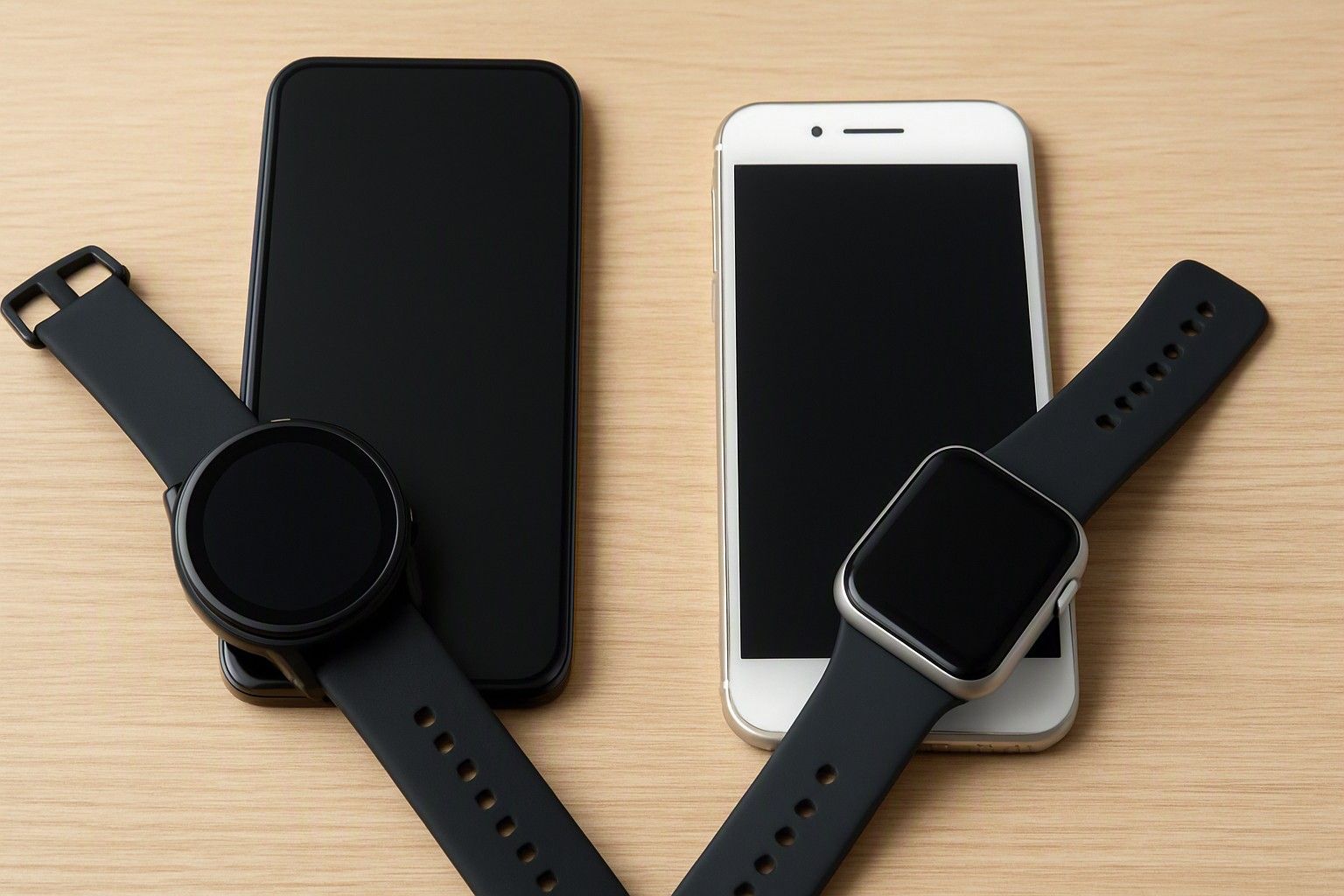
Before you spend anywhere from ₹999 to ₹65,000 on a smartwatch, the single most important question isn't the screen or the battery, it's whether the watch will actually talk to your phone the way you expect. Compatibility issues don't show up in a shop demo, they show up two weeks later when calls don't sync or an app refuses to install. This article walks through exactly how that connection works on Android and iPhone, so you know what you're getting before you pay.
How Smartwatches Connect to Your Phone
Every smartwatch, regardless of price, relies on a companion app installed on your phone to actually function. The watch itself handles the display, sensors, and basic on-device controls, but the heavy lifting, syncing notifications, tracking health data over time, updating firmware, changing watch faces, happens through Bluetooth (and sometimes Wi-Fi) talking to that app. This pairing is not a one-time thing either. The watch periodically reconnects to your phone, and if that connection drops often, you lose notifications, your step count stops syncing, and calling features (if the watch has them) stop working until you manually reconnect.
This matters more at certain price points. A watch bought under ₹2,000 is more likely to use a generic companion app that isn't actively maintained, which means occasional pairing drops or delayed notifications are more common than on a watch in the ₹5,000 or ₹15,000 range, where brands typically invest more in app stability. None of this is about the watch being "smart" on its own, it is entirely dependent on the phone it's paired to, which is exactly why compatibility deserves attention before purchase rather than after.
Using a Smartwatch With an iPhone: What You Lose and Keep
If you're on an iPhone, the honest answer is that most non-Apple smartwatches will work, but with noticeable limits. You'll be able to pair over Bluetooth, install the companion app from the App Store, see call and message alerts, track steps, heart rate, and sleep, and get basic app notifications like calendar reminders or delivery updates. What you typically lose is the ability to reply to messages directly from the watch, since iOS restricts how much access third-party apps get to your messaging data. You also can't reply to iMessages or use Siri-level integration the way you would with a first-party Apple device, and features like sending a WhatsApp voice note from the watch or unlocking apps that need deep phone-level permissions often simply won't appear as options.
Where this becomes a real decision factor is with calling. Some watches sold in India advertise Bluetooth calling, and this does work with iPhones for basic call handling, answering, rejecting, seeing caller ID, but the depth of integration (contact sync, call history, dialling from the watch) is usually better on Android. If you're an iPhone user mainly wanting fitness tracking, notifications, and basic call control, a non-Apple smartwatch across any of the price bands from ₹999 to ₹65,000 will do the job reasonably well. If you want the watch to feel like a true extension of your phone with two-way messaging and app-level actions, that expectation needs to be assessed before you buy — this is one of the smartwatch buying mistakes iPhone users make most often, expecting Android-level integration from a non-Apple watch.
Android Compatibility and Companion Apps
Android generally gives smartwatches more room to work with, which is why most non-Apple watches feel more capable when paired with an Android phone. The companion apps get deeper permissions by default, so you can usually reply to WhatsApp messages with quick presets, control music playback, see richer notification content, and in some cases even mirror certain app actions directly from the watch. This isn't universal across every Android phone though. Older Android versions or heavily customised phone software from certain manufacturers can restrict background app activity to save battery, which quietly breaks notification syncing even though the watch shows as "connected."
Before buying, it's worth checking two things specific to your phone: the minimum Android version the watch's companion app requires, and whether your phone's battery optimisation settings need manual adjustment for the app to run in the background reliably (this is a known quirk on several Android phones sold in India, not a fault of the watch itself). Watches in the ₹5,000 and ₹15,000 range tend to have more actively updated apps that handle this better out of the box, while very budget options under ₹2,000 may need you to dig into phone settings yourself to stop notifications from lagging or dropping after a few hours of screen-off time.
Do You Need a SIM or eSIM Watch
For the vast majority of buyers in India, the answer is no. A standard Bluetooth-paired smartwatch, which covers nearly everything from ₹999 up through most of the ₹15,000 range, works by staying connected to your phone within Bluetooth range, roughly 10 to 30 metres depending on obstructions. It doesn't need its own mobile connection because it's using your phone's data and signal in the background.
A SIM or eSIM watch is a different category altogether, built for situations where you want the watch to work independently of your phone, making calls, sending messages, or using data even when your phone is left at home. These are less common in the mass smartwatch market and typically sit at the higher end of pricing, closer to ₹65,000, because they need their own cellular radio and often a separate mobile plan or add-on SIM from your carrier. For most people asking whether a watch will work with their phone, this isn't the relevant question, since a standard Bluetooth watch already handles calls, messages, and notifications through the phone's existing connection. Only consider a SIM or eSIM option if you specifically want to leave your phone behind during workouts or commutes and still stay reachable, that's a deliberate lifestyle choice, not a compatibility requirement.
Bluetooth Calling and Notification Support
Bluetooth calling on a smartwatch means the watch has its own microphone and speaker, and routes calls through your phone's connection over Bluetooth rather than needing a SIM. This is now common even in watches priced near ₹2,000, but how well it works depends heavily on your phone. Android phones generally support fuller call handling, dialling from a synced contact list, seeing recent call history, and switching audio between watch and phone. iPhones support answering and rejecting calls and seeing caller ID, but dialling directly from the watch's own interface is often limited or unavailable, since iOS controls how much telephony access third-party devices get.
Notification support follows a similar pattern. Both platforms will push through basic alerts, calls, texts, calendar events, app notifications, but the richness differs. On Android, you'll often see full message previews and sometimes quick-reply options. On iPhone, you'll typically see that a notification arrived and a short preview, but interacting with it beyond dismissing or viewing is limited. Neither of these gaps is a defect in the watch, they're a result of how each phone operating system controls third-party access, so setting the right expectation for your specific phone matters more than chasing a watch with a longer feature list on the box.
Checking Compatibility Before You Buy
Before you finalise a purchase, there are a few concrete checks worth doing rather than relying on the box copy. First, search for the exact companion app name on the App Store or Play Store and read the recent reviews filtered by your phone type, iPhone users and Android users often report very different experiences with the same app. Second, confirm the minimum OS version required, both iOS and Android watches often quietly drop support for phones running older software. Third, if calling matters to you, look specifically for whether Bluetooth calling is supported on your phone type, not just "supported" in general, since this detail is sometimes buried in the fine print.
It's also worth checking return or replacement policy windows at the seller you're buying from, since a compatibility issue is often only obvious after a few days of real use, not during setup. Price alone isn't a reliable signal of compatibility either, a watch at ₹5,000 isn't automatically more compatible with your phone than one closer to ₹999, since it depends on the specific app and feature set rather than the price tag. Once you've confirmed the watch works the way you need with your specific phone, you can run through the rest of the pre-purchase checklist in the buying guide to cover the remaining decisions, battery life, display type, and fitness tracking accuracy, before you commit.
Whether a smartwatch will work "properly" with your phone comes down to a short list of concrete checks, not brand reputation or price tag. iPhone users get solid fitness tracking and basic call and notification handling but limited two-way interaction, Android users generally get deeper integration, and almost nobody actually needs a SIM or eSIM watch. Run through the companion app reviews, OS version requirements, and calling support for your specific phone before you pay, and you'll know exactly what you're getting instead of finding out after the return window closes.

Comments
Be the first to comment.