Video Doorbell Features You Need vs. Features You Can Skip
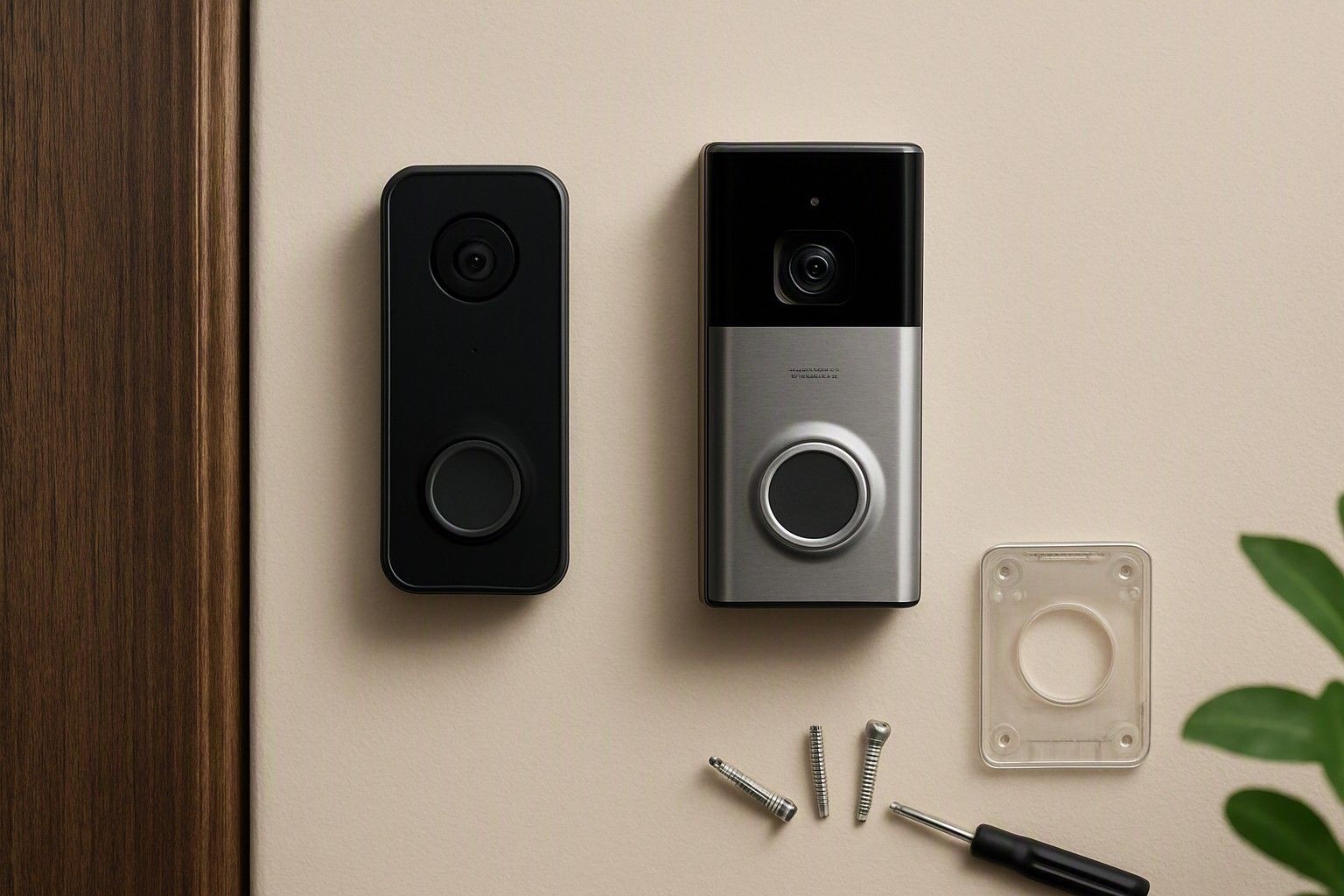
Spec sheets for video doorbells are full of numbers that sound important but don't always affect how well the doorbell actually works at your door. This guide breaks down every major feature category — resolution, field of view, night vision, motion alerts, audio and chime setup — and tells you plainly which ones justify a higher price and which ones you can skip without regret. If you're trying to decide which spec is worth stretching your budget for, this is where that decision gets made.
Video Resolution and Why Higher Isn't Always Needed
Resolution is the first number every listing shouts about, and it's the one most likely to be oversold. A doorbell recording in 1080p gives you a clear enough face and package label from typical Indian doorstep distances of one to two metres, which is really all you need for identifying a visitor or a delivery. Higher resolutions like 2K or beyond do sharpen the image further, but the practical gain is small unless you plan to zoom in heavily on recorded footage or your porch is unusually deep. What resolution changes more noticeably is file size and bandwidth: a higher-resolution doorbell eats more of your Wi-Fi upload speed and more cloud or microSD storage, which matters if your home broadband is modest or you're on a shared connection. It also affects battery life on wireless models, since more data means more radio transmission time per event. For most apartments and independent houses, 1080p handles the job of confirming who's at the door and capturing usable evidence if something goes wrong. Where resolution genuinely earns its price is if you have a long, open gate-to-door approach and want to identify someone from further away, or if you routinely need to read fine text like a courier's ID card on screen. Otherwise, paying extra purely for a bigger resolution number is the easiest way to overspend on a feature that won't change your daily experience of the doorbell.
Field of View: Seeing the Full Person at Your Door
Field of view decides whether you see a visitor's whole body or just a slice of their torso, and this matters more in daily use than most buyers expect. A narrow field of view, often found on cheaper units, can miss a child standing lower in frame, a package left to one side of the door, or a second person standing just off to the edge. A wider horizontal field of view, generally in the range that captures both the visitor and a good portion of the area around them, gives you a much more complete picture of who's actually at your door and what they're carrying. Vertical field of view matters too, especially for homes with a porch or step, since a doorbell mounted at chest height with a narrow vertical angle can crop out a visitor's face if they stand close to the door. This is one feature where paying a little more is usually worth it, because a wide field of view genuinely changes what you can see and verify, unlike resolution, which mostly changes how sharp what you already see looks. If your entryway is narrow with visitors standing directly in front of the camera, a moderate field of view is fine. If you have a gate, a shared landing, or multiple approach angles, prioritise a wider field of view over chasing a higher resolution number.
Night Vision and Low-Light Performance
A large share of doorbell events happen after dark — deliveries running late, visitors arriving post-sunset, or simply checking who rang at night — which makes night vision one of the more consequential features rather than a nice-to-have. Basic infrared night vision, present even on inexpensive doorbells, gives you a usable black-and-white image that's enough to identify a face and confirm a package. Where doorbells differ is in how well they handle the transition zone: porch lights, streetlights, or a neighbour's bright balcony light can wash out a basic infrared sensor and leave the picture either overexposed or too dark at the edges. Better low-light performance, sometimes paired with a small visible-light illumination mode, produces a more even, colour-accurate image in dim but not pitch-dark conditions, which is genuinely useful if your entrance has patchy lighting. What you can skip is any doorbell marketed heavily on "night vision range" claims that go well beyond a typical porch depth — most Indian doorsteps don't need night vision that reaches ten or fifteen metres, since the visitor is standing right in front of the camera, many video doorbell brands advertise this. Focus instead on how clean the image looks in your specific entrance's actual lighting rather than a maximum-range figure on the box, since that number rarely reflects real-world image quality at the distance you actually need.
Motion Detection, Alerts and Package/Person Recognition
Motion detection is where feature lists get the most crowded, and also where the most genuinely useful upgrades live. Basic motion detection triggers a notification whenever anything moves in frame, which sounds helpful until you're getting alerts for passing traffic, neighbours' pets, or leaves blowing across the porch — a common complaint in busier Indian lanes and ground-floor units. Adjustable motion zones, where you draw a boundary so the doorbell only alerts within your gate or doorstep, cut this noise significantly and are worth prioritising over raw sensitivity settings. Smarter recognition features — distinguishing a person from a vehicle, or flagging when a package is left behind — go a step further by filtering alerts to what actually needs your attention, and these tend to appear on doorbells a tier above the most basic models. Facial recognition that identifies specific known visitors is the feature you can most safely skip for a home setup: it adds cost, occasionally struggles with accuracy in bright Indian daylight or when someone's wearing a mask or helmet, and rarely changes what you'd do differently on getting the alert. What's worth paying for is reliable zone-based motion detection with low false-alert rates; what's optional marketing polish is granular recognition categories layered on top of that core function.
Two-Way Audio and Pre-Recorded Responses
Two-way audio lets you speak to whoever's at the door through the app, and for most buyers this earns its place as a core feature rather than an extra. It's particularly useful when you're not home and want to instruct a delivery person to leave a package, or when you want to deter someone lingering near your entrance without needing anyone physically present. Whether you choose a wired or wireless doorbell can also affect how practical this setup is, particularly if your entrance doesn't already have suitable wiring. What matters practically is audio clarity in both directions and minimal lag, since a delayed or garbled exchange defeats the purpose during a genuinely time-sensitive moment, like directing a courier before they leave. Some doorbells add pre-recorded or quick-reply responses — canned phrases like "please leave the package" that play with a tap instead of you speaking live. These are a convenience layer rather than a necessity: they save a few seconds and can help if you're in a meeting or can't speak, but they don't do anything two-way audio alone can't already handle with a typed instruction or a quick voice reply. If a doorbell's price jumps noticeably for a longer library of pre-recorded phrases or a more elaborate response menu, that's a fair feature to skip. Clear, low-lag two-way audio is the part worth insisting on; the number of canned response templates is not.
Chime Options: Existing Chime, Plug-in or Phone-Only
How the doorbell actually rings matters more than it sounds, because it decides whether you rely entirely on your phone or have a physical backup around the house. Some doorbells connect to your existing wired chime, which is convenient if your home already has one wired in, but not every model supports this, and retrofitting wiring can add cost and hassle. Plug-in chime units, which you place in a socket somewhere central in the house, are a common middle ground in Indian homes — they don't need existing wiring and give you an audible alert even if your phone is on silent or in another room, which matters in larger homes or multi-storey houses where a phone-only alert can easily be missed. Phone-only setups, where the only notification comes through the app, work fine for smaller homes or single occupants who keep their phone nearby, but they carry real risk of missed visitors if you're asleep, in the shower, or your phone's on do-not-disturb. If your household already has people moving around at different times, or your phone isn't always within earshot, a plug-in or existing-chime-compatible doorbell is worth the modest extra cost over a phone-only model. If you live alone or in a compact flat with your phone almost always on you, phone-only alerts alone are a reasonable feature to settle for.
Matching Features to Your Budget
Not every feature is available at every price, and knowing which trade-offs come with which budget band saves you from either overpaying for specs you won't use or underbuying on the ones that matter most. Doorbells priced under ₹5,000 typically cover the basics — 1080p resolution, simple infrared night vision, and basic motion alerts — but usually skip wider field of view options, zone-based detection, and chime flexibility. The ₹8,000 is the mid price range of video doorbell where field of view improves, motion zones become more common, and audio quality gets noticeably better, making it a sensible middle ground for most homes. Above that, in the ₹12,000 range, you start seeing smarter recognition filtering, stronger low-light handling, and more flexible chime compatibility bundled together. Across the market, prices run from ₹2,000 to ₹15,000, with the average sitting around ₹6,500 — a useful anchor for judging whether a specific listing's price reflects genuine feature upgrades or just brand markup. Once you know which features actually matter for your entrance, your household size, and your lighting conditions, you can see which features land in each price band and match your spending to what you'll actually use, rather than paying for a longer spec sheet that doesn't change your daily experience at the door.
You now have a clear read on which video doorbell specs change what you actually see and hear at your door, and which ones are just longer lines on a spec sheet. Prioritise field of view, reliable motion zones, clean low-light image quality, and a chime setup that fits your household — treat resolution numbers, recognition extras, and canned response menus as nice-to-haves rather than deciding factors. That's the difference between paying for a doorbell that solves your actual problem and paying for one that just sounds more advanced.

Comments
Be the first to comment.