Video Doorbell Installation, Privacy Rules and Mistakes to Avoid
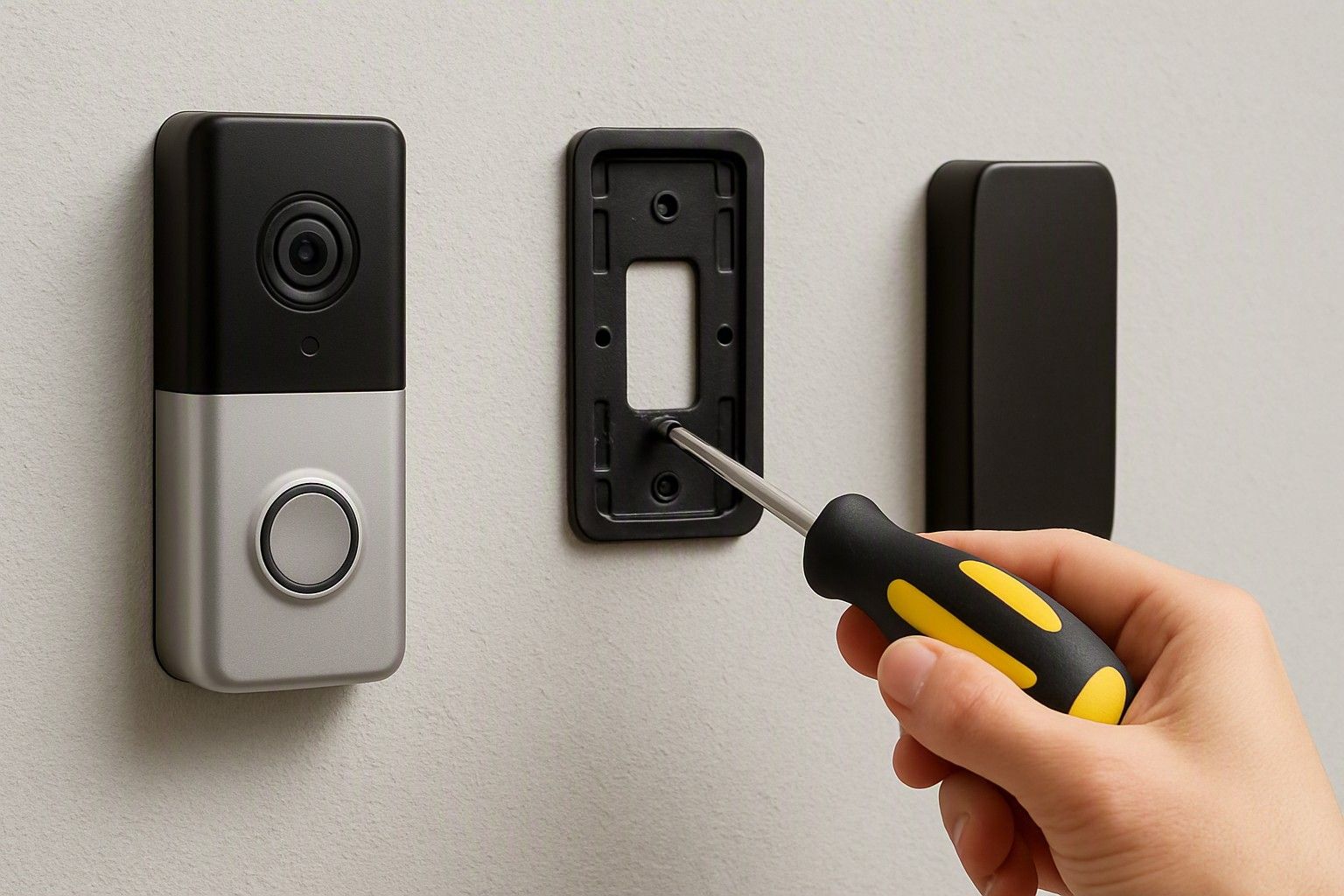
Buying a video doorbell is the easy part — getting it mounted correctly, keeping your society happy about corridor recording, and avoiding the small setup errors that ruin the experience is where most first-time buyers stumble. If you're wondering how to install a video doorbell without triggering a neighbour complaint or a wasted purchase, this is the guide to read before you drill a single hole.
DIY Installation vs Calling a Professional
Most video doorbells sold in India are designed for self-installation, and for a straightforward flat door or an independent house main gate, doing it yourself is usually realistic. The typical kit includes a mounting plate, screws, a wedge or angle bracket, and a basic wiring diagram if you're replacing an existing wired doorbell chime. If your home already has a wired doorbell point, the job is mostly about matching wire polarity and testing the existing transformer's voltage, which many battery-first doorbells don't even need since they run independently on their own battery pack.
Where it gets trickier is drilling into stone, tiled, or reinforced concrete door frames, especially in older buildings or societies with marble cladding at the entrance. A masonry drill bit and a steady hand are non-negotiable there, and a slightly off-angle hole can mean the doorbell sits crooked or the mounting plate doesn't sit flush. If your setup involves rewiring an existing chime, tapping into a shared electrical line, or drilling through a shared society wall rather than your own door frame, it's worth paying an electrician for an hour's work rather than risking a botched hole you can't easily patch. The cost of professional help is small compared to a device that's misaligned for its entire working life, and many local electricians and handyman services now handle this as a routine job.
Mounting Height, Angle and Weatherproofing for Indian Conditions
The single most common installation mistake is mounting the doorbell at the wrong height, which throws off the whole point of buying one. Most video doorbells work best mounted at roughly chest to eye height for an average adult, angled slightly downward, so the camera captures a visitor's face rather than their midsection or the top of their head. Mounting too high to "future-proof" against tampering usually just means blurry, badly angled footage that's useless for identifying who was actually at the door.
Indian weather adds a layer most buyers underestimate. A doorbell mounted on an east- or west-facing main door will take direct sun for large parts of the day, and heat buildup can affect battery life and, over time, the plastic housing itself. A doorbell facing an open corridor or an unsheltered gate needs a genuinely weatherproof rating, not just a splash-resistant one, especially in coastal cities or during the monsoon months when driving rain hits at an angle. Check the IP rating printed on the box or listing before mounting outdoors, and where possible, position the unit under an overhang, chajja, or porch ledge so it isn't taking rain and full sun directly. A doorbell that looks identical to another but lacks proper weatherproofing will start showing fogged lenses or connectivity issues within a season, regardless of how good its footage quality was on day one.
Society and Neighbour Privacy Rules for Recording Corridors
This is where video doorbell buyers in apartment complexes run into friction that homeowners with independent houses rarely face. A doorbell mounted on a flat's main door in a shared corridor doesn't just record your own threshold — its field of view often captures the neighbour's door, the shared passage, and anyone walking past, which is exactly what triggers objections at society meetings. Several housing societies have started asking residents to either get committee approval before installing exterior recording devices or to angle the camera strictly within their own doorframe.
The practical fix is usually adjustable field-of-view settings, which most video doorbells offer, letting you crop or mask the recording zone so it doesn't sweep across a neighbour's door. Before installation, it's worth having an informal word with your immediate neighbour and, if your society has a written rule on CCTV or doorbell cameras in common areas, checking whether it requires prior written intimation to the managing committee. Some societies have adopted formal resolutions under general property and privacy norms that apply to any recording device covering common areas, and being on the wrong side of that after installation is a harder conversation than having it before. None of this should stop a genuine security purchase — it just means the actual answer to "how do I install this without a dispute" includes checking your society's stance and your camera's angle settings, not just the box's spec sheet.
Common Mistakes First-Time Buyers Make
A recurring mistake is buying based on camera resolution alone and ignoring Wi-Fi range at the door — many main entrances sit at the far edge of a home router's signal, and a doorbell that drops connection intermittently is far more frustrating than one with slightly lower video quality but a stable link. A Wi-Fi extender near the entrance solves this cheaply, but buyers rarely think about it until after installation.
Another common error is skipping the battery-versus-wired decision and defaulting to whichever was cheaper, without checking how often the specific model needs recharging under real daily usage — a doorbell that needs removing and recharging every couple of weeks becomes a chore that eventually gets ignored. Buyers also frequently underestimate storage costs: some doorbells work only with a paid cloud subscription for recorded clips, while others support a local microSD card, and not checking this before buying means an unpleasant surprise when you want to review footage after an incident. Mounting without checking the door material is another repeat mistake — glass doors, metal grill gates, and certain composite doors need different fixing hardware than what ships in the box. Finally, many buyers never test the motion sensitivity settings after installation, leaving it either too sensitive (triggering on every passing vehicle or pet) or too dull (missing an actual visitor), when a five-minute calibration after mounting fixes both.
Warranty and After-Sales Support to Check
Video doorbells across the price range — from budget models near ₹2,000 up to premium options closer to ₹15,000, with the market averaging around ₹6,500 — typically carry a standard manufacturer warranty, but the terms vary more than buyers expect. Check specifically whether the warranty covers the outdoor unit against weather-related damage, since that's the component most exposed to Indian heat, dust, and rain, and some warranties explicitly exclude water damage if the unit wasn't installed within the rated weatherproofing conditions.
Also confirm how after-sales support actually works before you buy: is there a local service centre or is support purely app-based and remote, does the seller offer replacement or repair for a faulty unit within the return window, and is customer support reachable by phone or only through chat. For doorbells that depend on a companion app and cloud storage, it's worth checking how long the company has been actively updating that app, since a doorbell's hardware can be fine while an abandoned app makes the whole device useless. Buyers in the ₹5,000 range should pay particular attention to this, since ultra-budget models sometimes cut costs on long-term software support rather than on the hardware itself.
Final Checks Before You Confirm Your Order
Before you finalise anything, confirm three things line up: your door and mounting surface suit the bracket that ships in the box, your Wi-Fi signal reaches the entrance reliably, and your society has no standing objection to corridor-facing recording that you'd need to resolve after installation rather than before. It's also worth deciding upfront whether you're comfortable with a recurring cloud subscription or need a model with local microSD storage, since that changes the real cost of ownership beyond the sticker price. If you want to go back over every factor systematically rather than relying on memory, it helps to run through the complete pre-purchase checklist once more before you tap confirm.
Installation mistakes, weatherproofing gaps, and society pushback on corridor recording are avoidable, not inevitable — they just need to be thought through before the doorbell goes up rather than after. Get the mounting height, angle, and privacy conversation right at the start, and the device you've bought will actually do the job you bought it for.
Comments
Be the first to comment.