Will a Video Doorbell Work With Indian Power Cuts and Weak Wi-Fi?
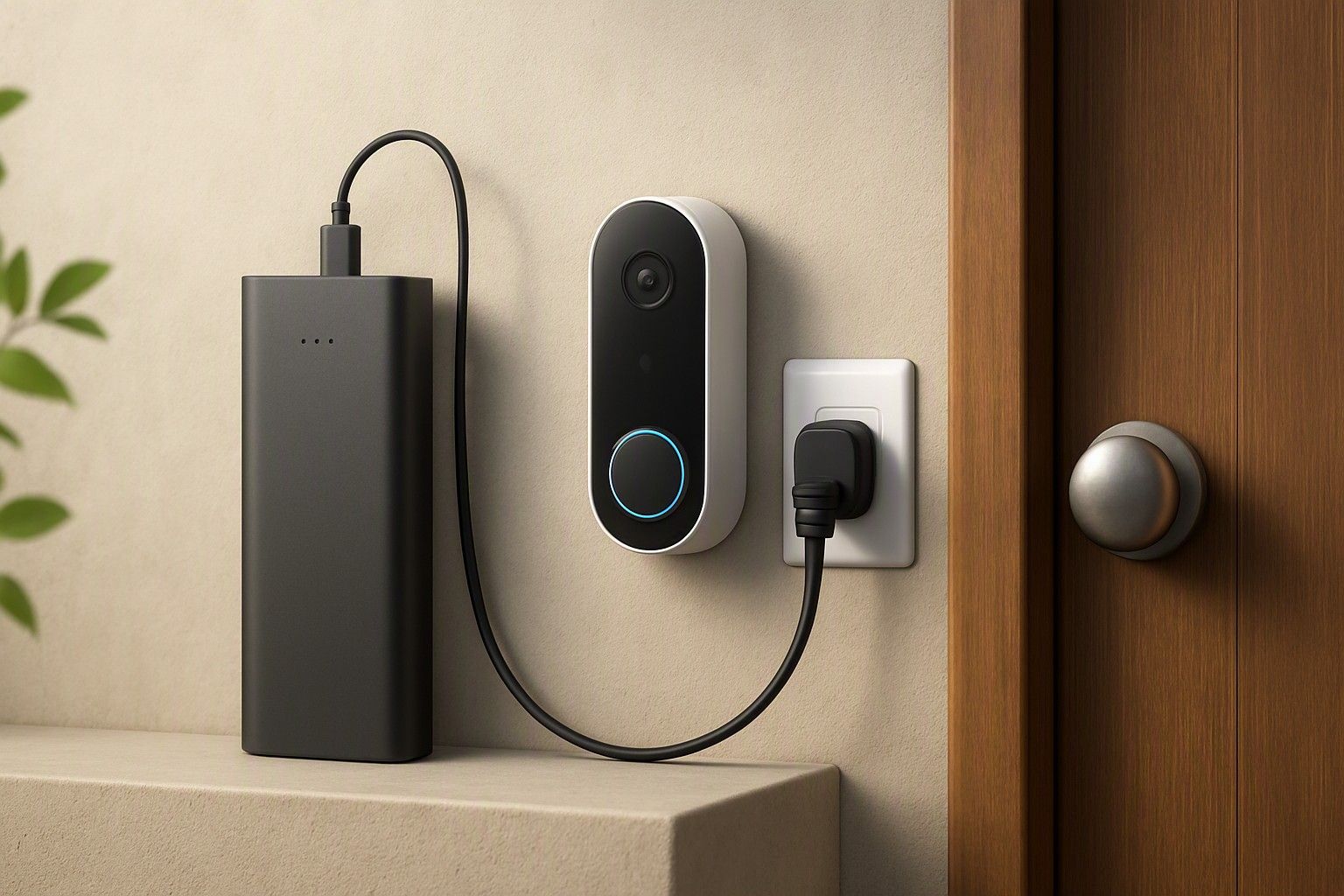
If your area gets frequent power cuts or the Wi-Fi signal drops the moment you step outside your main door, that's the real test for a video doorbell, not the megapixel count or app features. This article walks through exactly what happens during outages and weak signal, and what you can realistically do about it before you spend anywhere between ₹2,000 and ₹15,000.
What Happens to Your Doorbell When the Power Goes Out
Most video doorbells sold in India are wired models that draw power either from your existing doorbell transformer or a small plug-in adapter. The moment mains power cuts out and there's no backup circuit behind it, the doorbell simply switches off. No live view, no motion alerts, no way to see who's at the door until power returns and the unit reboots and reconnects to your Wi-Fi, which itself can take a minute or two.
This matters more in India than in markets where this kind of product is designed and marketed, because scheduled load-shedding and unscheduled outages are still common in many towns and even parts of larger cities during peak season. A doorbell that works perfectly for weeks can go dark for the exact hour you needed it, say, during a delivery, a service visit, or when you're not home and want to check who rang.
It's worth being clear-eyed about this before buying: a wired doorbell with no battery or backup is fundamentally dependent on your local power reliability. If outages in your area are rare and short, this is a minor inconvenience. If they're frequent or long, it directly affects whether the doorbell does its job when you actually need it, which is the core question worth settling before you spend on any tier of this product.
Battery Models and Inverter Backup as Workarounds
There are two practical ways around the power-cut problem, and they work differently. The first is a battery-powered doorbell, which runs on an internal rechargeable pack instead of drawing continuous mains power. These keep working through a power cut because they were never relying on the socket in the first place; they only need Wi-Fi to still be up, which in most homes runs off a router that's separately protected. Battery models do need periodic charging, typically by removing the unit and plugging it in every few weeks depending on how much motion detection and recording it does, so there's a small maintenance trade-off in exchange for outage resilience.
The second workaround is putting your existing wired doorbell and, importantly, your router, on a home inverter or UPS backup circuit. This is a common Indian household fix since most homes already run lights and fans on inverter backup during cuts. If your router and doorbell adapter are on that same backed-up circuit, the doorbell keeps functioning as if nothing happened. This costs nothing extra if you already have inverter capacity to spare, but it does mean the doorbell isn't solving the problem on its own, your home's power setup is.
Between the two, a battery model is the simpler fix if you don't already have inverter backup at home, while relying on existing inverter capacity works well if you do and don't want to deal with recharging a battery.
Why Wi-Fi Is Often Weak at the Front Door
Front doors are usually the worst-placed spot in a home for Wi-Fi, and there's a straightforward reason why: routers tend to sit in a living room, bedroom, or study, somewhere central to daily use, while the main door is often at the far end of the house, sometimes behind a metal grille door, a thick masonry wall, or a stairwell. Every wall and metal surface between the router and the doorbell weakens the signal, and in many Indian apartments and independent houses, the entrance is also the point furthest from where the router was originally installed for TV or laptop use.
This is a structural problem, not a product flaw, and no video doorbell can fix it by itself. Even a well-reviewed doorbell will drop connections, delay alerts, or fail to load live view if it's sitting at the edge of your router's usable range. This is precisely why the primary_buyer_question here isn't really about the doorbell's specs at all, it's about whether your door is close enough to a strong signal for any doorbell to function reliably.
Before buying, it's worth actually checking signal strength at the door itself, using your phone's Wi-Fi indicator or a signal-strength app, rather than assuming that if Wi-Fi works fine in the living room, it'll work fine at the entrance too. Those two spots are often not comparable.
Using Extenders, Mesh and Dual-Band Routers
If you've checked and the signal at your door is genuinely weak, there are a few fixes worth understanding rather than guessing at. A Wi-Fi extender or repeater is the cheapest option, it picks up your existing signal and rebroadcasts it closer to the door, and can meaningfully help in a single-storey home or a flat where the doorbell isn't too far from the router. Extenders do have a real limitation though: they typically halve the available bandwidth on the rebroadcast signal, so if several other devices are already competing for that connection, the doorbell may still lag.
A mesh Wi-Fi system, made up of two or three small units placed around the home, is a more reliable fix for larger homes or those with concrete walls between rooms, since each mesh node talks to the next rather than relying on a single weakened signal from one router. It costs more upfront than an extender but tends to give more consistent coverage right up to the door.
Dual-band routers, which broadcast both a 2.4GHz and a 5GHz signal, matter too, since most video doorbells connect over 2.4GHz specifically because it travels further through walls than 5GHz, even though it's slower. Making sure your router's 2.4GHz band is active and that the doorbell is connected to it, rather than accidentally locked to 5GHz only, is a free check worth doing before spending on any extra hardware.
Local Storage as a Backup When Internet Drops
Even with decent Wi-Fi at the door, home internet connections in India still drop periodically, whether from ISP-side outages, fibre cuts during roadwork, or a router that needs a restart. When that happens, a doorbell that depends entirely on cloud storage stops recording anything until the connection returns, meaning whatever happened at your door during that gap is simply gone.
This is where local storage, usually a microSD card slot built into the doorbell or a small hub unit inside the house, works as a genuine backup rather than a nice-to-have. Footage keeps recording onto the card even when the internet is down, and syncs to the cloud once the connection is restored, so you're not left with a blank gap in your recording history during exactly the kind of outage that also tends to coincide with power cuts in many areas.
Not every doorbell offers local storage, and among those that do, the way it's priced and bundled varies quite a bit, some include a card slot at no extra recurring cost while others push you toward a paid cloud plan instead. If you're weighing this trade-off seriously, it helps to see how local storage compares with cloud plans before deciding which type suits a home where both power and internet can be unpredictable.
Setting Realistic Expectations Before You Buy
No video doorbell, regardless of price, is immune to both a power cut and a weak Wi-Fi signal at the same time, and it's worth buying with that fact settled rather than discovering it after installation. What you can control is stacking the odds in your favour: choosing a battery model or putting your router on inverter backup handles the power side, while checking actual signal strength at the door and adding an extender, mesh node, or fixing the band settings handles the connectivity side.
Price doesn't map neatly to reliability here. Doorbells across the ₹5,000, ₹8,000, and ₹12,000 ranges, out of a market that runs from ₹2,000 to ₹15,000 with an average around ₹6,500, can all struggle equally if your home's power and Wi-Fi conditions aren't accounted for first. Spending more buys you features like sharper video or smarter motion detection, not automatic immunity to an outage or a dead zone at your entrance.
The honest way to shop for this is to sort out your home's power and Wi-Fi situation first, then pick a doorbell that matches it, rather than the other way around. If you haven't already worked through the other factors that matter alongside this one, it's worth going to go back to the main checklist to weigh this up so the power and connectivity questions sit alongside everything else you need to decide on.
So, will a video doorbell keep working through your power cuts and weak Wi-Fi? It depends less on which doorbell you buy and more on whether you've addressed power backup and signal strength at your door beforehand, both of which are fixable, and neither of which any doorbell solves on its own. Get those two things sorted first, and the doorbell you choose within your budget will do its job reliably.
Comments
Be the first to comment.