The Real Cost of Owning a Console in India: Games, Subscriptions, Storage and Controllers
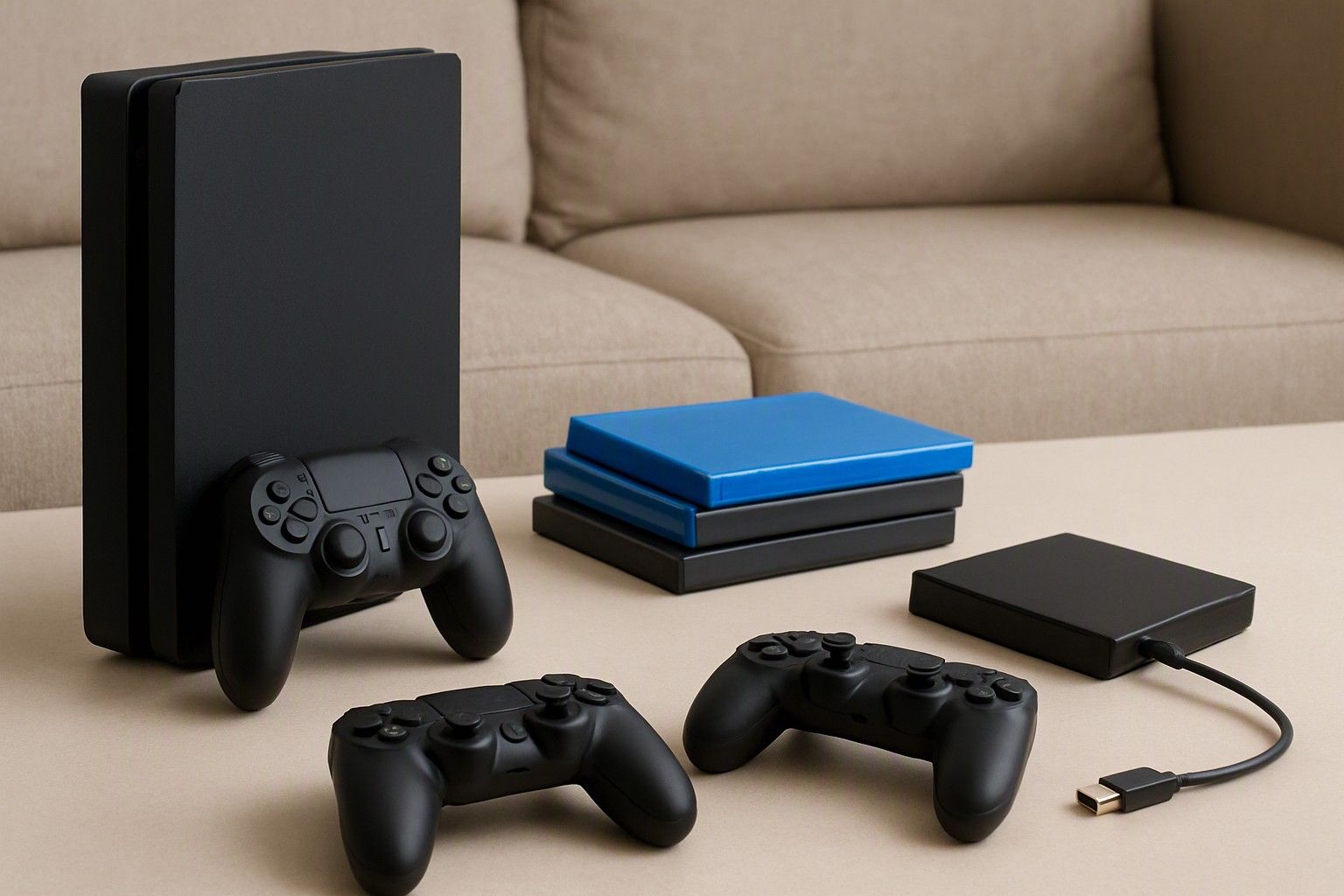
The console is only the first bill. Over a year or two, games, an online subscription, a second controller and extra storage can add up to a large share of what you paid for the hardware, and sometimes more than that. This article is for anyone comparing platforms who wants to know what they will keep spending after checkout, and how to plan for it before committing.
New Game Prices on Indian Console Stores
Full-priced new releases are the biggest recurring cost for most owners. On Indian console stores, major new titles are listed in rupees, usually at the platform's highest price band, and the premium or deluxe edition of the same game costs noticeably more than the standard one. Smaller and independent titles sit well below that, and older catalogue games are routinely listed at lower prices than when they launched.
The practical point is that one or two big releases a year is a very different spend from one every month. A console at ₹25,000 can end up costing more over a year than the console itself if you buy new releases regularly, so decide your pace of buying early.
Physical and digital copies also behave differently. A disc copy can be resold, lent to a friend or traded in, which recovers some of what you spent. A digital copy is tied to your account and cannot be resold, but it is convenient and cannot be lost. If you mostly play a game once and move on, resale value makes disc copies cheaper in practice. If you keep returning to the same titles, that advantage matters less.
Free-to-play games cost nothing upfront, but in-game purchases can still add up. Count them as a real line in your budget if you or your kids play them often.
Subscription Tiers: What Each Includes and Its Yearly Cost
Console subscriptions generally come in three layers, and the yearly cost climbs with each one.
- Entry tier: online multiplayer, cloud saves and a small rotating set of monthly games you keep access to while subscribed.
- Middle tier: everything above, plus a large catalogue of games you can download and play for as long as you stay subscribed.
- Highest tier: the catalogue plus extras such as game trials, older classic titles and, on some platforms, cloud streaming.
To get the yearly cost, take the monthly price and multiply by twelve, then compare it with the platform's annual plan. Annual plans are usually priced lower per month than paying monthly, but check the listed rupee figures on the store, since the gap varies.
The catalogue tiers only pay off if you actually play from them. A simple test is to count how many catalogue games you would genuinely finish in a year and ask what buying those same titles individually would cost. If you would have bought several of them anyway, the middle tier tends to win. If you play two or three favourites repeatedly, buying them outright and holding only the entry tier, or no subscription at all, is usually cheaper.
Also remember that a catalogue is rented access. Stop paying and the games stop working, which is the opposite of owning a disc.
Paying for Online Multiplayer
Online multiplayer is where a subscription stops being optional on most platforms. Single-player games, local co-op and offline play need no subscription at all, so your first question is how you actually play.
If you want to play competitive or cooperative games online with friends, expect to pay for at least the entry tier every year. Free-to-play games are treated differently on some platforms and can be played online without a paid plan, but the rule varies, so check your platform's current terms before assuming it applies.
Two details change the real cost in a household. First, find out whether one subscription on the main console covers every profile on that console, or whether each player needs their own plan. Second, check whether the benefits follow your account to another console, because that decides whether you can share the cost or must pay twice.
Online play also depends on your broadband, not just the subscription. A stable connection matters more than raw speed for multiplayer, and if your plan has a monthly data cap, game updates and online sessions can use it up faster than people expect. Budget for a connection upgrade if your current one drops out during evening play.
Extra Controllers and Accessories for Multiplayer at Home
Many consoles ship with a single controller, so couch co-op means buying a second one at the minimum. Treat it as part of the console cost rather than an afterthought, because a controller from the platform maker is priced closer to a mid-range game than a throwaway accessory.
You will usually choose between the platform's own controller and third-party options. Official controllers tend to have the most reliable button response, wireless pairing and warranty support. Third-party ones are often cheaper, but check that they work properly with your console and what battery and charging arrangement they use.
Battery type affects running cost too. Controllers with built-in rechargeable batteries need a cable or charging dock and add little over time, while those that take disposable batteries keep costing you. For a household that plays most evenings, a charging dock is worth including in the first-year budget.
Other accessories to consider:
- A headset, if you play online and do not want to disturb the rest of the house.
- Extra or longer cables, depending on how your TV and console are placed.
- A carry case or stand, which is optional but protects a controller that gets passed around.
Buy what your actual play pattern demands, and skip the rest until you notice a real gap.
Storage Expansion as Your Library Grows
The storage listed on the box is not what you can fill with games. The system software takes a share, and modern games are large, so a handful of titles can fill a base model. Once it is full, you will be deleting and re-downloading games, which uses time and, on a capped plan, broadband data.
There are two main ways to expand. Some consoles accept a proprietary expansion card that works exactly like internal storage and runs the newest games, but these cost more per unit of space. External USB drives are cheaper for the space you get, though on many consoles they can hold or run only some categories of games, so check what yours supports before buying one.
Your buying habit decides how urgent this is. If you buy mostly digital, every game lives on the drive, which is why digital-only owners run out of space sooner than people who keep discs on a shelf. Disc owners still install the game to play it, so they are not exempt, but they can delete and reinstall from the disc without a large download.
A sensible approach is to buy the console, play for a few months, and add storage when you notice a pattern of deleting games to make room.
Estimating a Realistic First-Year Budget
Add up five lines: the console, twelve months of any subscription, the games you expect to buy, a second controller if you play with others, and storage if you buy digital. Everything except the console is a running cost, and it scales with how you play.
The starting point is keeping the console itself within a sensible budget band, since a console anywhere in the ₹25,000 to ₹65,000 range leaves a different amount of room for the rest. A console near the ₹40,000 average already takes a large share of what many households want to spend on gaming in a year.
Three typical patterns show how it plays out:
- Light player: a few games a year, no online play. No subscription and no extra storage. Almost all the spend is the console and those games.
- Regular online player: the entry subscription, several new games, and storage once the library grows. Games and subscription together become a significant second bill.
- Household or family setup: a second controller, a charging dock, possibly a catalogue subscription shared across profiles. Accessories matter more here than game count.
For each pattern, price your own list at current store rupee listings rather than guessing. Then compare the console tiers, such as ₹28,000, ₹40,000 and ₹60,000, against what is left over. A cheaper console with money left for games usually beats a pricier one you cannot afford to feed.
Factoring Running Costs Into Your Platform Choice
Platforms differ in how they charge you after the console purchase, so running costs of gaming console belong in the comparison alongside hardware. One may have a strong catalogue subscription that replaces buying games, another may favour owning discs you can resell, and another may suit a household that mainly wants local multiplayer with no subscription at all.
Ask three questions of each platform. How do you play: online, local or alone? Which games do you actually want, and where are they cheapest, from a catalogue, on disc or on the digital store? And how much will the second controller and storage cost on that particular platform?
The answers can reverse a decision made on console price alone. A cheaper console whose games and subscription cost more each year can end up the more expensive choice by the end of the first year, while a pricier one with a catalogue you will use can work out cheaper.
Running cost is one input among several. For how running costs fit alongside ecosystem, screen and warranty choices, the buying guide pulls the full decision together. Once you know your play pattern and have priced it, you can decide today without leaving room for second-guessing.
You now have what you need to answer the question you came with: after the console, you will spend on games, possibly a subscription, a second controller and storage, and how much depends on how you play. Price those lines against your own habits and you will know your real first-year cost before you commit.

Comments
Be the first to comment.