Hybrid or Home Console for a Household With One Shared TV?
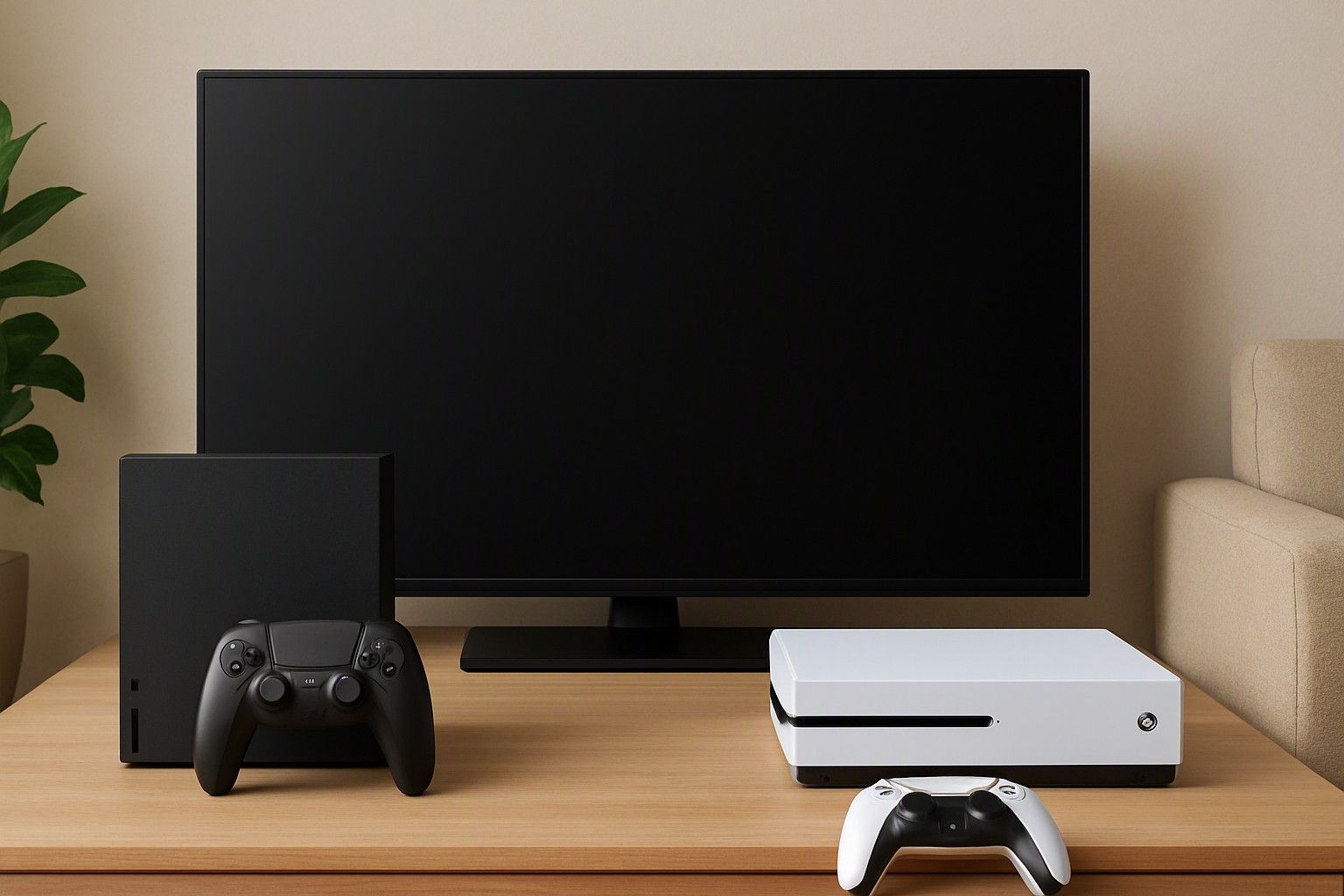
If your family has one TV and everyone wants it at different times, this article is for you. The choice between a hybrid console (like the Switch) and a TV-only home console (like the PS5) depends less on specs and more on who controls the screen at 8 pm. Read on to see which setup fits a shared-TV household and which one will cause arguments.
Why the Living-Room TV Is the Real Constraint in Indian Homes
In many Indian homes the main TV is a family resource, not a personal one. It carries news in the morning, serials in the evening, cricket on match days and whatever the kids want in between. A home console competes with all of that for the same screen, and a game session of an hour or two is hard to defend when someone is waiting for a favourite show.
That is why the usual spec comparison misses the point for this buyer. A console can be excellent and still sit unused if every session needs a negotiation. Before comparing hardware, ask three practical questions. How many hours a week is the TV genuinely free? Does anyone else in the house need it at the same time you would play? Is there a second screen, such as a bedroom TV or a monitor, that could be used with an HDMI input?
If the TV is rarely free, a console that needs it for every session is the riskier purchase. If you have predictable free slots, such as late nights or weekend mornings, a TV-only console can work well. The rest of this article tests each option against that single constraint.
How Hybrid Consoles Work Docked and Undocked
A hybrid console has its own built-in screen and can also connect to a TV through a dock. Docked, it behaves like a home console: the picture goes to the big screen and you play with detachable or separate controllers. Undocked, the same game continues on the built-in display, so you can play on the sofa, in another room or in bed while the TV keeps running whatever the family is watching.
For a shared-TV home, this is the main advantage. The TV stops being a requirement. If someone claims the screen, you lift the console out of the dock and carry on from the same point in the game. Gaming time no longer depends on the family's viewing schedule.
There are trade-offs. The built-in screen is smaller than a TV, so games meant for the big screen lose some impact. Hybrids also tend to be less powerful than TV-only consoles, which affects visual detail. Handheld play is also a one-person experience unless you use a separate controller setup or a stand. For a household that values flexibility over maximum graphics, this is usually an acceptable exchange.
Remote Play on Home Consoles: Phone and Handheld Streaming
Home consoles do not have to be tied to the living-room TV. Some of them offer remote play, which streams the game from the console to a phone, tablet or a dedicated streaming handheld over your home network. The console stays connected in the living room, in standby, while you play elsewhere in the house.
This can solve the shared-TV problem partially, but it comes with conditions. The console still needs a TV or display to be set up initially, and a reasonably strong Wi-Fi connection between the console and your device is essential. Weak router coverage, a crowded network or a console placed far from the router will produce lag and dropped frames, and fast-paced games suffer most. A wired connection for the console and a good router in the right place improve things considerably.
Phone screens also pose a control problem. Playing a game designed for a full controller on a touchscreen is uncomfortable, so you would want a phone clip and a compatible controller. Treat remote play as a convenient fallback when the TV is taken, not as a full replacement for a hybrid's built-in screen. It also stops working if the console, router or internet goes off.
Handheld Screen vs Big TV: The Picture Quality Trade-off
On a TV, a home console produces sharper, more detailed and more immersive images than a hybrid usually does. If you enjoy cinematic, large-scale games and have a good television, that gap is visible and worth paying for. A hybrid's strength is different: its smaller built-in screen hides some of the loss in detail, so games look good enough up close.
Before deciding, check what your existing television can actually display. Older or entry-level TVs may have limited HDMI ports, may not handle higher resolutions or higher refresh rates, and may add input lag, which hurts action games. If your TV cannot show what a premium home console is capable of, you are paying for performance you will not see.
The price spread matters here too. Consoles in this category run from ₹25,000 to ₹65,000, with an average of ₹40,000. If your TV is modest, spending towards the higher end of that range for picture quality may not pay off, whereas a hybrid in the lower tiers gives you a good picture on the handheld screen and acceptable output on the TV. Match the console to the screen you actually own.
Couch Co-op and Family-Friendly Game Libraries
A shared TV usually means shared play, so local multiplayer matters more than online features. Family games that let two to four people play on the same screen, such as party games, racing games, sports titles and simple platformers, suit Indian households where children, parents and cousins often play together. Check whether the console you are considering has a solid range of these games and whether extra controllers are included or must be bought separately, because that adds to the total cost.
Hybrids generally have a strong record with this kind of play. Their controllers can often be split for quick two-player sessions, and the dock-to-handheld switch is useful when a family game night needs to move to another room. TV-only consoles tend to emphasise single-player, story-driven and online titles, though they also have local multiplayer options. The mix differs from platform to platform, and it is worth understanding how each platform's library differs for family play before you commit.
Also consider age ratings and parental controls. If children will use the console, look for games and settings that let you limit spending, playtime and content.
Battery Life and Handheld Play During Power Cuts
Power cuts are a real consideration in many parts of India, and here a hybrid has an edge that spec sheets rarely mention. Its built-in battery lets you keep playing, undocked, through an outage that would shut down a TV and a home console together. Battery life varies by game and by screen brightness, with demanding games draining it faster, so expect a few hours rather than a full day.
A home console has no battery. When the power goes, the session ends, and a sudden cut-off can interrupt saving or, in the worst case, risk data. A UPS or inverter can keep the console and TV running, but you then have to power the router and TV as well, and a UPS built for a desktop computer may not be rated for the combined load. Remote play fails in the same situation, because the console and router both need power.
Battery health matters too. Daily heavy use ages any battery, and a hybrid used mainly as a handheld will go through charge cycles faster. Carry a good charger or power bank compatible with the console, and avoid playing while it charges on a very hot day.
Matching the Console to Your Household Setup
Choose a hybrid console if the TV is rarely free, if players are mostly children or casual gamers, if power cuts are frequent, or if you want one device that serves both the TV and a personal screen. Choose a home console if you have predictable free time on a good TV, if picture quality and large-scale games matter most, and if the household has a stable power supply or backup. Remote play can ease the shared-TV problem on a home console, but only with strong home Wi-Fi.
On budget, the three tiers are under ₹28,000, ₹40,000 and ₹60,000. The average price across the category is ₹40,000, which is a useful marker for what a well-supported console typically costs. Remember to include controllers, games, storage and any TV or UPS upgrade in the total, as these can add noticeably to the base price. Buying now at a price in your chosen tier is more useful than holding out, because the right setup gets used from the first week.
Once the shared-screen question is settled, use the hub guide for everything else to weigh after solving the shared-screen problem, including storage, game costs and online subscriptions.
For a household with one shared TV, the answer comes down to who controls the screen. If the TV is often busy or power cuts are common, a hybrid is the more dependable choice. If you have reliable free time on a capable TV and want the best picture, a home console is worth it, with remote play as a backup rather than a plan.
Comments
Be the first to comment.