HD Ready vs Full HD vs 4K TVs: What Resolution Suits Indian Cable and OTT Viewing?
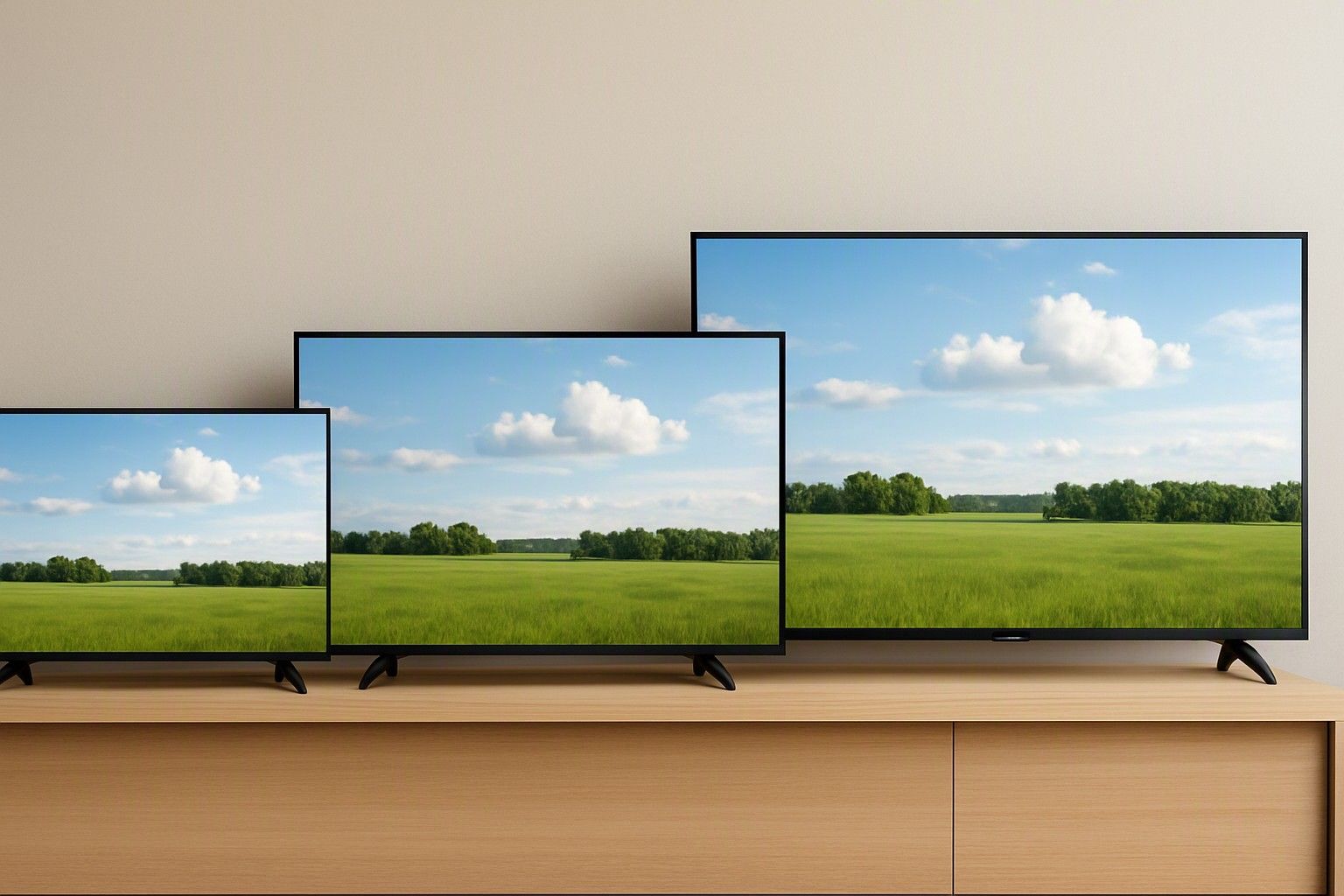
If most of your evening viewing is DTH channels with some Netflix or Hotstar on the side, a 4K TV is not automatically the smart buy. This article is for you if you are choosing between HD Ready, Full HD and 4K, especially at 32 or 43 inches, and want to know how much of the extra resolution you will actually see on Indian content. It covers what is broadcast, what streams, and when paying for 4K makes sense.
What Resolution Means on a 32, 43 and 55 Inch Screen
Resolution is the number of pixels on the panel. HD Ready is typically 1366 x 768, about one million pixels. Full HD is 1920 x 1080, about 2.1 million. 4K is 3840 x 2160, about 8.3 million, which is four times Full HD. More pixels mean finer detail, but only if your eyes can pick it out from where you sit.
Screen size decides that. On a 32 inch TV, the pixels are already small and the screen fills a modest part of your view from a normal sofa distance. The gap between HD Ready and Full HD is noticeable there, mostly in text, channel logos and menus. The gap between Full HD and 4K is very hard to see, and 4K is rarely offered at this size anyway.
At 43 inches, Full HD still looks sharp from a typical Indian living room distance, while 4K shows its advantage mainly if you sit close or watch genuinely high-resolution material. At 55 inches and above, individual pixels in a Full HD image become easier to notice, and 4K is the more natural fit. So the useful question is not which resolution is better in the abstract, but which one suits your screen size and seat.
How Much Indian Content Is Actually in 4K
A 4K panel only pays off fully when the source is 4K, so it helps to look at where your content comes from.
DTH and cable: the bulk of channels are still standard definition. A growing number of popular channels are also carried in HD, which usually needs an HD-capable set-top box and often an HD pack or subscription. Channels broadcast in true 4K are few and far between. If DTH is your main viewing, you will be watching SD and HD on any TV you buy.
OTT: the major streaming apps carry 4K for selected titles, usually originals and newer films, and often only on their higher-priced plans. Much of the rest of the catalogue, including older films, regional content and many shows, is in HD or lower. Live sports on streaming apps is commonly delivered in HD.
Other sources: YouTube has plenty of 4K video, and a gaming console or a 4K player will use the panel fully.
Put together, a household that watches mostly DTH with some OTT will spend most of its hours on content below 4K. That does not make 4K useless, but it does mean the extra resolution applies to a small slice of what you watch.
Upscaling: How SD and HD Channels Look on a 4K Panel
Every 4K TV contains an upscaler, a processor that stretches lower-resolution video to fill all 8 million pixels. A good one adds sharpening and noise reduction so that HD content looks clean. It cannot create detail that was never in the broadcast, so SD channels will still look soft, and the bigger the screen, the more that softness shows.
This matters for DTH viewers. An SD channel on a 55 inch 4K TV can look noticeably blurrier than the same channel on a 32 inch set, simply because it is stretched across a larger area. HD channels upscale far more gracefully, and on a well-processed panel they often look excellent.
Upscaling quality varies between TVs and is not guaranteed by the 4K label. A 4K panel with weak processing can make SD look worse than a Full HD set with decent processing would. Your set-top box also plays a part. The resolution it outputs and how it is connected to the TV change how much of the picture survives, and the set-top box output settings that reduce blur on big screens are worth sorting out before you blame the TV. If you watch a lot of SD, put your money toward good processing rather than a higher pixel count.
Internet Speed and Data Needed for 4K Streaming
Streaming 4K takes a lot more from your connection than Full HD. As a working guide, a steady 15 to 25 Mbps is commonly recommended for a smooth 4K stream, while Full HD runs comfortably on much less. That figure is for one stream, so if someone else is on a video call or streaming on a phone, you need headroom on top.
Data use is the other consideration. Streaming at top 4K quality can use roughly 7 GB an hour, and Full HD around 3 GB an hour, though this varies by app and title. On a plan with a monthly data limit or a fair usage cap, a few hours of 4K a day can use up the allowance quickly. At about 7 GB an hour, 100 GB covers only around 14 hours of 4K viewing.
A few practical checks before counting on 4K from OTT:
- Confirm that your streaming plan tier actually includes 4K.
- Check your real speed on the TV itself, not just on a phone next to the router.
- Keep the router in the same room if you rely on Wi-Fi, or use a LAN cable.
If your connection or data cap is tight, your apps will drop to lower quality automatically, and the 4K advantage disappears.
When Full HD Is the Smarter Pick
Full HD is the more sensible choice when most of what you watch is DTH, when the screen is 32 or 43 inches, and when your sofa is a few metres away. In that situation, a 4K panel gives you resolution you will rarely use. The money is often better spent on a panel with good colour and contrast, solid upscaling and a smooth, responsive operating system. That trade-off is especially relevant in the ₹12,000 and ₹30,000 tiers, where each rupee has to go toward something you will notice daily.
Full HD also suits homes with a modest internet connection or a data cap, since you will be streaming at lower quality regardless.
4K starts making real sense when you go to 50 inches or more, sit relatively close, stream 4K titles on a plan that supports it, connect a gaming console, or want a TV that will not feel dated as more 4K content arrives. If you are unsure where you fall, read about the screen size at which 4K starts to make a visible difference and match it to your room. HD Ready is only worth considering at 32 inches and below, in the lowest budget tier, for secondary rooms where picture sharpness is a minor concern.
Resolution in the Context of the Whole Purchase
Smart TVs are priced anywhere from ₹6,999 to ₹3,00,000, with an average of ₹35,000, and resolution is only one of the things pushing a TV up or down that range. Panel type, brightness, sound, processor, operating system and app support all affect what you pay and how the TV feels to use day to day.
That is why a 4K label alone should not close the decision. A well-built Full HD TV can give a better everyday picture than a basic 4K one, particularly on SD and HD channels. In the ₹65,000 tier, 4K becomes much more common, and it is also where processing and panel quality tend to be better, so the extra pixels come with a better overall package.
Prices in this category already reflect what the technology costs to build and support, so you can decide on the TV that fits your viewing now. Start with what you watch and how far away you sit, set a budget tier, and then weigh resolution against panel type, software and budget to settle on the right model for your home.
For someone who mostly watches DTH with some Netflix or Hotstar, 4K is a nice extra at 55 inches and above, but not a necessity at 32 or 43 inches. Full HD with good upscaling will handle most of what you watch. Choose 4K if you have the screen size, the connection and the content to use it, and otherwise put your budget toward overall picture quality.
Comments
Be the first to comment.