Smart TV Screen Size for Indian Rooms: Viewing Distance, Wall Space and Bedroom vs Hall
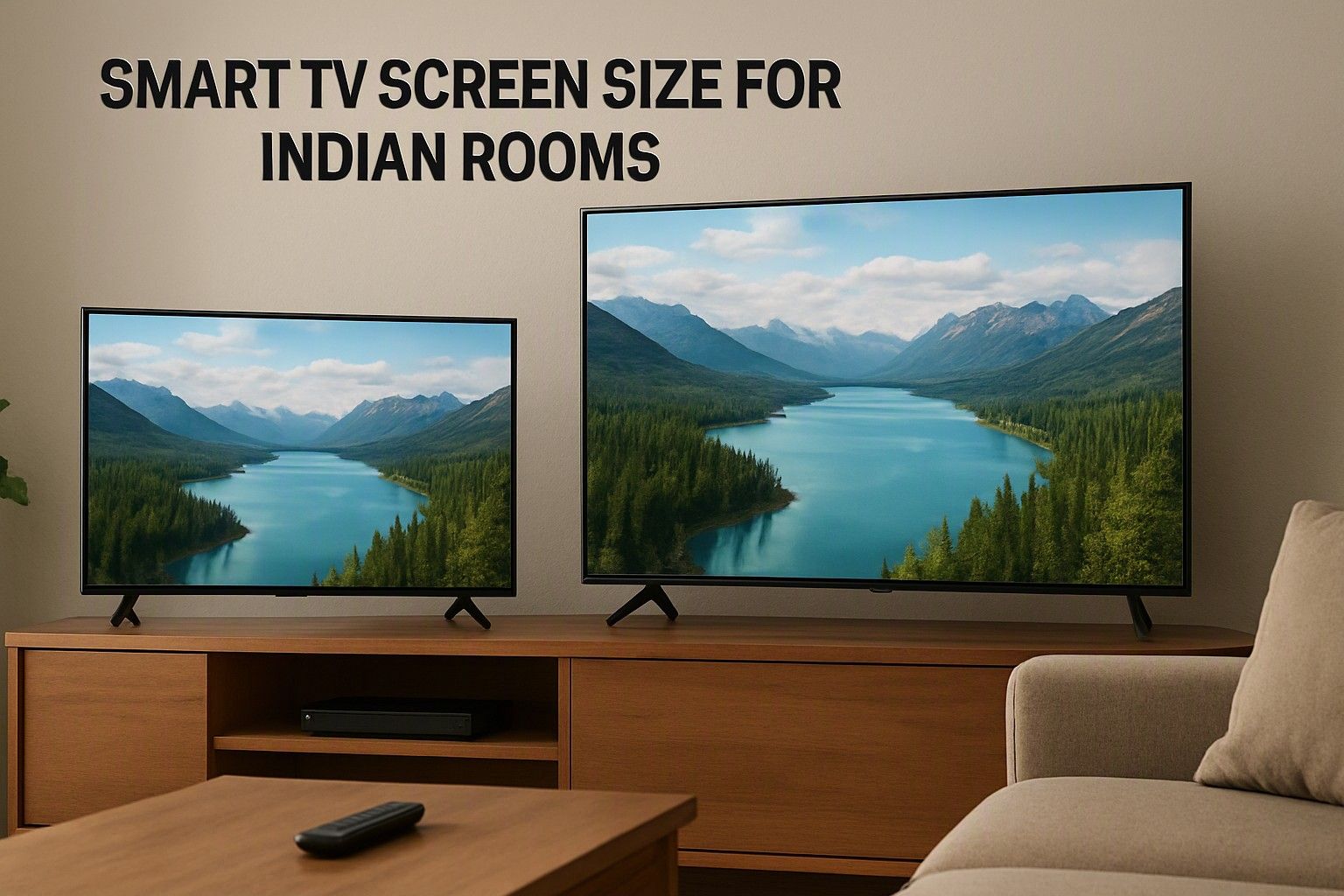
If you are stuck between a 43 inch and a 55 inch smart TV](/smart-tv?price=mid-range), this article is for you. The answer depends on three measurements: how far you sit from the screen, how much wall or TV unit you have, and what resolution the panel offers. Most Indian bedrooms and 1BHK halls are compact, so the right size is often smaller than the showroom wall makes you feel, but sometimes one size larger than you first assumed.
Seating Distance to Screen Size: A Simple Room Chart
Start with a tape measure, not a showroom. Measure from where your eyes will be, whether that is the sofa, the bed or a dining chair, to where the TV will sit. Then use these approximate comfortable ranges as a rule of thumb. They assume a panel with decent detail, and the next section covers how resolution shifts them.
- 32 inch: about 4 to 6.5 feet
- 43 inch: about 5.5 to 8.5 feet
- 50 inch: about 6.5 to 10 feet
- 55 inch: about 7 to 11 feet
- 65 inch: about 8 to 13 feet
- 75 inch: about 9.5 to 15 feet
The low end of each range gives a more immersive, cinema-like view. The high end is where the picture still fills enough of your vision to feel engaging. If your distance falls in the overlap between two sizes, say 8 feet, which suits both a 43 and a 55, the choice comes down to wall space and how much you watch films versus news and serials.
A quick check is to multiply your seating distance in inches by roughly 0.6 to 0.8. That gives a screen diagonal that usually works. For a 9 foot (108 inch) sofa distance, that points to roughly 65 to 85 inches in a dedicated theatre. In an ordinary Indian home, where the TV also has to look balanced on the wall, the lower figures are the practical ones.
Typical Indian Bedrooms, Halls and 1BHK Living Spaces
Indian rooms are usually tighter than the ones in TV advertisements. Many bedrooms give you about 7 to 10 feet from the bed to the opposite wall, and a 1BHK hall often has a sofa-to-TV distance of 8 to 11 feet. Larger halls in 2BHK and 3BHK flats can stretch to 12 feet or more, but they are less common than people expect.
Bedroom: you are usually lying down or propped against a headboard, close to the screen, and watching alone or with one other person. A 32 to 43 inch set usually works well here. Going to 50 inches or more in a small bedroom tends to mean your eyes keep sweeping across the picture, especially during sports or action scenes.
1BHK living space: the hall also works as dining area, study and guest room, so the TV sits on one wall and you view it from several angles. A 43 or 50 inch TV suits most of these rooms, with 55 inches sensible if your main sofa is at least 8 feet away.
Larger hall: with 10 to 12 feet of distance and a family of four to six watching together, 55 and 65 inches start making sense. Measure the actual sofa position rather than the room length, because the sofa rarely sits against the far wall.
How Resolution Changes the Distance You Can Sit At
The same screen size can feel sharp or soft depending on how many pixels fill it. On a lower-resolution panel, you start noticing individual pixels and soft edges as you sit closer, so you need to sit further back. A 4K panel packs far more detail into the same area, which lets you sit nearer without the picture breaking down. In practice, sitting closer only works when the panel has 4K detail, and that is why a 55 inch HD-ready screen in a small room is often a poor match.
For a rough guide, with a 4K panel you can sit at about 1 to 1.5 times the screen diagonal. With a Full HD panel, aim for roughly 1.5 to 2 times the diagonal. With an HD panel, 2 times or more is more comfortable. A 55 inch screen has a diagonal of about 4.6 feet, so a Full HD set wants you around 7 to 9 feet away, while a 4K set is comfortable from roughly 5 to 7 feet.
This matters in compact rooms. If your seating distance is only 6 to 7 feet, a 4K 55 inch can work, whereas a Full HD 55 inch might look slightly grainy up close. Also remember that streaming apps do not always deliver full 4K, so the source matters too.
Wall Width, TV Unit Size and Stand vs Wall Mount
A TV that suits your sofa distance can still fail on wall space. Screen size is quoted as a diagonal, but what you need is the width. For a standard widescreen set, the width is roughly 87 percent of the diagonal. A 43 inch TV is about 95 cm wide, a 55 inch is about 122 cm, and a 65 inch is about 144 cm. Treat these as approximate and check the exact measurements for any model you shortlist.
For a stand-mounted TV, compare the width against your TV unit's top surface. Many sets use feet placed near the outer edges, so the unit must be nearly as wide as the screen, or the TV can overhang and wobble. Some models have a centre pedestal, which is more forgiving. Leave a few centimetres on each side so it does not look cramped.
Wall mounting frees up the unit and works well in small rooms, but it needs a solid wall, a proper bracket matched to the TV's weight and mounting pattern, and a plan for cables and power points. Hollow partition walls and old plaster need extra care. It helps to know what wall mounting a 55 or 65 inch set involves before you buy, since heavier sets need sturdier fixing and sometimes a second person to install.
Going One Size Up: When It Helps and When It Overwhelms
Many buyers settle on a size and then wonder whether to step up. Spending a little more to go from 43 to 50 or 55 can be worth it, since you will live with the screen for years and it is the one thing you cannot change later. Prices across the category run from ₹6,999 to ₹3,00,000, with an average of ₹35,000, and the spread between neighbouring sizes within the same tier is often smaller than the gap between tiers.
Going up helps when:
- your seating distance is 8 feet or more and the room looks bare around a small screen
- the panel is 4K, so the extra size does not cost sharpness
- you watch films, sports and streaming shows with family rather than occasional news
- your wall and TV unit have the width for it
Going up overwhelms when:
- the room is under about 10 feet deep and you sit within 6 feet of the screen
- the panel is HD or a basic Full HD one, where larger size exaggerates softness
- the wall would be dominated by the TV, leaving no room for a window, a door swing or other furniture
A workable rule: if your distance sits in the overlap between two sizes, take the larger one only if resolution and wall width both support it. Otherwise, a well-fitted smaller screen gives a more comfortable picture than a big one squeezed into the wrong room. If your budget falls within ₹12,000, ₹30,000 or ₹65,000, compare sizes inside that tier rather than stretching for a bigger panel with weaker specifications.
Size Is Settled — What Comes Next
Once you have a size from your seating distance, room type and wall width, the next questions are about the panel itself and the software running on it. Resolution, display type, operating system and app support all vary even among TVs of identical size. To pair your chosen screen size with the right panel and software, the full buying guide walks through each of those decisions in order, so you can shortlist with confidence today.
So, 43 inch or 55 inch? Measure your seating distance, check your wall and TV unit width, and match the size to the panel's resolution. For most compact bedrooms and 1BHK halls, 43 inch is the comfortable choice, and 55 inch earns its place once you sit 8 feet or more away on a 4K panel. With those three numbers in hand, you can pick a size and move on to the rest of your decision.

Comments
Be the first to comment.