Google TV vs Tizen vs webOS vs Budget-Brand OS: Smart TV Software Compared for India
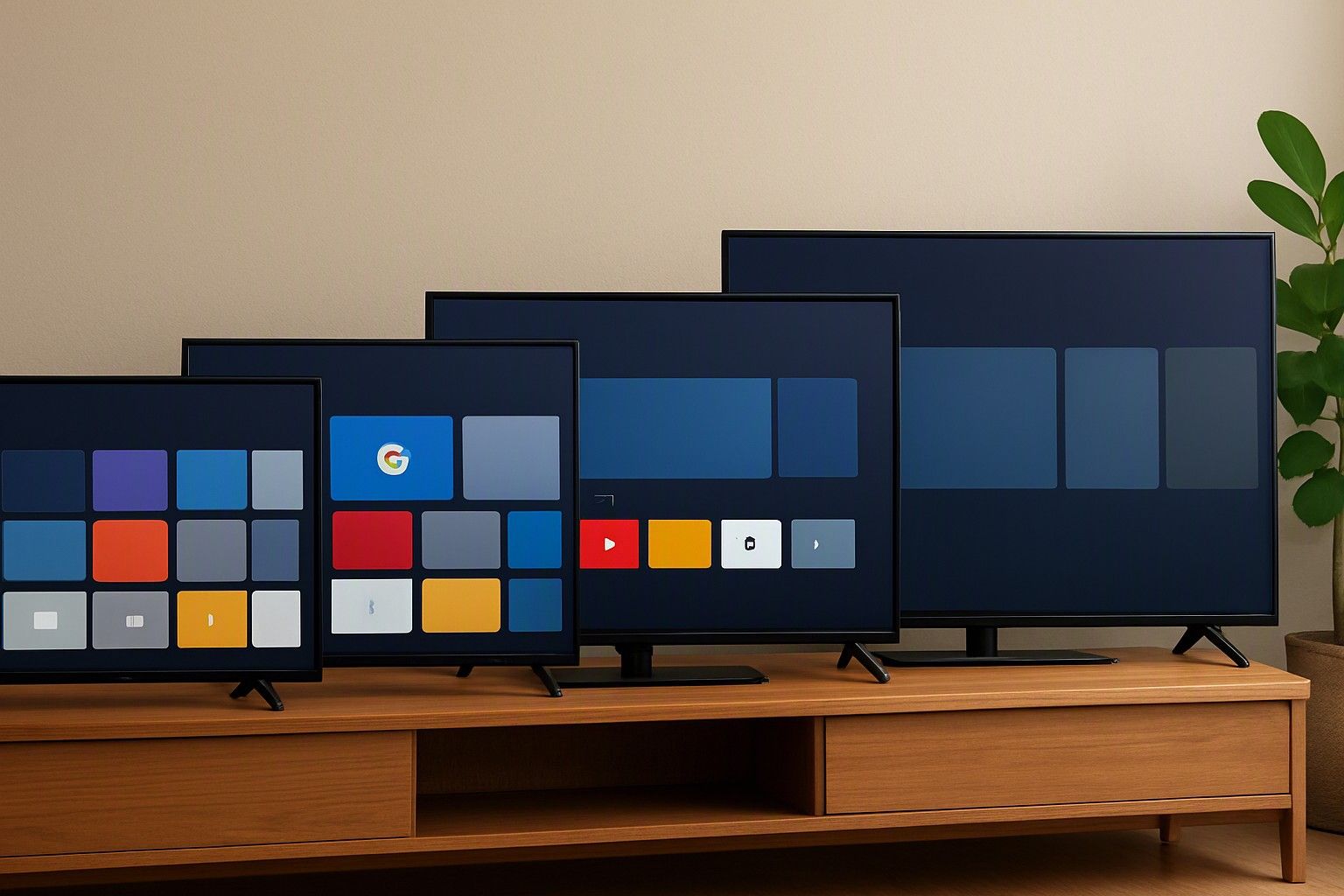
If you are choosing between Google TV, Samsung Tvs Tizen and LG's webOS for an Indian home, the short answer depends on what you watch, how you search and how long you want the TV to stay smooth. This article compares the software itself, not the panel or the price tag, because the OS decides which apps you get, how many ads you see and how the TV behaves in its fifth year. Read on if you want a clear call on which platform suits your household.
Indian App Coverage: Hotstar, JioCinema, SonyLIV and Regional OTT
App availability is where the platforms differ most for Indian viewers. Google TV has the widest catalogue because it runs the Play Store. The big Indian streaming apps, regional OTT services, news apps and smaller niche apps are all there, and the apps are usually updated promptly.
Tizen and webOS run on each maker's own app store. Both carry the major Indian streaming services, so the apps most households use daily are covered. The gap shows up in the long tail: a regional OTT service with a small user base, a local-language news app or a learning app may be missing, or may arrive late. Neither platform lets you freely install apps from outside its store the way an Android-based system does.
Budget-brand operating systems vary the most. Some budget TVs run Google TV or an Android-based system, which brings full app access. Others run a custom, lightweight platform with a shorter app list and slower updates to the apps it does have.
Before buying, list the five or six apps your family actually opens, including any regional ones, and confirm each is available on that specific TV's platform. If your viewing leans on smaller regional services, Google TV is the safer choice. If it is mostly the mainstream apps, Tizen and webOS are fully workable.
Voice Search in Hindi and Regional Languages
Voice search matters more in Indian homes than the spec sheet suggests, because many family members would rather speak than type with a remote. Google TV is generally the strongest here. Its assistant understands Hindi alongside English and can pull results across installed apps, which is useful when you want a film or show without knowing which OTT service carries it.
Tizen and webOS both include voice assistants of their own, and each also supports third-party assistants on many models. Their recognition of Indian-accented English is usually acceptable. Coverage of Hindi and other regional languages is narrower and depends on the model and software version, so treat it as something to verify rather than assume.
Budget-brand platforms are the least predictable. Where the TV runs Google TV, you get Google's language support. Where it runs a custom system, voice search may only handle simple commands in English, or may need a particular remote.
A practical test: if elderly relatives or children will do most of the searching, check that the TV's voice feature supports the language they speak, and that the remote has a built-in microphone button rather than relying on a phone app. If voice in Hindi or a regional language matters to you, put that ahead of nearly every other software consideration.
Home-Screen Ads and Bloat on Budget Brands
Every smart TV platform earns money from the home screen to some degree, so the real question is how much of it you will see. Tizen and webOS both show promoted tiles and content recommendations, but the layout is generally tidy and the sections are predictable. Google TV shows recommendation rows and some sponsored content too, though these are generally tied to your viewing and subscriptions.
Budget TVs are where the clutter gets heavier. Brands that compete on price often make up the margin in software. That can mean a home screen crowded with promoted apps, pre-installed apps you did not ask for that cannot always be removed, and banners that appear when you switch inputs or wake the TV. Some budget TVs layer their own interface over Google TV, which adds to the clutter.
The price tiers explain the pattern. In the ₹12,000 range, expect the most pre-installed apps and promotions. In the ₹30,000 range, interfaces are usually cleaner, and in the ₹65,000 range they are usually tidier still. These are tendencies, not rules.
Before buying, look at video walkthroughs of the exact model's home screen, and check whether pre-installed apps can be uninstalled or only disabled. Fewer pre-loaded apps also leave more free storage and memory.
Speed, RAM and Why Interfaces Slow Down Over Time
A smart TV rarely feels slow on the first day. The lag arrives over a year or two as apps grow larger, updates add features and the TV's storage fills up. The cause is almost always a processor and memory budget that was only just enough when the TV was new.
This hits Google TV hardest at the low end, because the platform and its apps are demanding. A Google TV set with minimal RAM and storage can stutter when switching apps or after several updates. Tizen and webOS are built around each maker's own hardware, so they often feel lighter on modest chips, though they are not immune to slowing down as updates pile up.
Budget-brand custom systems may feel fast initially because they do less, but can bog down when ad-heavy home screens and background services load.
The fix is to buy with headroom, not just look at the price. For a deeper look at how much RAM and storage keep a TV interface responsive, read the spec explainer before comparing models. Across the ₹6,999 to ₹3,00,000 range, the average sits around ₹35,000, and in practice spending a little more for better memory often improves the daily experience more than a slightly larger screen. Also keep storage free by uninstalling apps you do not use.
Casting, Remotes and HDMI-CEC With Your DTH Box
Most Indian homes still watch a good amount of live TV through a DTH set-top box, so how the TV handles that box matters as much as how it handles streaming.
For casting from a phone, Google TV has Chromecast built in, which works well with Android phones and many apps. Samsung and LG both support screen mirroring, and many of their models also support Apple's casting standard, but the exact options vary by model and software version. Budget-brand platforms usually support basic mirroring, with quality that varies.
HDMI-CEC lets one remote control connected devices. Samsung brands it as Anynet+ and LG calls it SIMPLINK, while Google TV models and many budget sets simply label it CEC or HDMI control. The catch is the DTH box: many set-top boxes supplied by operators offer limited or no CEC support, so the TV may not be able to switch the box on or change channels. In that case, an IR-learning universal remote or the TV remote's own device-setup option is the practical workaround.
Before you commit to a TV, work out which remote will do the everyday jobs. Our guide on controlling the set-top box and TV from one remote covers the setup in detail. Pointer-style remotes on some webOS models suit browsing, while Google TV remotes are better for voice.
Software Update Promises and Platform Longevity
A smart TV's hardware may last ten years, but its software support usually does not. Updates bring security patches, new app versions and compatibility with new streaming services. When they stop, apps can gradually stop working or lose features, even though the screen is perfectly fine.
Google TV depends on the TV maker passing along Google's updates, so support length varies by brand and by model. Check what the maker commits to rather than assuming. Tizen and webOS are controlled by Samsung and LG respectively, which tends to give more consistent update behaviour across their ranges, though neither is a guarantee of a specific number of years. Both companies publish their own policies, so read the current one for the model you are considering.
Budget-brand platforms carry the most risk. A smaller company with a custom system may slow or stop updates sooner, and app compatibility can lapse. If the TV runs Google TV, you at least get a mainstream platform, but the maker's update discipline still matters.
Platform longevity is one factor among several. To balance software longevity against size, panel and price, use the main buying guide. A sensible approach is to buy the TV that meets your needs at today's price, from a maker with a visible record of updating older models.
For most Indian homes, Google TV is the safest all-round pick for app coverage and Hindi voice search, while Tizen and webOS suit buyers who want a cleaner, more consistent experience and mainly use mainstream apps. Budget-brand systems need the closest checking, especially for ads, memory and update promises. Match the platform to the apps your family actually uses and the language you speak to the remote, and you can decide with confidence now.
Comments
Be the first to comment.