Smart TV Spec Sheet Decoded: Which Claims Matter and Which Are Marketing
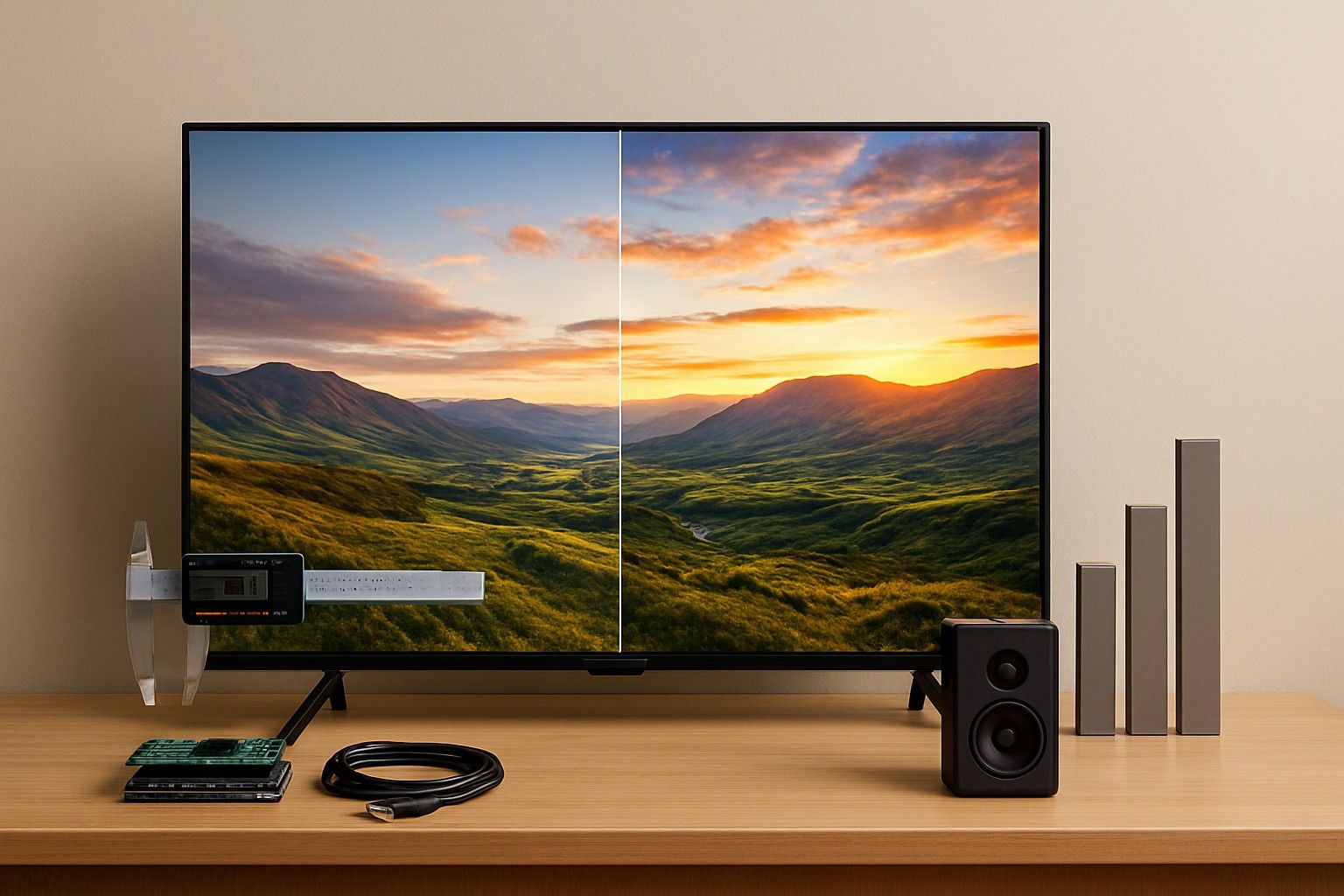
If you are about to buy a smart TV online in India and the listing is a wall of numbers like 'MEMC 120Hz', '80W sound' and 'HDR10+', this article is for you. It separates the specs that change what you will see, hear and use every day from the ones that exist mainly to fill a product page. Read it with the listing open and you can run a quick check and decide today.
Refresh Rate: Native 60Hz vs 120Hz vs 'Effective' Claims
The number that matters is the native refresh rate of the panel, meaning how many times the screen itself redraws per second. Most smart TVs sold in India have a native 60Hz panel. That is perfectly fine for cable, OTT apps and most TV viewing.
Trouble starts with wording like 'MEMC 120Hz', 'effective 120Hz' or 'motion rate 120'. These usually describe a 60Hz panel combined with frame interpolation or backlight tricks. MEMC inserts computed frames to smooth motion, which can make films look oddly artificial. It does not turn the panel into a 120Hz one.
To check, look for the panel or display section of the spec sheet, or the manufacturer's own page, and find a line that says 'refresh rate' without 'effective' or 'equivalent' beside it. If the only 120 you can find sits next to a motion-processing term, treat the panel as 60Hz.
A true 120Hz panel is worth paying for if you play console games at high frame rates, and then you also need an HDMI port that supports it. For streaming and broadcast viewing, a native 60Hz panel loses you very little. Do not pay extra for an 'effective' figure.
HDR Labels: HDR10, Dolby Vision and Badges Without Brightness
HDR10 and Dolby Vision are formats the TV can decode. They say nothing about whether the screen can display the extra contrast and highlights that HDR content carries. A TV can accept an HDR signal, show the badge on screen and still look no better than standard content, because the panel is not bright enough and cannot dim zones independently.
So look past the logo for two things: a stated peak brightness (usually given in nits) and any mention of local dimming, where parts of the backlight dim separately. If a listing shows five HDR badges but never mentions brightness or dimming, assume the HDR is there for compatibility, not for picture quality.
Dolby Vision is worth having as a format, especially if your streaming apps use it, but its benefit also depends on the panel. Without brightness and contrast to back it up, it is a label.
The gap between a TV that accepts HDR and one that shows it well is largely a panel-technology question. Our comparison of panels bright enough to actually show HDR covers which display types handle this and at what cost. For tighter budgets, a good SDR picture beats a weak HDR one.
Speaker Wattage and When a Soundbar Becomes Necessary
Speaker wattage tells you how much power the amplifier can send to the speakers. It does not tell you how good the sound is. A listing that says '80W' may be quoting peak power, or adding up every speaker and a notional subwoofer, which is very different from the continuous output you would hear. Slim TV bodies leave little room for speaker drivers, and small drivers limit bass and clarity whatever the wattage says.
Use wattage only to compare TVs that quote it the same way. Then check what actually shapes the sound: the number of speakers and channels, whether the listing mentions Dolby Audio or DTS decoding, and whether there is any real bass hardware.
A soundbar becomes necessary when:
- your room is large or noisy and dialogue gets lost
- you watch films or sport and want more than basic stereo
- the TV is wall-mounted close to a wall, which muddies the sound
- the panel is thin and the listing offers no detail on speaker design
If you expect to add one, check for an HDMI ARC or eARC port, which carries audio from the TV to the soundbar over a single cable. Set aside a separate soundbar budget instead of paying extra for a TV that merely advertises bigger wattage.
RAM, Storage, Processor and Ports Worth Checking
Smart TV sluggishness usually comes from thin hardware behind the interface. Check these in order.
RAM and storage: RAM governs how smoothly apps open and switch, and storage decides how many apps you can install and update. Very low RAM leads to lag, app reloads and crashes after a year of updates. Listings that skip these figures altogether are a warning sign.
Processor: look for the core count and, where stated, the GPU. A quad-core chip is a reasonable baseline. Marketing names for in-house 'engines' tell you nothing unless the core details accompany them.
Ports: count what you will actually plug in.
- HDMI ports: at least three if you use a set-top box, console and soundbar
- HDMI ARC or eARC: needed for a soundbar
- HDMI 2.1: only matters for high-frame-rate gaming
- USB ports: for drives and media
- Wi-Fi: dual-band is preferable to single-band
- Bluetooth and Ethernet: useful for headphones and stable streaming
Also check the operating system and how long the brand promises updates, since a TV with decent hardware but no software support ages quickly. Within the ₹12,000 tier expect lighter hardware, and treat missing figures as a reason to look elsewhere.
BIS Registration, Energy Label and Listing Red Flags
Indian TVs are supposed to carry BIS registration, shown as an R-number under the Compulsory Registration Scheme and usually printed on the product label and in the listing. You can verify the number on the BIS website. A listing with no registration number, or one that cannot be matched, is not worth the risk, whatever the price.
The BEE energy star label tells you how much power the TV draws. More stars mean lower running costs, which add up over years of daily use. Make sure the star rating in the listing matches the model you are ordering.
Other red flags worth catching:
- '4K supported' or '4K ready', which can mean the TV accepts a 4K signal but has a lower-resolution panel
- resolution not stated as an actual pixel count
- a price far below even the ₹6,999 entry point of the category for a large screen size
- vague 'smart' claims without the operating system named
- missing model numbers or generic stock photos
Read the warranty text before ordering as well, because seller warranty listings that leave panels uncovered are common enough that you should check for panel coverage explicitly. The panel is the costliest part of the TV.
Turning a Clean Spec Check Into a Final Pick
Once a listing passes, you are comparing real TVs with real specs instead of marketing copy. Decide which two or three specs matter for how you actually watch, and let those break ties.
- Mostly streaming and TV channels: native 60Hz is enough, so spend on panel quality, RAM and software support.
- Gaming: native 120Hz with the matching HDMI port, as discussed above.
- Movies in a dim room: stated brightness and local dimming matter more than any HDR badge.
- Sound-conscious buyers: budget for a soundbar and confirm the ARC or eARC port.
Then compare against what the category costs. Prices run from ₹6,999 to ₹3,00,000 with an average near ₹35,000, so the ₹30,000 and ₹65,000 tiers are where stronger panels and hardware become widely available. Pick the tier that fits your use and buy the one that passes your checks now. A verified TV at the right tier is a better decision than a loosely specified one at a slightly lower price.
If two listings both pass, bring your verified specs back to the overall TV shortlist and compare them on price, size and service.
You now have the checks that decide whether a listing deserves your money: native refresh rate, brightness behind the HDR badge, speaker design beyond the wattage, RAM, storage and ports, plus BIS, energy label and warranty. Run them against any listing in a few minutes and you can buy with confidence.
Comments
Be the first to comment.